76
CHAPTER 1: HEADLINE
1. 87 7. 8 7 7. 2 2 6 9 BLACKBOX.COM
NEED HELP?
LE AVE THE TECH TO US
LIVE 24/7
TECHNICAL
SUPPORT
1. 87 7. 87 7. 2 26 9
To start a connection you have two options:
1. Manual connections using “Add custom Source,” which lasts until the connection is broken.
2. Saving connection configurations as “Presets,” which can be activated on demand.
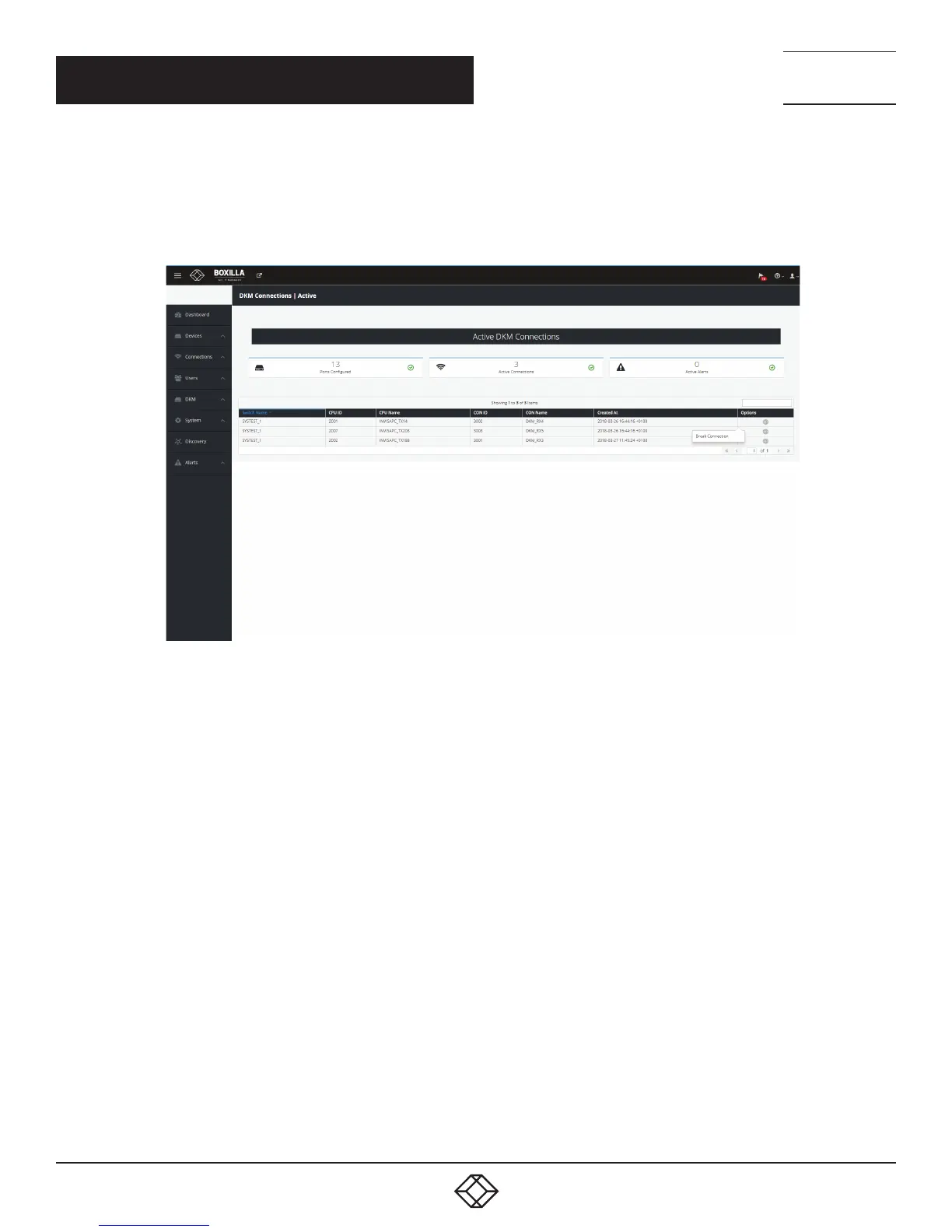
To detach a connection, left-click on the connection name. You will see a popup box that gives you the option to disconnect.
FIGURE 85. DETACH CONNECTION SCREEN
CHAPTER 10: DKM INTEGRATION



 To Next Page