83
1. 87 7. 8 7 7. 2 2 6 9 BLACKBOX.COM
NEED HELP?
LE AVE THE TECH TO US
LIVE 24/7
TECHNICAL
SUPPORT
1. 87 7. 87 7. 2 26 9
CHAPTER 10: DKM INTEGRATION
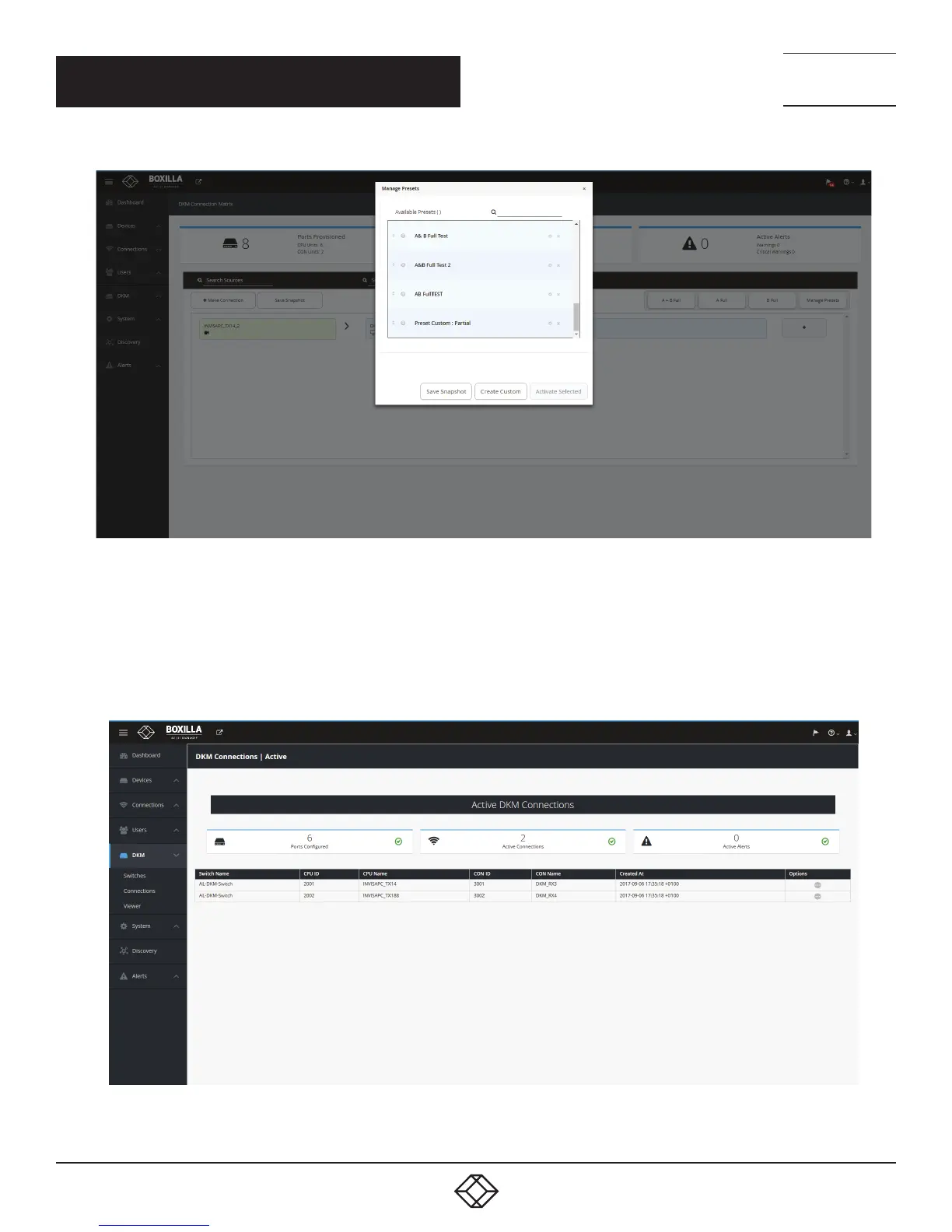
FIGURE 96. CREATE CUSTOM PRESETS COMPLETED SCREEN
Connections started via Presets will be displayed in the work area with the following options:
1. Detach Source: Break the connection by detaching the source.
2. Detach Destination: Break the connection by detaching the destination.
3. Add Destination: Add additional destinations to the source, e.g., if you wish to share the source.
FIGURE 97. ACTIVE DESTINATIONS SCREEN



 To Next Page