DCX3000 Switch
724-746-5500 | blackbox.com
Page 10
3.1.2 Computer connections: USB
Each DCX3000 SAM module requires a single USB connection to the computer. This provides essential power for the DCX3000
SAM module in addition to the USB signals. Each DCX3000 Remote module acts as a USB 2.0 hub and thus provides four sockets
for peripherals.
3.1.2.1 To connect the USB port
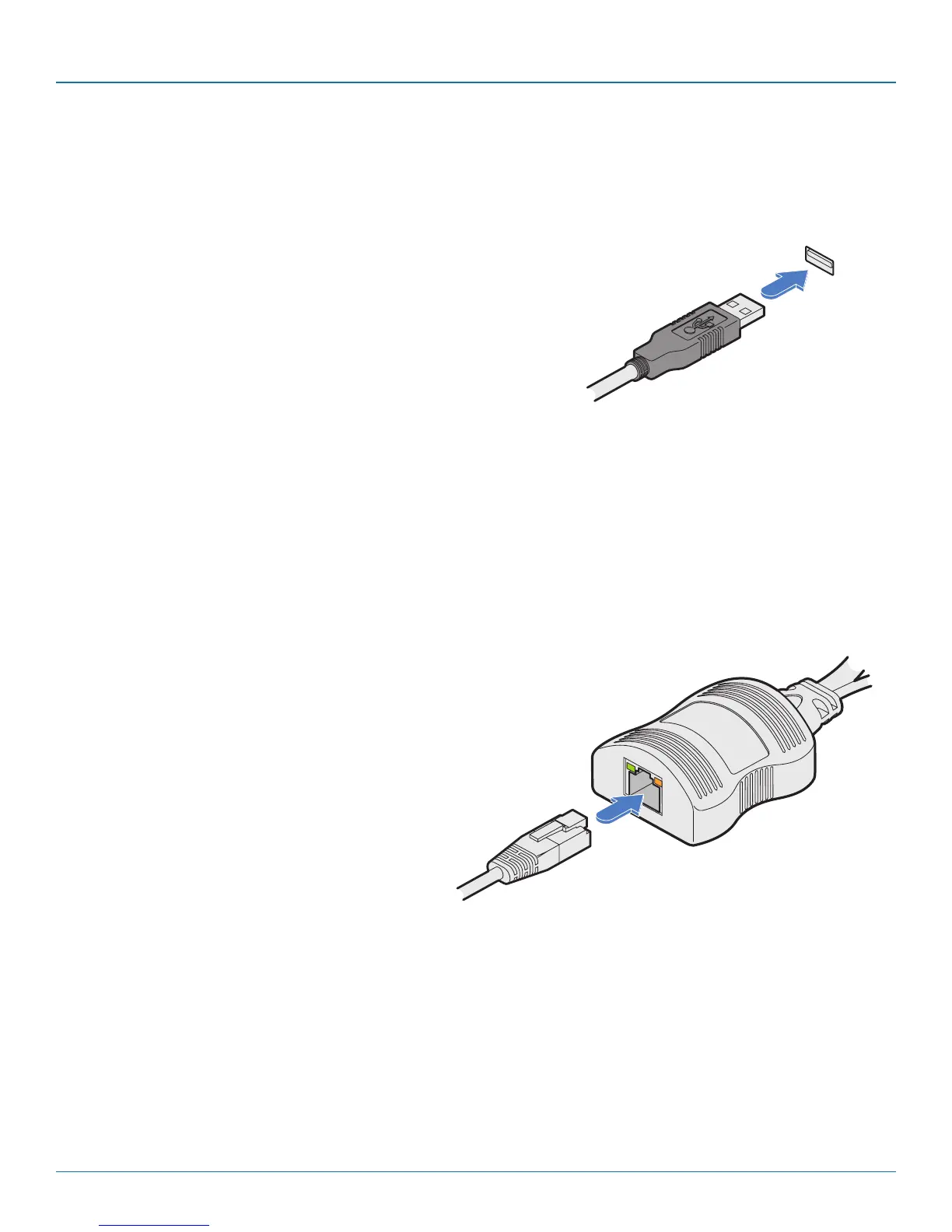
1 Connect the USB cable of the DCX3000 SAM module to a vacant USB socket
on your host computer.
USB lead from the
DCX3000 SAM
3.1.3 Computer connections: Data link
Each DCX3000 SAM module is linked via a CATx cable either to a central DCX3000 Switch module (multi-system matrix installa-
tion) or directly to a DCX3000 Remote module (single system installation).
For best results use CAT7 cables to link all DCX3000 SAM modules. Maximum cable lengths:
• DCX3000 SAM to DCX3000 Switch - 32 feet (10m) maximum.
• DCX3000 SAM to DCX3000 Remote - 164 feet (50m) maximum.
3.1.2.2 To link the DCX3000 SAM module
1 Connect the RJ-45 plug of the link cable to the socket located at the end of the
DCX3000 SAM module.
CATx link from
DCX3000 Switch
or DCX3000
Remote module













 To Next Page