DCX3000 Switch
724-746-5500 | blackbox.com
Page 16
3.1.13 Console connections: Data link
Each DCX3000 Remote module is linked via a CATx cable either to a central DCX3000 Switch module (multi-system matrix instal-
lation) or directly to a DCX3000 SAM module (single system installation).
For best results use CAT7 cables to link all DCX3000 SAM modules - do not exceed 50 meters (164 feet).
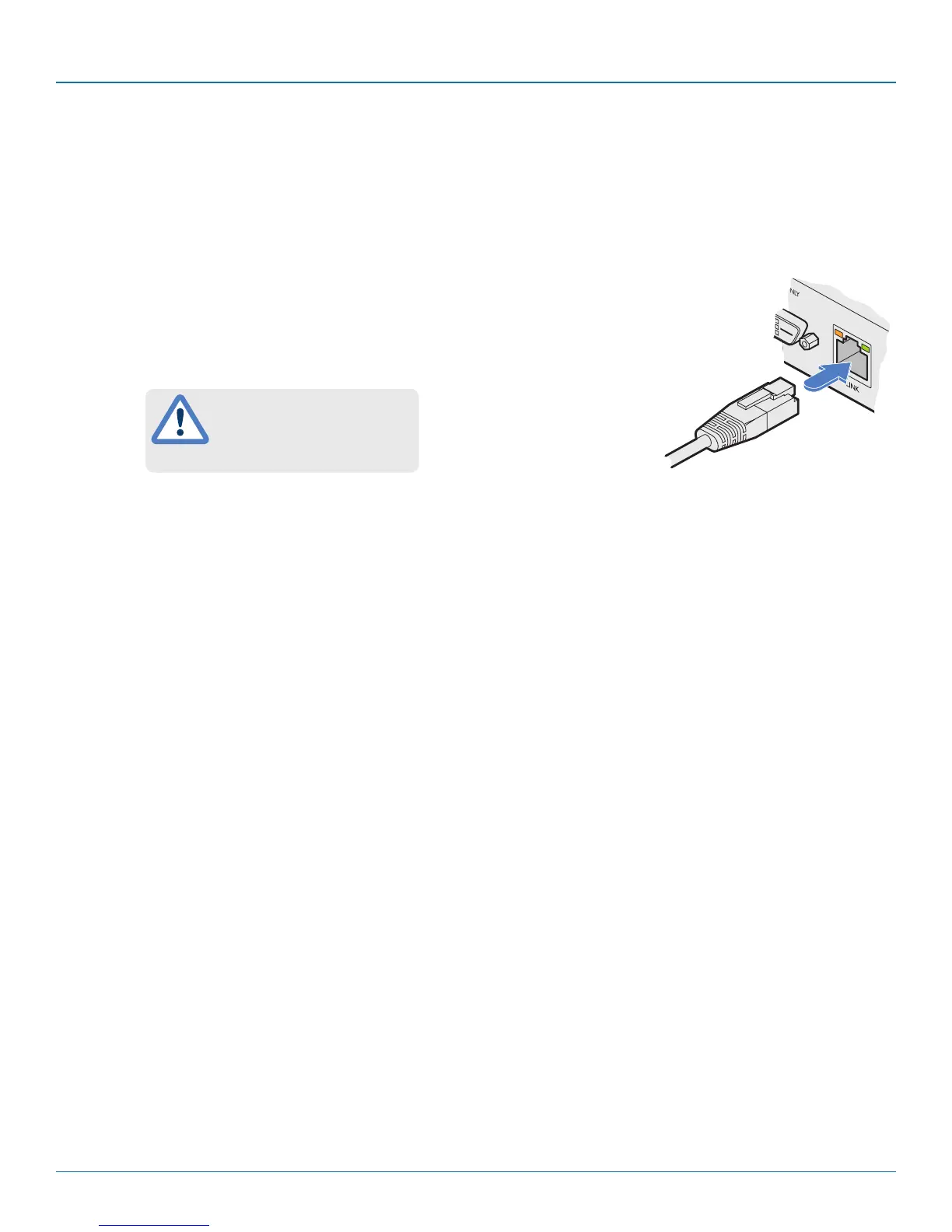
3.1.13.1 To link the DCX3000 Remote module
1 Connect a suitable CATx cable to the LINK socket on the rear panel of the DCX3000 Remote
module. Connect the other end of the cable to either a DCX3000 Switch or directly to a
DCX3000 SAM host module.
From DCX3000
Switch or DCX3000
SAM
3.1.14 Console connections: Options port
The options port is reserved for future use.
This is NOT an Ethernet/network
port and must NEVER be
connected to any networking
equipment.













 To Next Page