DCX3000 Switch
724-746-5500 | blackbox.com
Page 18
4. Configuration
4.1. Accessing DCX Matrix
DCX3000 Switches are configured via their network connections using an intuitive browser-based application, called DCX Matrix.
This secure, password protected application is accessible by any authorized admin user, located anywhere.
4.1.1 To access DCX Matrix
1 Use a computer that is directly or indirectly (i.e. via a network switch) connected to the DCX3000 Switch. If you need to
make a temporary connection, see below.
2 DHCP (Dynamic Host Configuration Protocol) is enabled by default. To find the IP address of the DCX Matrix interface, open
the OSD on one of the connected user consoles.
3 If there is no DHCP on the network, after one minute a time out will occur and the default IP address https://192.168.1.22
will be used.
Note: For security, DCX Matrix uses HTTPS by default with a self-signed certificate - Please ignore any warnings that may be
displayed by your web browser.
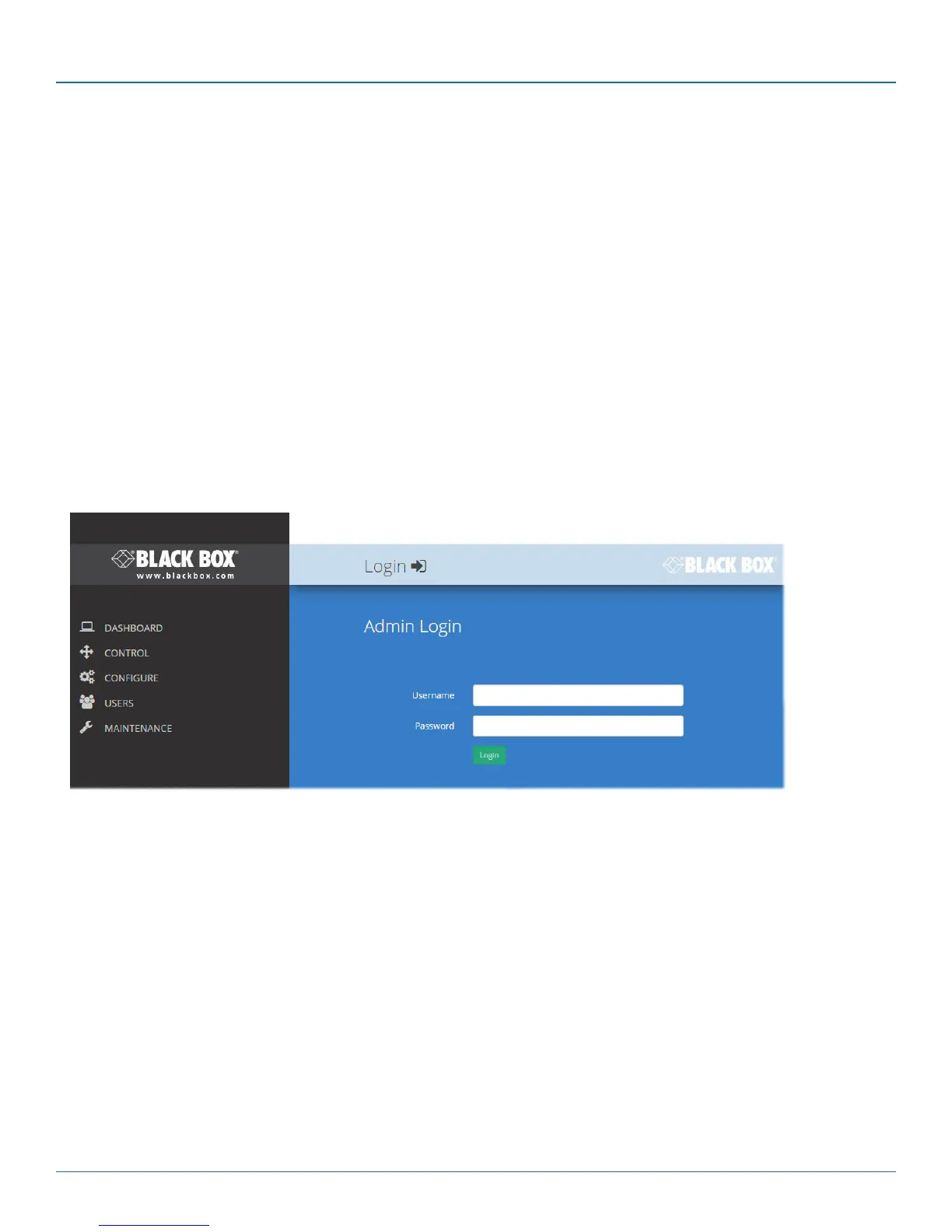
4 If requested, enter your username and password to log on. Note: The default username and password are admin and
password respectively.
The opening page of the DCX Matrix should be displayed:
Temporary link from
your computer













 To Next Page