Chapter 4: Configuration
724-746-5500 | blackbox.com
Page 19
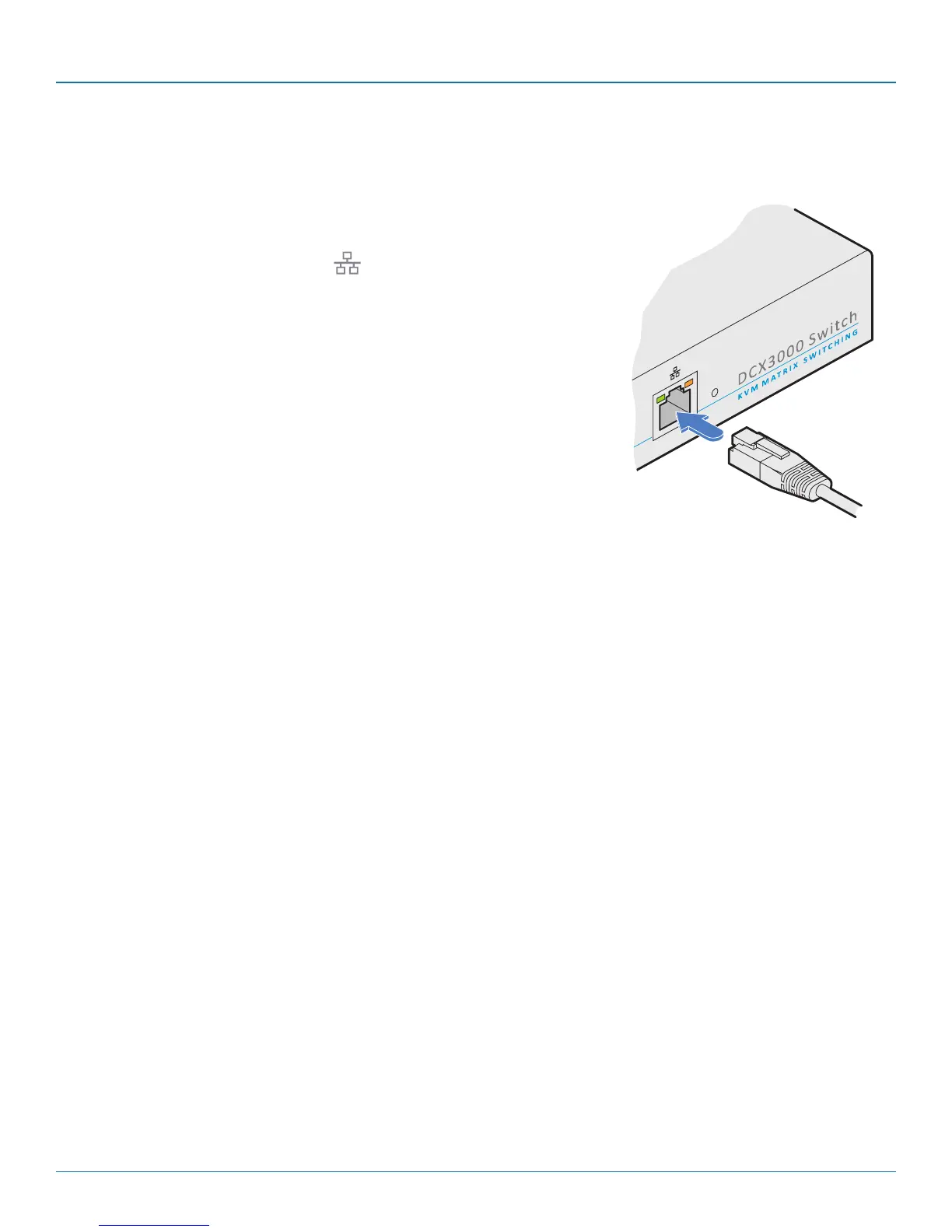
4.1.2 To temporarily connect a computer to the network port
1 If you need to make a temporary connection for configuration purposes, use a
standard patch cable (cross-over or straight connections are both supported) to
link the Ethernet 10/100 network port ( ) on the front panel of the DCX3000
Switch to your computer’s network port.













 To Next Page