DCX3000 Switch
724-746-5500 | blackbox.com
Page 20
4.2 Using DCX Matrix
4.2.1 The Dashboard page
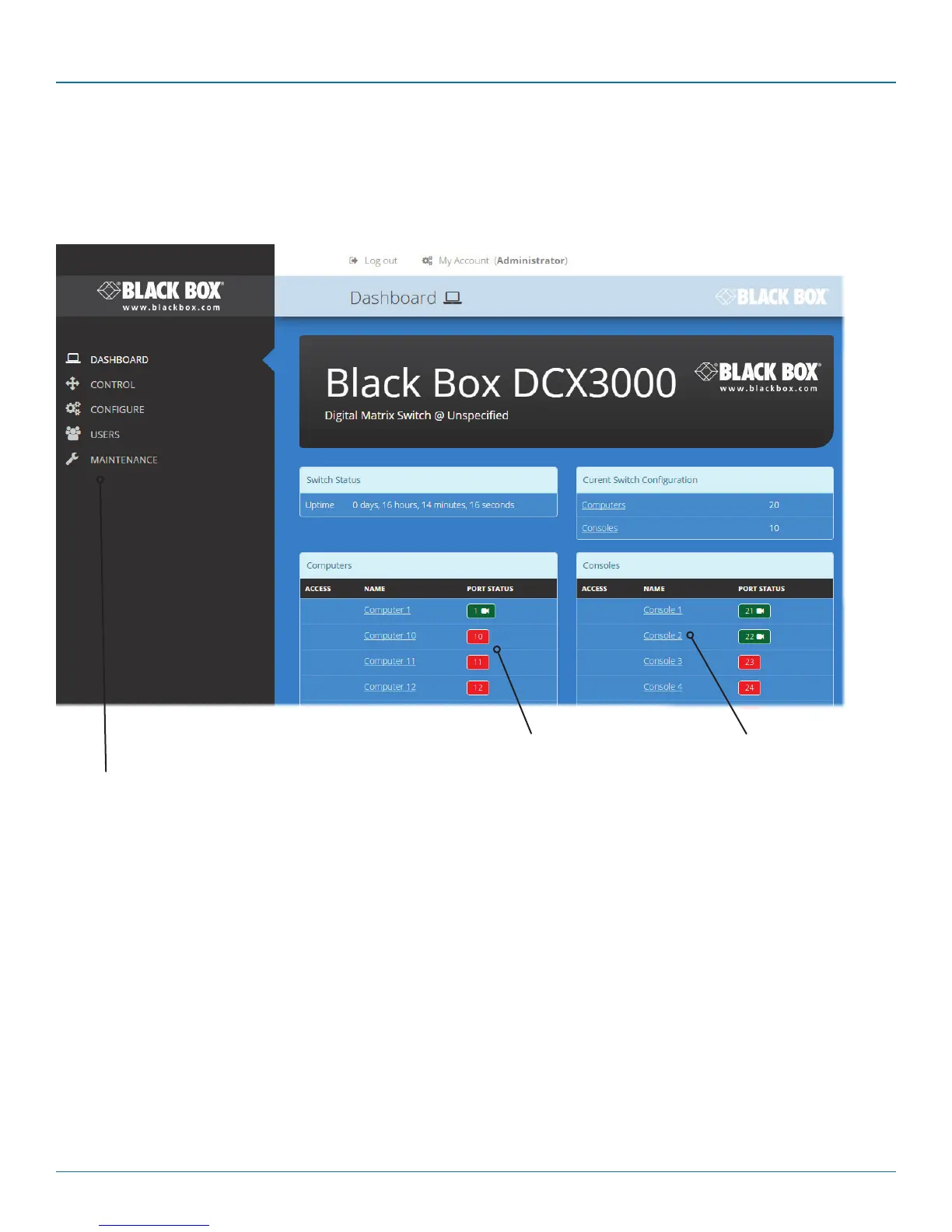
Once you have successfully logged in, DCX Matrix will show the dashboard page to provide a general overview of your DCX
installation. You can also re-display this page by clicking the Dashboard entry in the menu:
Click the required menu
item to reveal the available
page choices.
Information and options are
displayed within the main
section of the page.
Some items will provide fur-
ther popup information
when you hover your
mouse pointer over them.
Colors are used to provide quick
visual feedback. Here ports shown
in green are operational while
those in red are disconnected.
Ports shown in white indicate that
their modules require a firmware
update.
Note: It is not possible to leave DCX Matrix open for more than 24 hours.













 To Next Page