Chapter 4: Configuration
724-746-5500 | blackbox.com
Page 35
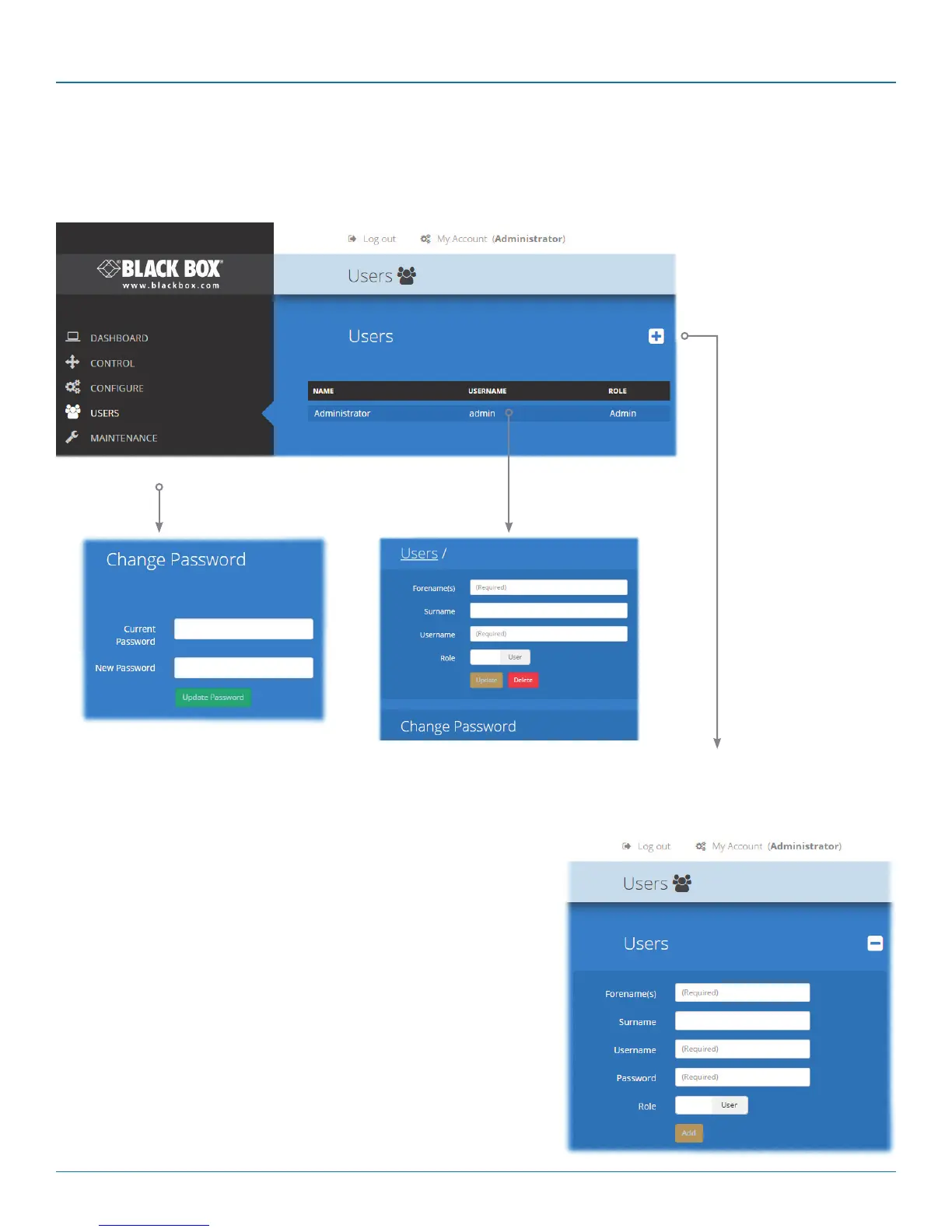
4.11 The Users page
This page lists all registered users and allows the admin user to add, edit and delete entries, as required.
Note: When changes are made to user details, you are recommended to make a backup file.
Add new
Click the [+] icon to begin adding a
new user.
Edit
Click a user entry
to edit its details.
Change password
Click to change the password for the
user/admin currently logged into DCX
Matrix.













 To Next Page