DCX3000 Switch
724-746-5500 | blackbox.com
Page 36
4.12 The Maintenance pages
The Maintenance section contains three pages: Diagnostics, System Operations and Settings.
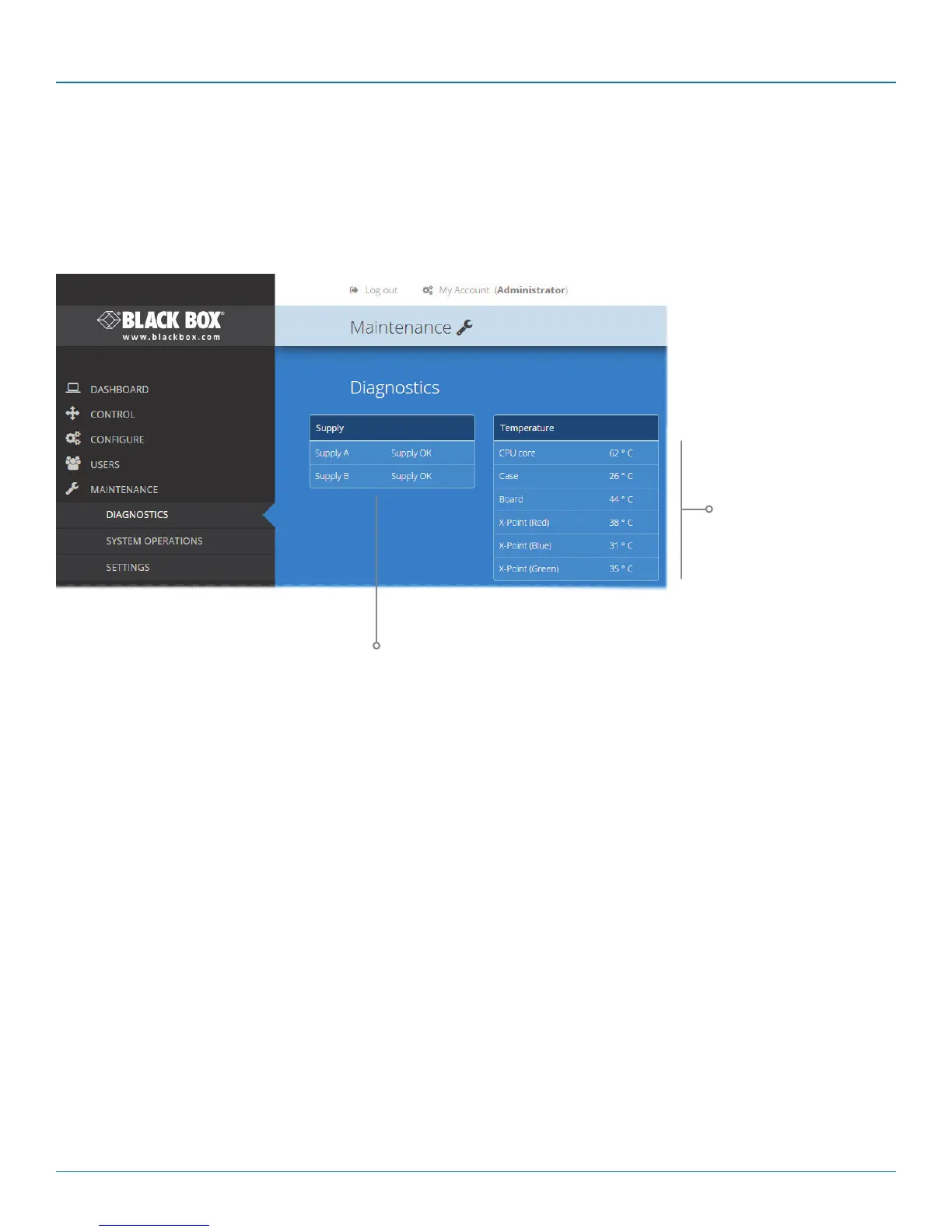
4.12.1 Maintenance > Diagnostics
This page provides important feedback on power inputs (and switch Temperatures). The temperature
information is displayed only when the Maintenance > Settings > Web UI Mode is set to Advanced.
These items are only shown when
Settings > Advanced Mode On is
chosen.
This section indicates the current
temperature readings within
the DCX3000 Switch for the
following:
• The processor core,
• The internal case area,
• The main circuit board,
• The red, green and blue video
switches.
This section indicates the
status of the mains power
input(s).













 To Next Page