Chapter 4: Configuration
724-746-5500 | blackbox.com
Page 39
4.13 Resetting and recovering
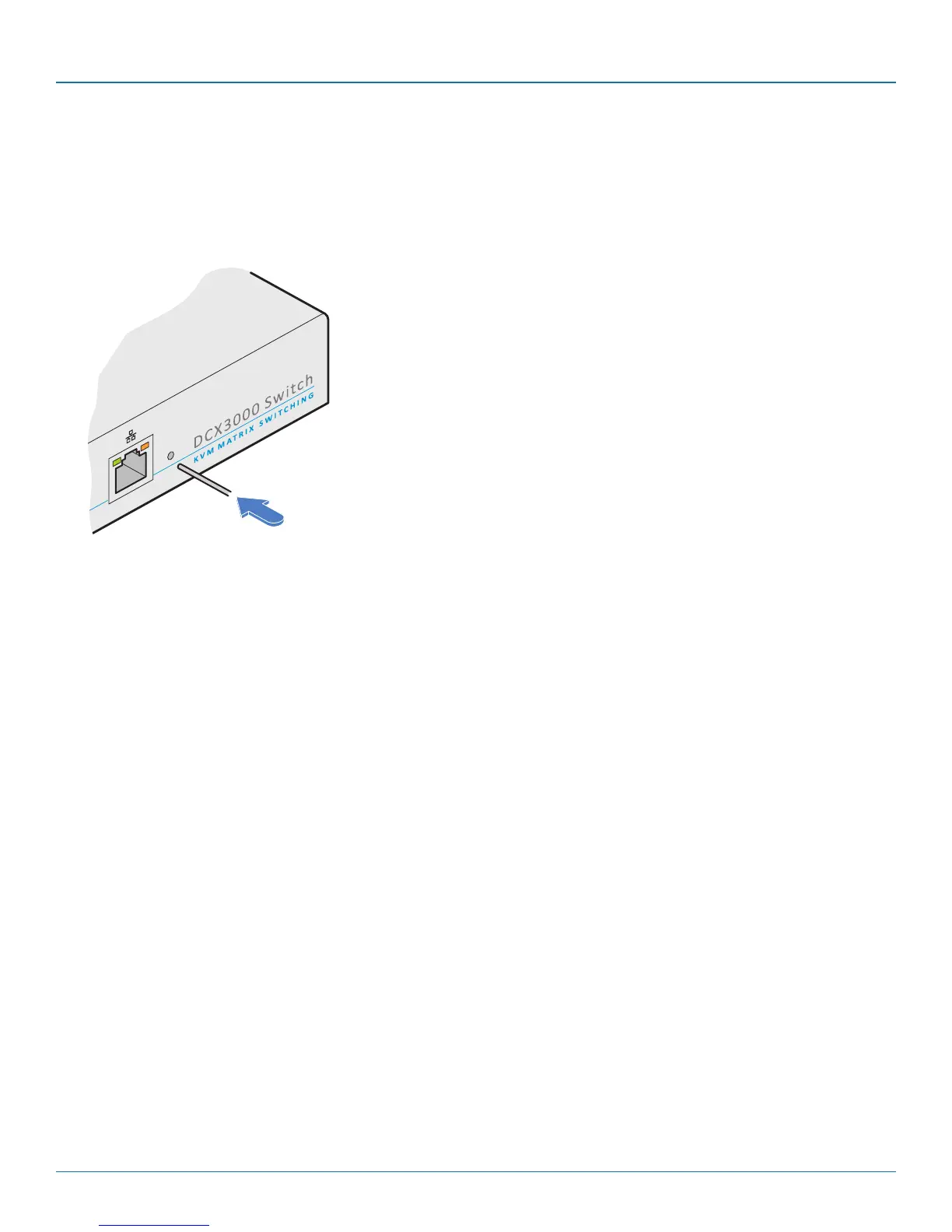
There may be rare occasions when the main switch or a module needs to be given a hard reset. The DCX3000 Switch and
DCX3000 Remote module both have concealed reset buttons for this purpose. You need to use a narrow implement (e.g. a
straightened-out paper clip) to press-and-hold the recessed reset button on the front panel:
4.13.1.1 DCX3000 Switch > Boot into recovery image
This procedure may be necessary if an attempted firmware upgrade has failed. For such a situation the DCX3000 Switch always
retains a recovery image that will return the unit to a working condition, prior to reattempting a firmware upgrade. Note: All con-
figuration data (e.g. users, consoles, computers, networking, etc.) will be retained.
1 Press-and-hold the recessed reset button for ten seconds until the STS (Status) indicator begins to flash slowly.
2 Release the reset button. The STS indicator will go out and the switch will boot itself using the recovery image. The STS
indicator will now begin to flash again to indicate that it is running from the recovery image (a red banner will also be
shown at the top of the DCX Matrix screen).
3 When you are sure of operating conditions, such as having good power stability, proceed once again with the firmware
upgrade.
4.13.1.2 DCX3000 Switch > Full factory reset
This procedure can be used when you wish to clear all data, restore the primary firmware image and return the DCX3000 Switch
to a known state. Note: All configuration data (e.g. users, consoles, computers, networking, etc.) will be deleted.
1 Press-and-hold the recessed reset button for twenty seconds (after ten seconds, the STS indicator will flash as described
above) and then after twenty seconds it will begin to flash at a quicker rate.
2 Release the reset button. The STS indicator will go out while the switch performs the reset and will then illuminate again to
indicate that the factory reset is complete.
4.13.1 DCX3000 Switch













 To Next Page