DCX3000 Switch
724-746-5500 | blackbox.com
Page 40
4.13.2 DCX3000 Remote module
4.13.2.1 DCX3000 Remote module > Boot into recovery mode
This procedure may be necessary if an attempted firmware upgrade has failed. For such a situation the DCX3000 Remote module
always retains a recovery image that will return the unit to a working condition, prior to reattempting a firmware upgrade.
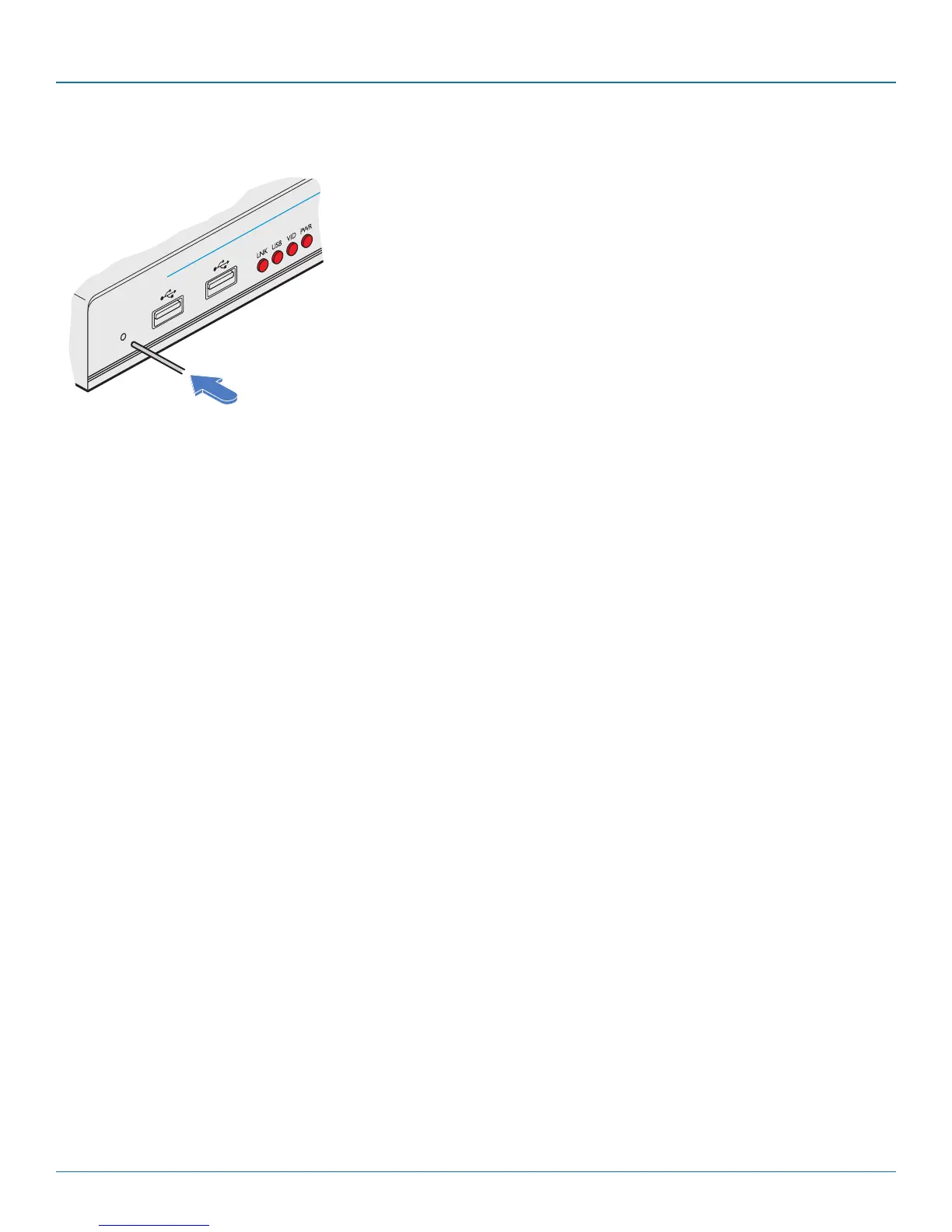
1 Press-and-hold the recessed reset button for ten seconds until the PWR indicator begins to flash quickly.
2 Release the reset button.
3 When you are sure of operating conditions, such as having good power stability, proceed once again with the firmware
upgrade.
4.13.2.2 DCX3000 Remote module > Reset
This procedure may be necessary if a DCX3000 Remote has become unresponsive.
1 Press-and-release the recessed reset button. The DCX3000 Remote module will reboot.













 To Next Page