DCX3000 Switch
724-746-5500 | blackbox.com
Page 12
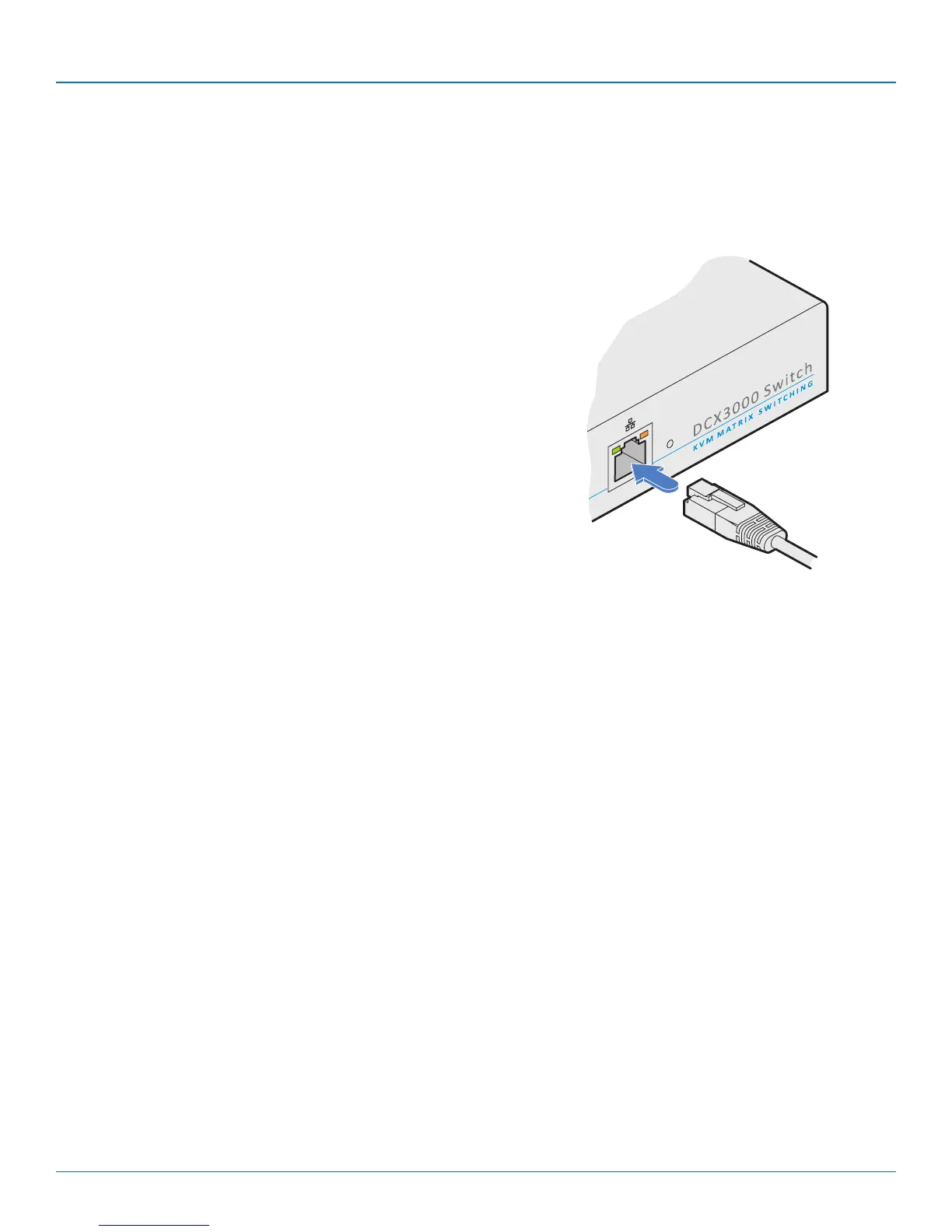
3.1.7 Switch connections: Network link
All system configuration is carried out via an Ethernet link, allowing adjustments to be made by authorized admin users located
next to the DCX3000 unit, or anywhere. The auto-sensing network port can determine between 10, 100Mbps or 1Gbps links
and can also adjust to straight or cross-over cables.
3.1.7.1 To connect a network link
1 Connect the CATx cable from the nearest Ethernet switch or from a local computer.
From a network switch or
nearby computer
3.1.8 Switch connections: Serial options port
The options port is reserved for future use.













 To Next Page