Chapter 3: Installation
724-746-5500 | blackbox.com
Page 9
3. Installation
Please consider the following important points when planning the position of the DCX3000 modules:
• If used, position the DCX3000 Switch in a central position that serves the host systems and user modules without exceeding
the maximum link lengths. It will also require a source of mains power.
• Situate each DCX3000 Remote module close to the peripherals to which it will be connected and near to a source of mains
power.
• Consult the precautions listed within the Safety information section.
3.1 Connections
Connections do not need to be carried out in the order given within this guide, however, where possible connect the power in as
a final step. Connections are split into the following three areas:
• Computer connections - a DCX3000 SAM module links to each computer.
• Switch connections - when used, a DCX3000 Switch unit sits at the heart of the system.
• Console connections - the peripherals (keyboard, display, etc.) connect to DCX3000 Remote modules.
3.1.1 Computer connections: Video
Two types of DCX3000 SAM modules are available:
• DVI-D and USB,
or
• DisplayPort and USB.
If a computer has more than one video output, use additional DCX3000 SAM modules to separately link the alternative video
stream(s) with other ports on the DCX3000 Switch.
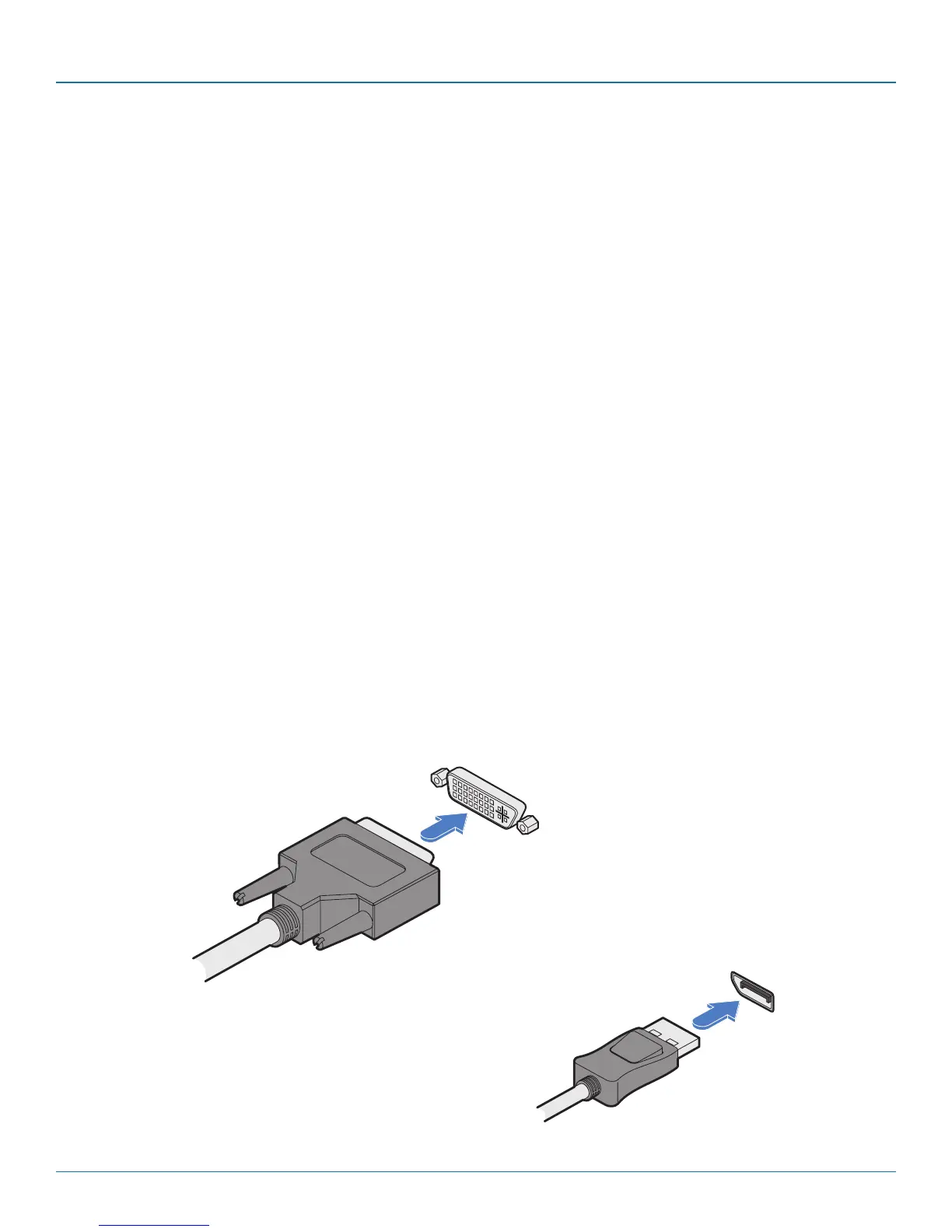
3.1.1.1 To connect the video port
1 Connect the video lead of the DCX3000 SAM to the DVI-D or DisplayPort video port of the host computer.
DisplayPort video
lead from the
DCX3000 SAM
DVI-D video lead
from the
DCX3000 SAM
DVD-D video port on
the host computer
DisplayPort on the
host computer
OR













 To Next Page