DCX3000 Switch
724-746-5500 | blackbox.com
Page 38
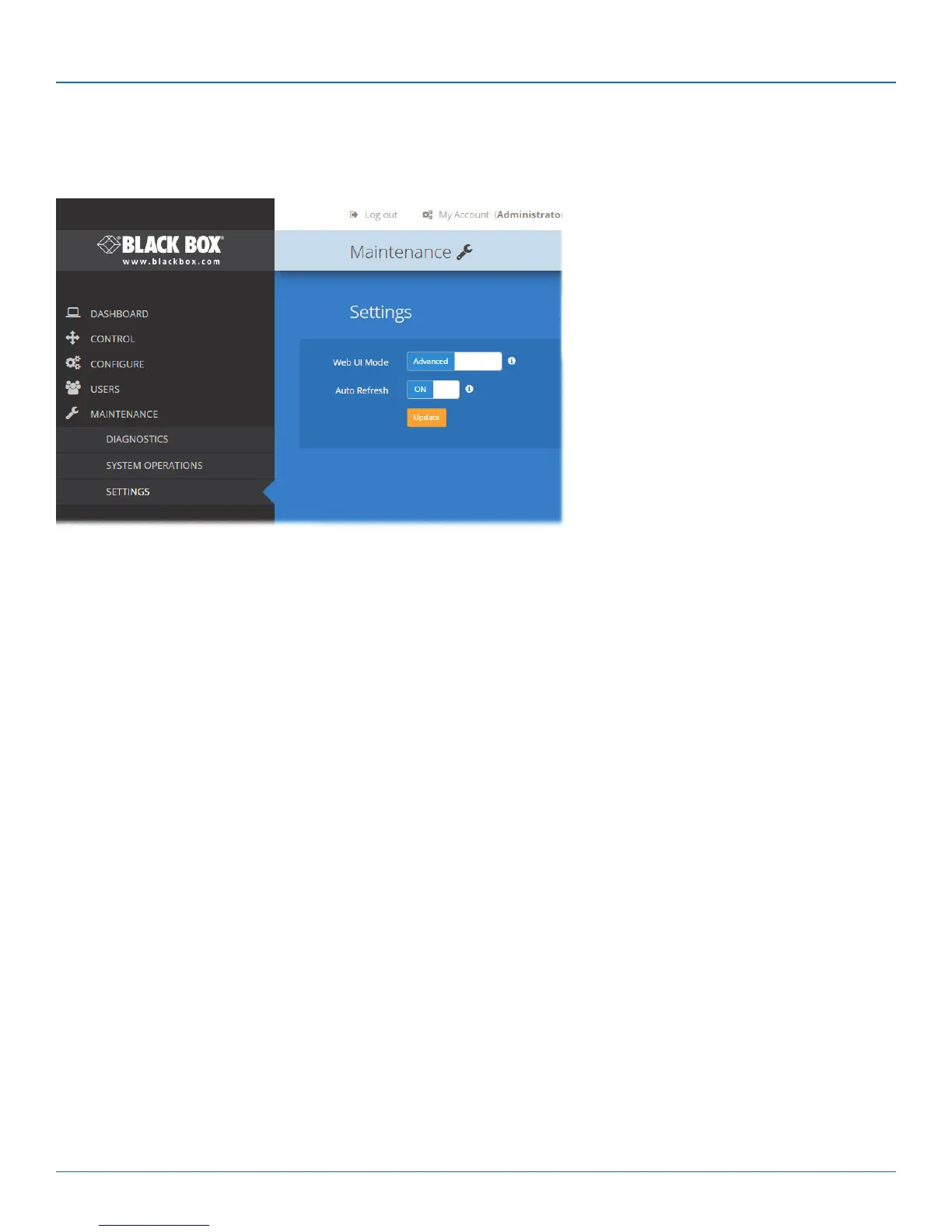
4.12.3 Maintenance > Settings
This page provides options related to the user interface. When you make a change, you need to click the Update button to save it.
Web UI Mode
When this option is set to Advanced, extra
details are shown on certain pages, such as:
• Configure > Central Switch > General
• Configure > Consoles > Receivers
• Configure > Computers > Transmitters
• Maintenance > Diagnostics
Auto Refresh
When this option is set to On, the Dashboard,
Control and Diagnostic pages will automatically
update their contents every few seconds.
Update
Click this button to save and enact any changes
made to options.













 To Next Page