Chapter 4: Configuration
724-746-5500 | blackbox.com
Page 37
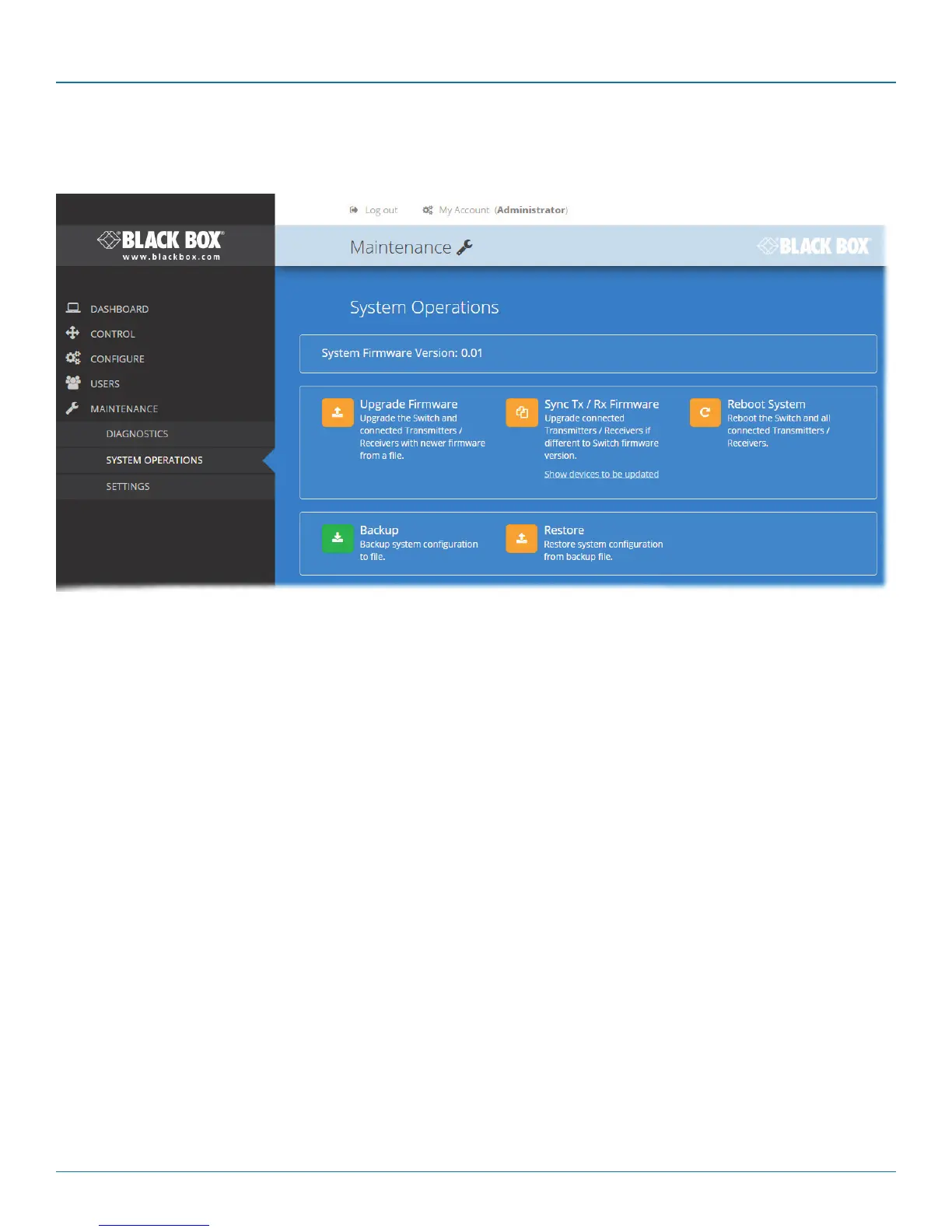
4.12.2 Maintenance > System Operations
This page provides a selection of important system operations that may be required at various times.
Reboot System
Performs a complete reboot
of the entire DCX system,
including the switch and all
modules. Confirmation is
required once this button is
clicked.
Sync Tx/Rx Firmware
Upgrades the firmwares of all connected
modules to match that of the main switch.
Confirmation is required once this button is
clicked.
Note: Be sure that the DCX3000 Switch has
the latest firmware installed before using
this option.
Upgrade Firmware
Upgrades the firmwares of all of the
DCX3000 Switch and all connected
modules to the latest version.
Confirmation is required once this
button is clicked.
Backup
Saves a copy of the DCX Matrix
system configuration to a file.
Backup files are stored on the
computer viewing DCX Matrix.
Restore
Restores the DCX Matrix system
configuration from a backup file. A file
dialog will be displayed to allow you to
choose the filename and location.













 To Next Page