Chapter 4: Configuration
724-746-5500 | blackbox.com
Page 29
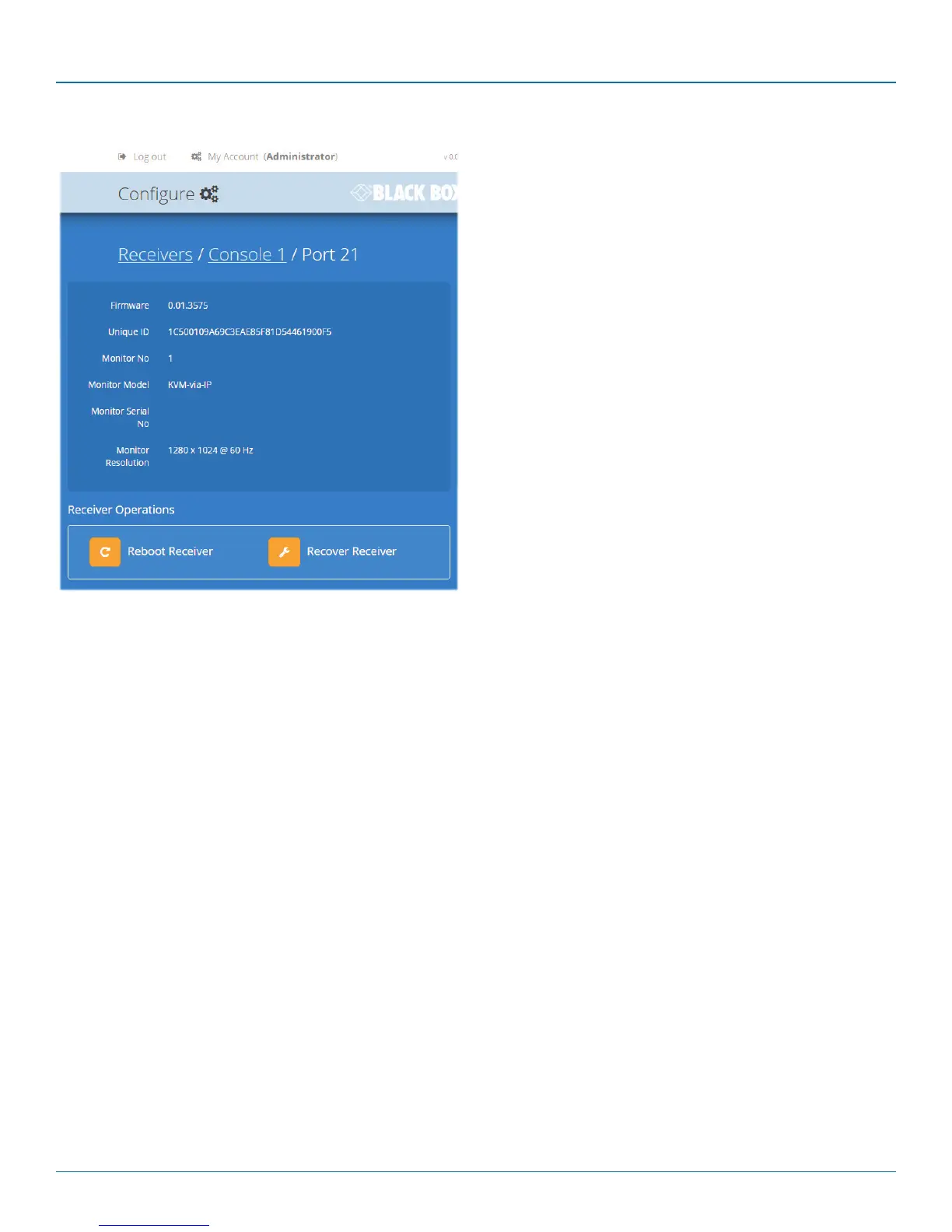
4.7.1 View receiver details
Click a receiver entry to view the configuration details of the
DCX3000 Switch port to which it is connected.
Within this page it is possible to reboot and/or recover a
receiver.
4.7.1.1 Recovering a receiver
This option (shown only when the Maintenance > Settings >
Web UI Mode is set to Advanced) is used to reprogram a
receiver that has failed during a firmware upgrade. Once the
Recover Receiver button is clicked, you will be asked to power
cycle the respective receiver, whereupon it will boot up into
recovery mode. Then you will asked to click a Reprogram but-
ton to commence the operation.













 To Next Page