Chapter 4: Configuration
724-746-5500 | blackbox.com
Page 33
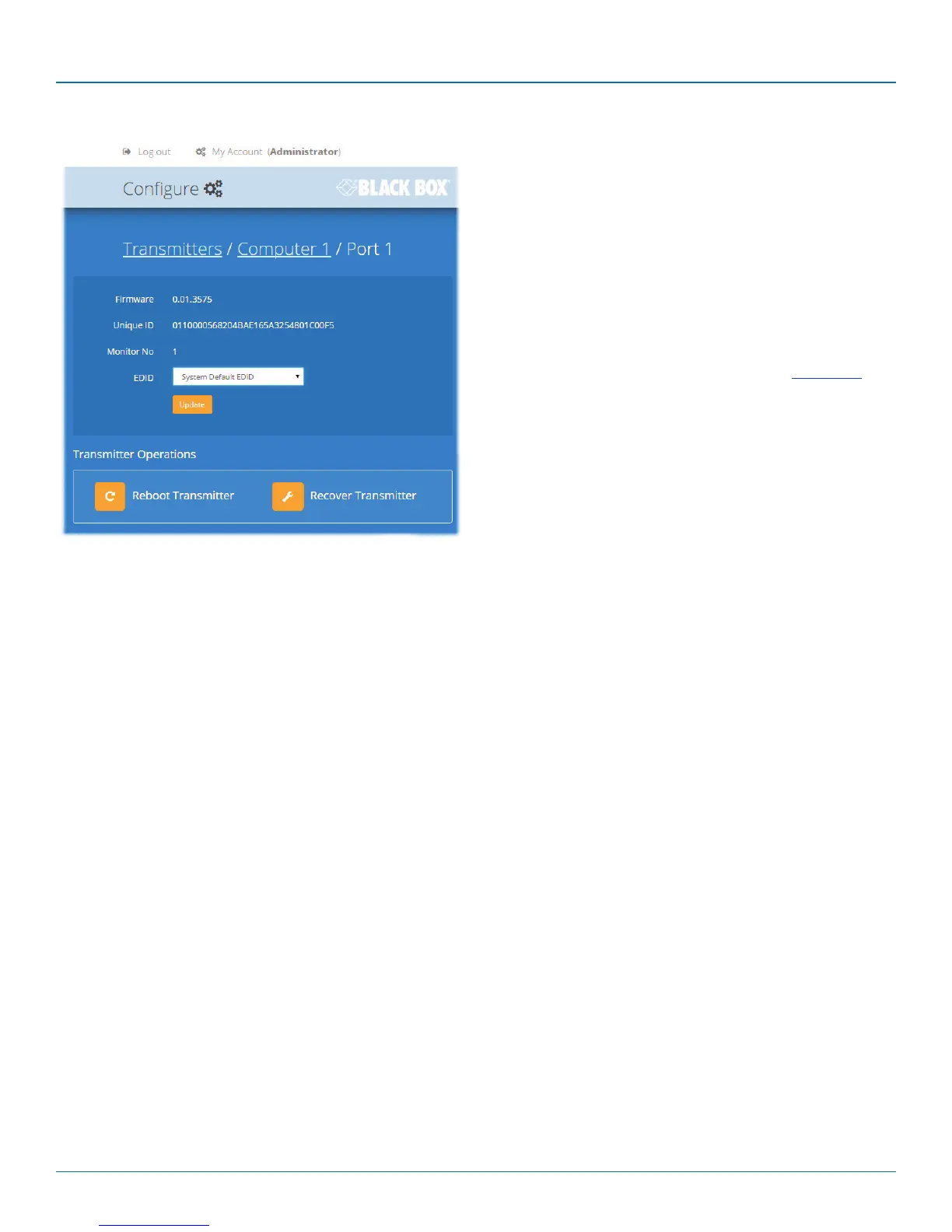
4.9.1 View transmitter details
Click a transmitter entry to view the configuration details of
the DCX3000 Switch port to which it is connected.
Within this page it is possible to reboot and/or recover a
transmitter.
4.9.1.1 Applying a different EDID
If a computer needs to use an EDID profile that differs from
the one being used as the default System EDID, use these
steps:
1 If necessary, clone the required EDID - see Add EDID.
2 View the Configure > Computers > Transmitters page
and click on the required computer entry (to show the
page above).
3 Change the Use System EDID option to Off.
4 Select your cloned EDID using the EDID drop down list.
5 Click the Update button.
4.9.1.2 Recovering a transmitter
This option (shown only when the Maintenance > Settings >
Web UI Mode is set to Advanced) is used to reprogram a
transmitter that has failed during a firmware upgrade. Once
the Recover Transmitter button is clicked, you will be asked to
power cycle the respective transmitter, whereupon it will boot
up into recovery mode. Then you will asked to click a
Reprogram button to commence the operation.













 To Next Page