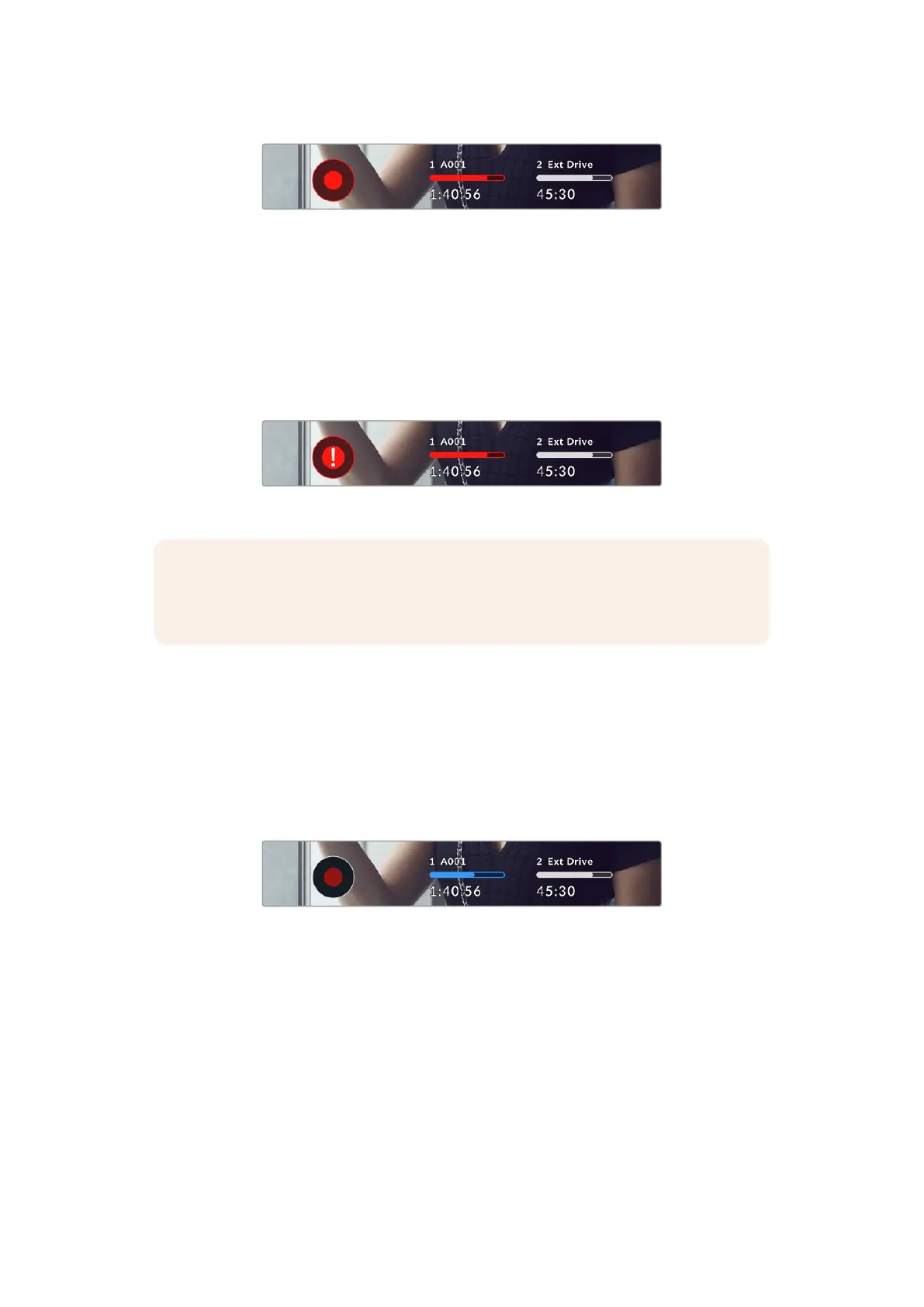
When recording, the record button displays red.
Dropped Frame Indicator
The ‘record’ button is overlaid with a flashing ‘!’ indicator if the CFexpress card or USB disk
begins dropping frames while recording. The timecode indicator at the top of the LCD display
and the storage indicator will also flash. This lets you know if a particular CFexpress card of
USB-C flash disk is too slow for your currently selected codec and resolution. The dropped
frame indicator will remain visible until another clip is recorded or the camera is power cycled.
Refer to the ‘storage media’ section for more information.
Dropped frame indicator for the CFexpress card
NOTE You can set your Blackmagic Cinema Camera 6K to stop recording if dropped
frames are detected to avoid recording unusable footage. See the ‘record settings’
section in this manual for more information.
Recording Time Remaining
When a CFexpress card is insterted, or a USB-C flash disk is attached to your camera, the
storage indicators at the bottom of the touchscreen show how much recording time is left on
the card orUSB-C flash disk. The time is shown in hours, minutes and seconds and varies
according to your selected frame rate and codec. The indicator automatically recalculates
if either of these settings are changed. When there is approximately five minutes remaining
on your card or drive, the indicator text turns red, then blinks when there is only two minutes
remaining. Theindicator displays ‘full’ when a card or drive reaches maximum capacity.
The storage indicator shows the name of yourCFexpress or USB-C flash
disk and the record time remaining in minutes
The card or drive name is also presented in a small bar above the time remaining. The bar
turns blue to indicate the camera is set to record to this card or USB-C flash disk. To record to
a different card or drive, press and hold the name of the card or USB-C flash disk you wish to
record to. While recording, the bar is red.
LUT Applied to Clip
section removed
47Touchscreen Controls



 To Next Page