Swipe up or down to hide all status indicators on the LCD touchscreen
Playback Menu
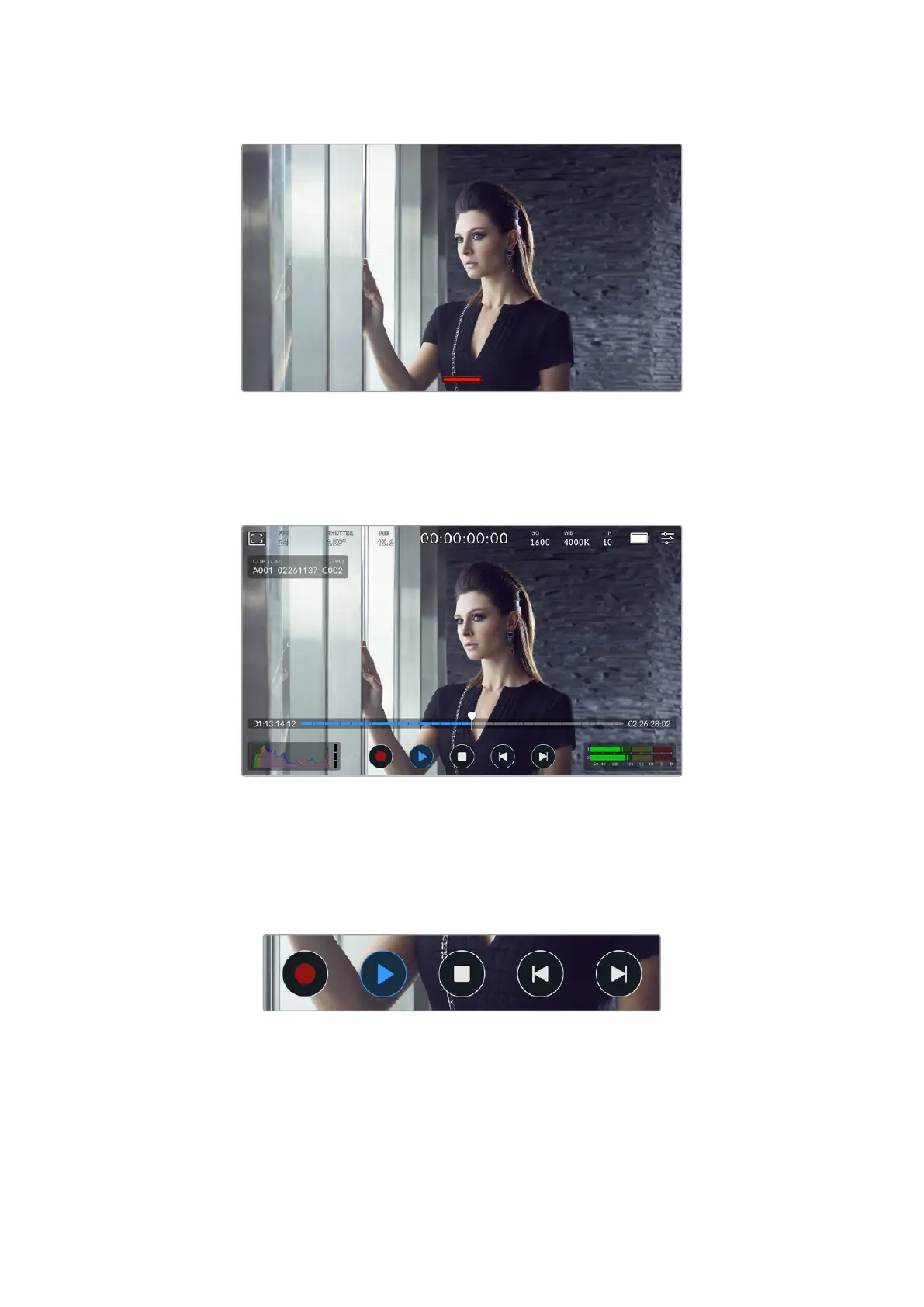
Press your camera’s ‘play’ button to play back a clip. You can control previously recorded clips
using transport control buttons on the LCD touchscreen.
A timeline of segments represents all the recorded clips and each segment represents an
individual clip. The current clip name and number is shown at the top left of the display and the
total number of clips on the card or drive is shown in brackets.
The counter ahead of the timeline displays the current location of the playhead and the counter
after the timeline displays the total duration of all the clips.
The playback controls below the timeline let you navigate through the clips.
The playback controls
50Touchscreen Controls



 To Next Page