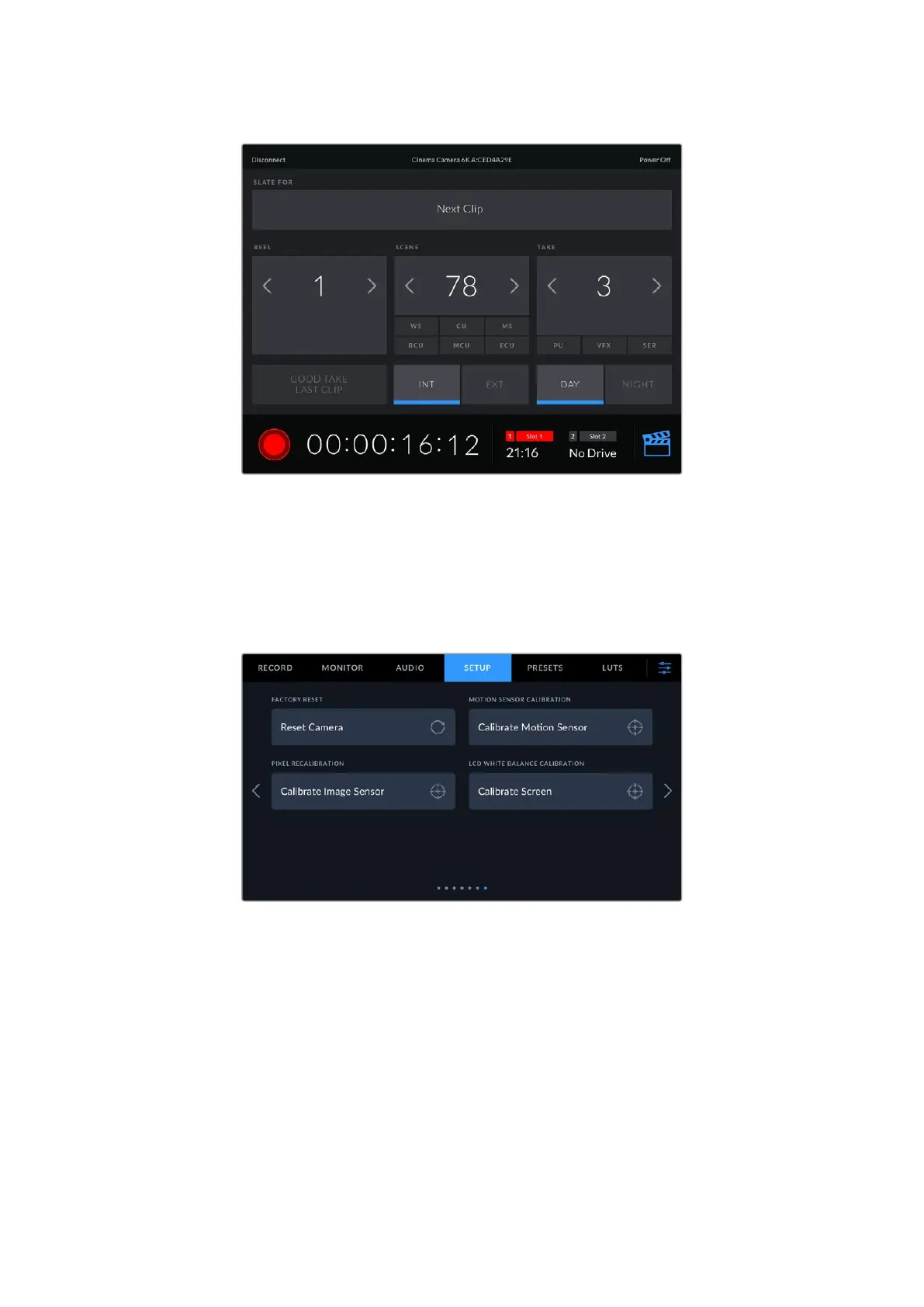
Tap the slate icon in the lower right corner to access and update the slate
Blackmagic Cinema Camera 6K uses Bluetooth LE to communicate with devices for wireless
control. This is the same type of protocol used in portable devices, and uses a minimal amount
of battery power.
Setup Settings 7
The seventh page of your camera’s ‘setup’ settings contain the following settings.
Factory Reset
To reset the camera to its default factory settings, tap the ‘reset camera settings’ button. On
the confirmation page, tap ‘reset’ to confirm this action. Your camera erases any stored LUTs
and presets, and resets all settings. It is a good practice to export your presets to a CFexpress
card or USB-C flash disk as a backup before performing a factory reset. After a factory reset,
you can restore your presets quickly by importing them from the CFexpress card or USB-C
flash disk. It is important to note that a factory reset also resets the horizon meter, so you should
recalibrate the motion sensor after a factory reset to help ensure its accuracy.
77Settings



 To Next Page