Functions and operation
EN
98 bora.com
5.6.11
Switching off the cooking zone
u
Selecting a cooking zone
u
Set power level to 0
or
u
long press on the cooking zone display
5.7
Safety features
5.7.1
Child lock
The child lock prevents the appliance from being
switched on accidentally.
T
After switching on the appliance, the lock symbol
lights up in the operating panel display.
Permanently activating/deactivating the
child lock
(see"6.2Menu item 2: Child lock")
Deactivating the child lock for a cooking
session
u
Long press on the lock button .
5.7.2
Operating lock
The control lock prevents the current settings from
being changed accidentally or without permission.
T
If the control lock is active, the symbol lights up
T
The functions are locked and the indicators on the
display are dimmed (exception: On/Off touch
button).
Activating/deactivating the operating lock
u
Long press the lock button .
All functions are deactivated except for the power
button and the lock button.
If the system is switched off when the control
lock is active, the operating lock will no longer
be active next time the system is switched on.
5.7.3
Cleaning lock
The cleaning lock prevents settings from being changed
when wiping the operating panel during a cooking
session. All appliance settings remain unchanged in the
meantime.
Activating the cleaning lock
u
Tap the cleaning button .
The operating panel is locked for 10 seconds.
Prematurely deactivating the cleaning lock
u
long press on the cleaning button .
5.7.4
Residual heat indicator
If a cooking zone is still hot after switching off, there is a
risk of burns or fire. H is displayed (residual heat
indicator).
u
Do not touch hot cooking zones.
u
Do not place any objects on the cooking zones while
hot.
The display goes out after a sufficient cooling time
(temperature < 55°C).
5.7.5
Safety shut-down
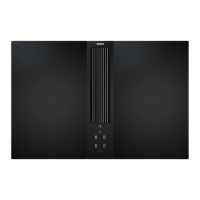
Cooktop extractor
The cooktop extractor switches to automatic mode after
120min if there has been no input or changes to the
power level.
Cooktops
Each cooking zone is automatically switched off after a
predefined operating time in which the power level has
not been changed. The period of time until safety shut-
down is triggered can be set in the customer menu.
There are 3 levels to choose from (factory setting is
level 2).
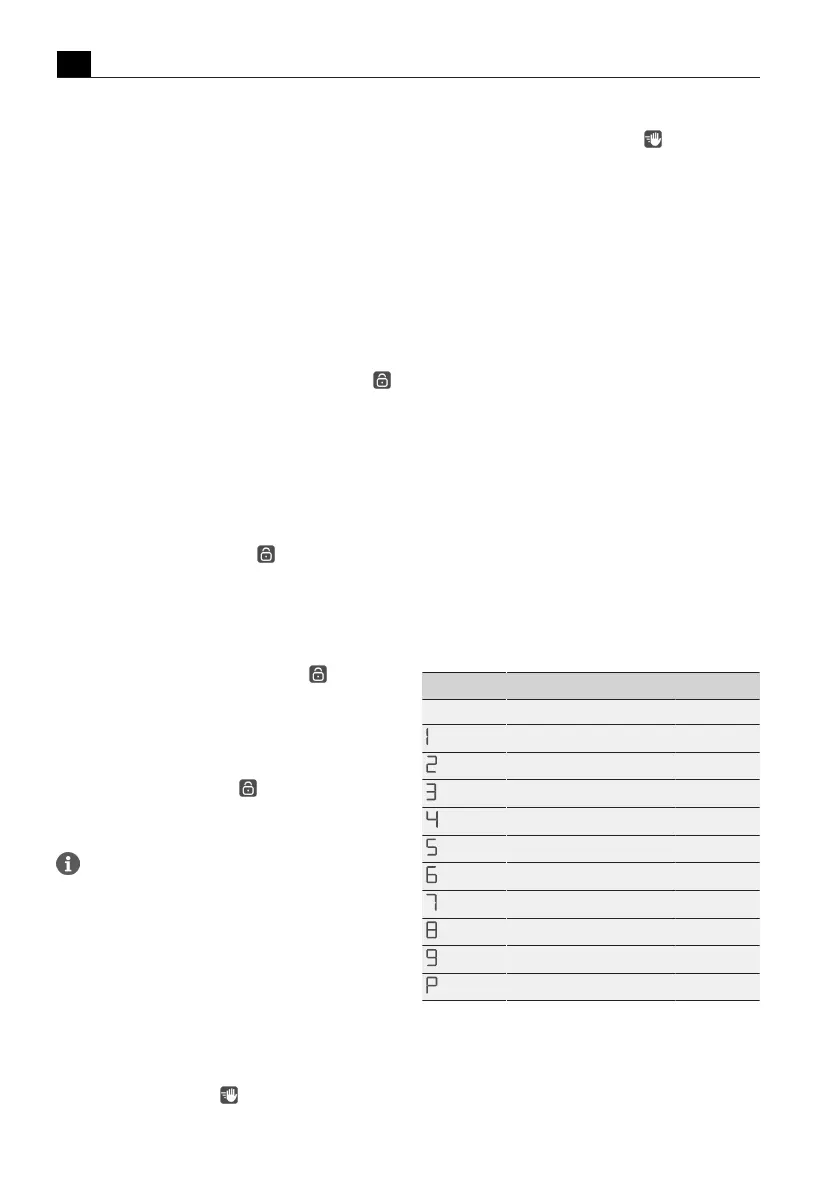
Power level Safety shut-down after hrs:min.
Level 1 Level 2 Level 3
12:00 8:24 6:00
10:00 6:24 4:00
9:00 5:12 2:30
8:00 4:12 2:00
6:00 3:18 1:30
4:00 2:12 1:00
4:00 2:12 1:00
3:00 1:48 0:45
2:00 1:18 0:30
0:05 0:05 0:05
Tab.5.7
Safety shut-down on the different power
levels



 To Next Page