User menu
EN
bora.com 101
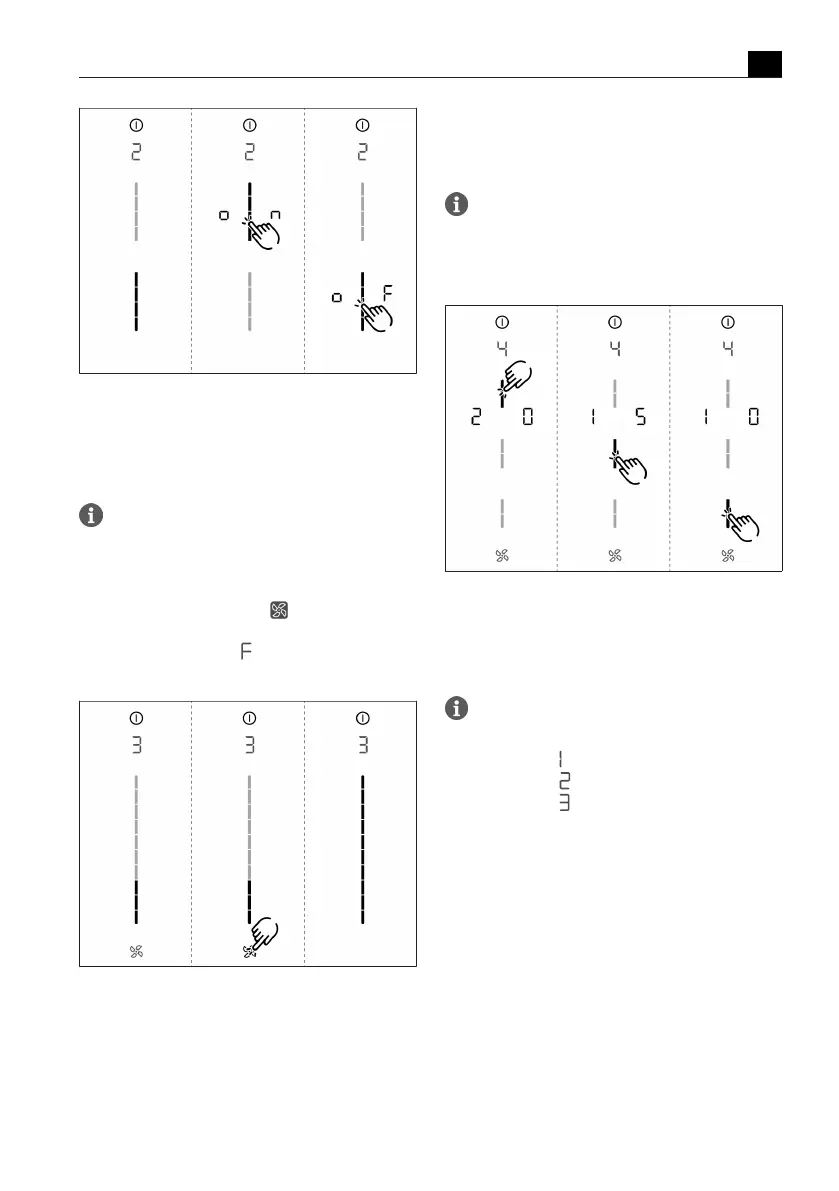
Fig.6.2
Menu item 2: Child lock
6.3
Menu item 3: Show filter
status and reset filter
service display
If menu item 3 is called up, the filter status will
be automatically shown (only in recirculation
mode).
Resetting the filter service display:
u
Long press on the fan button .
T
The filter status will be reset to 100%.
T
The filter service display will no longer be shown
when switching on.
Fig.6.3
Menu item 3: Reset filter status and the filter
service display
6.4
Menu item 4: Duration of
the automatic after-run
function
If menu item 4 is called up, the currently set
duration will be shown for 2 seconds.
There are three times to choose from:
20 minutes / 15 minutes / 10 minutes
Fig.6.4
Menu item 4: Selecting the duration of the
automatic after-run function
6.5
Menu item 5: Touch zone
reaction speed
If menu item 5 is called up, the currently set
reaction speed will be shown.
T
Reaction speed : slow
T
Reaction speed : medium
T
Reaction speed : fast



 To Next Page