Digital Video Recorder Connections and settings | en 61
Bosch Security Systems User Manual F01U | 1.0 | 2007.11
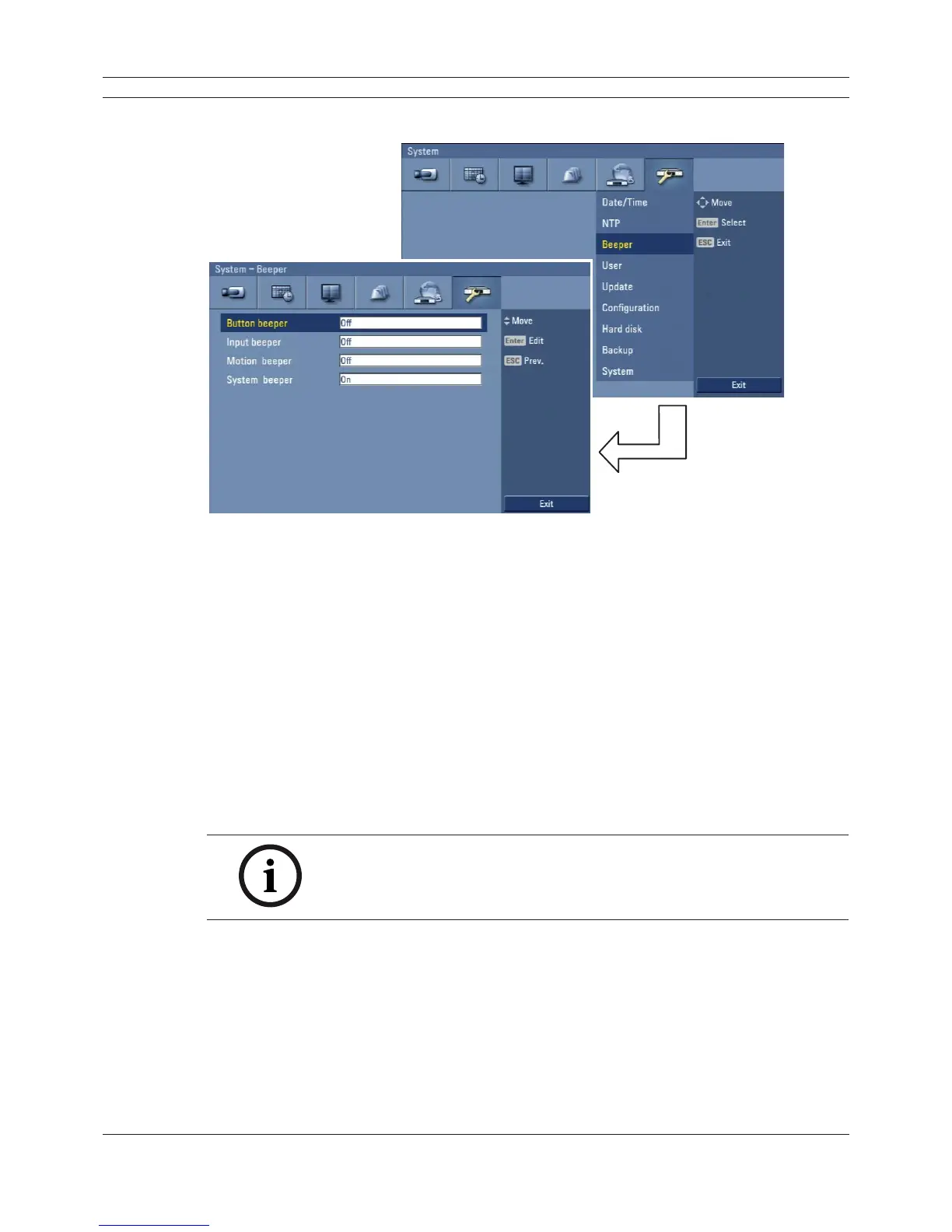
3.24.3 Beeper
Figure 3.47 Beeper setup menu
• Button beeper
- On: Makes a sound when using the buttons.
- Off: Turns off the button beep.
• Input beeper
- On: Makes a sound when a input is activated.
- Off: Turns off the input beeper.
• Motion beeper
- On: Makes a sound when a motion is detected.
- Off: Turns off the motion beeper.
• System beeper
- On: Makes a sound when a cooling fan is not activated or the HDD has a bad sector.
- Off: Turns off the system beeper.
Note:
The beeper is a low sound on this unit. If you want to make a loud sound,
connect an external alarming device to the output connecter (ext. siren).



 To Next Page