If your printer has a methacrylate base, you must carry out the levelling process
while the nozzle is cool. To cool it, go to the main menu and select the Control >
Cooldown options.
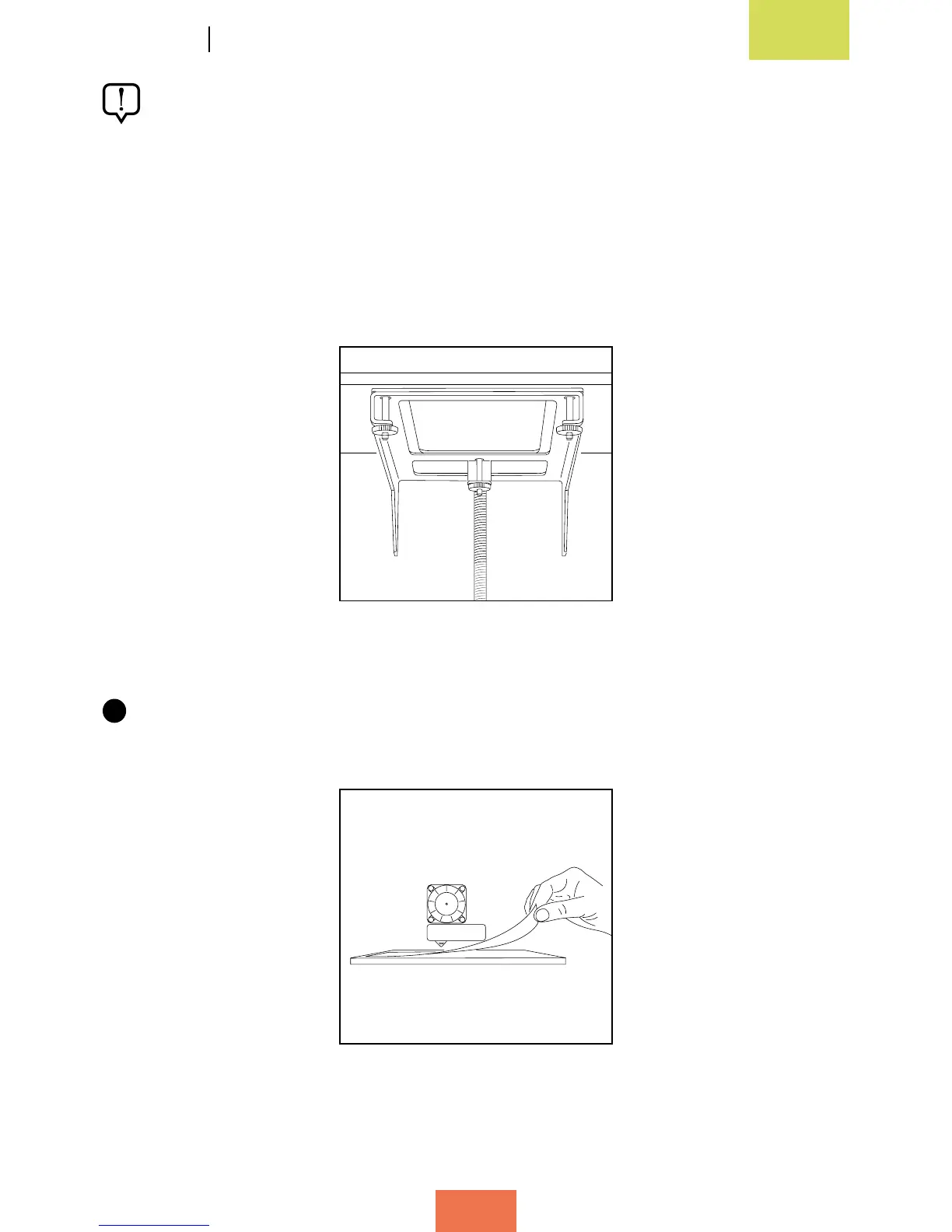
To help you with the levelling process, step-by-step instructions will be given on
the LCD screen. To level the print base you need to adjust the three screws located
underneath the base support (g. 3.9).
1
Place a sheet of paper onto the print base (g. 3.10). Press the control wheel and
go to Control > Level Plate.
Figure 3.9 Screws underneath
for levelling the print base
Figure 3.10 Slide a sheet
of paper between the base
and the extruder nozzle



 To Next Page