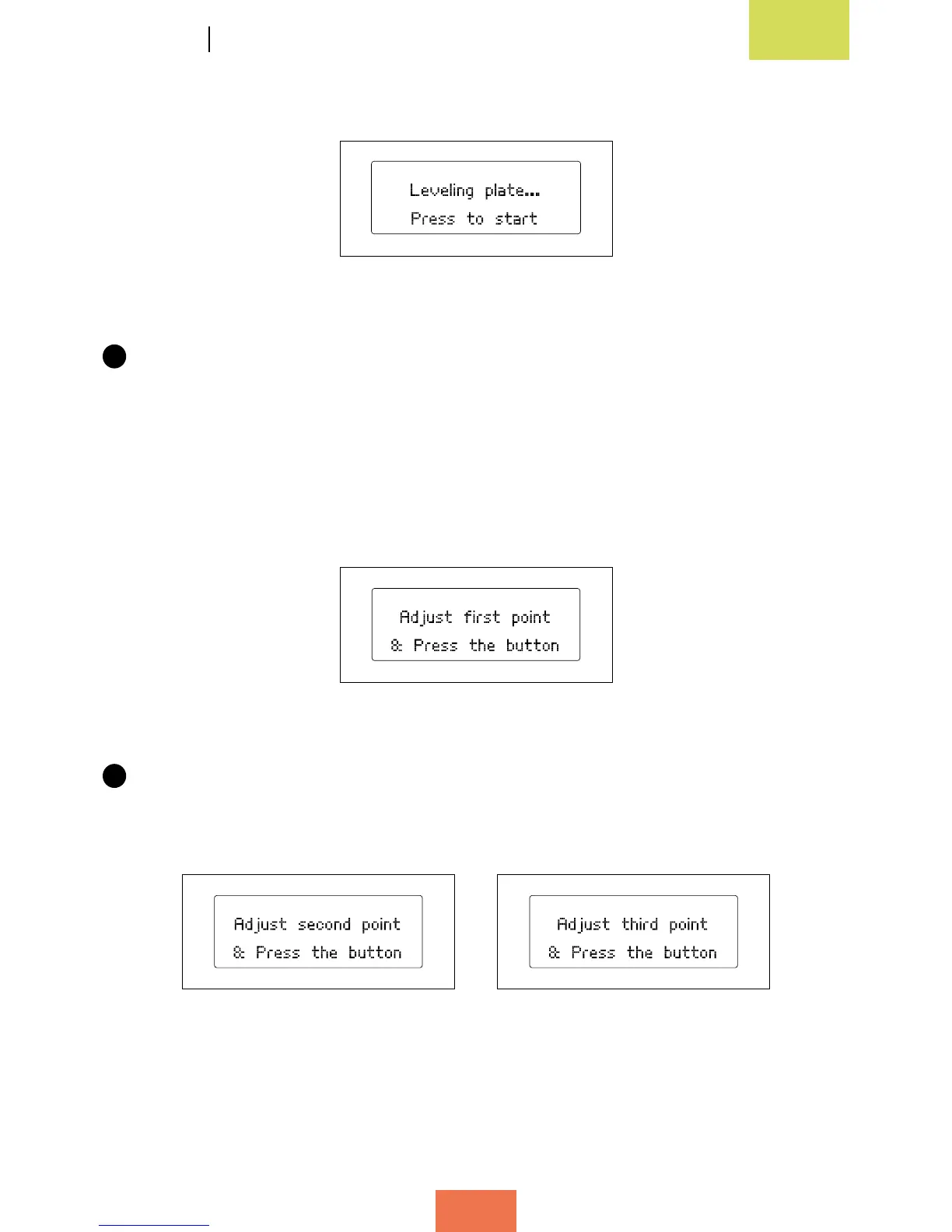
Press the wheel to start levelling (g. 3.11).
2
The extruder will rst position itself at the reference point (the rear right-hand
corner), then immediately move to the first levelling point (fig. 3.12). Check
the space between the base and the extruder using the sheet of paper, and (if
necessary) adjust it by turning the screws located underneath the print base. Turn
them to the right to move the base away from the extruder, and to the left to move
it closer. The sheet of paper should just about be able to pass between the base
and the extruder nozzle.
3
Press the control wheel again and the extruder will move onto the second
calibration point (g. 3.13). Repeat the process above and then do the same for
the third calibration point (g. 3.14).
Figure 3.11 Starting
the levelling process
Figure 3.12 First levelling point
Figure 3.13 Second levelling point Figure 3.14 Third levelling point



 To Next Page