If you notice excessive friction when the carriage travels along the X-axis, this
may be caused by incorrect alignment of the rails. To solve this problem, do the
following.
6
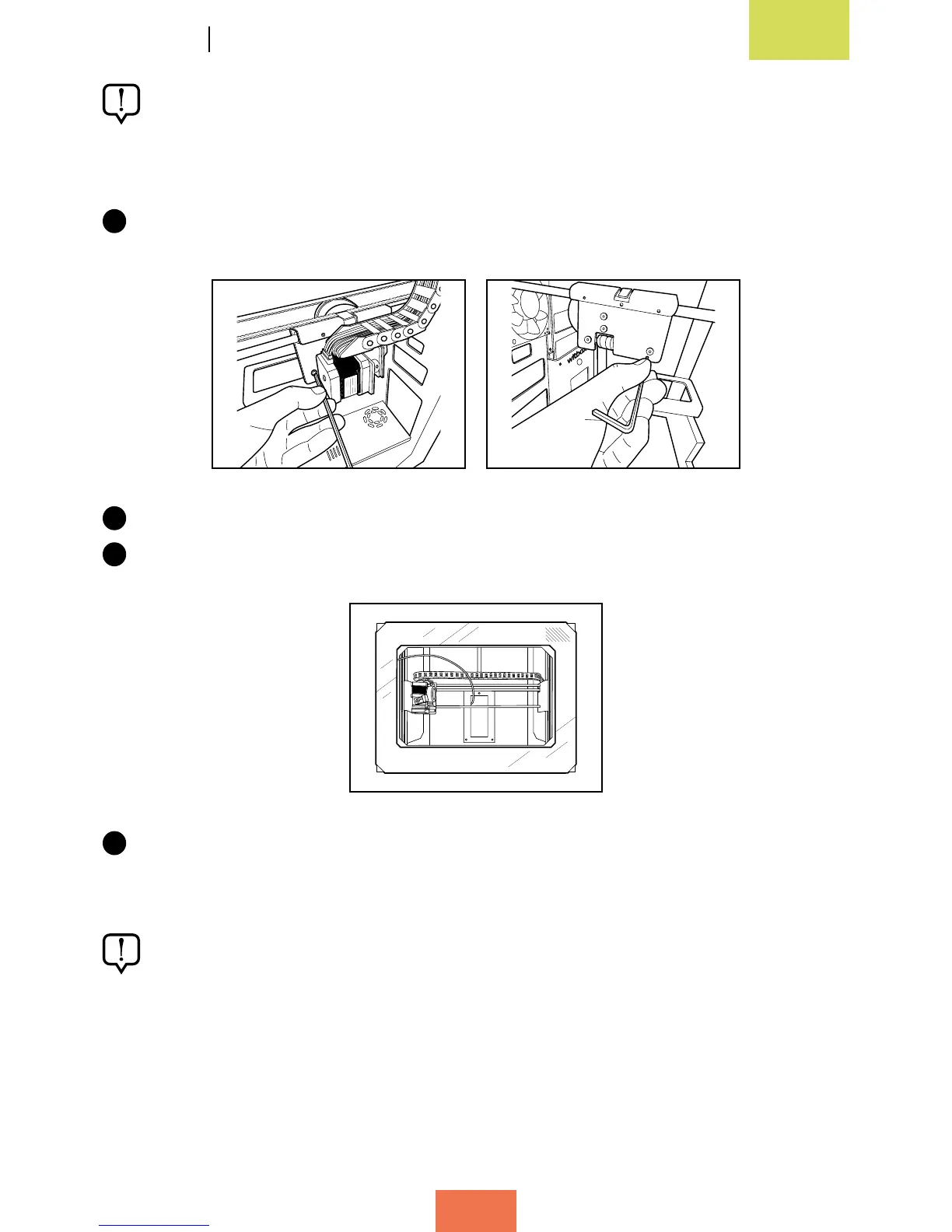
Loosen (but do not undo completely) the four screws that hold the X-axis rails in
place.
7
Move the X-axis carriage along the rails by hand.
8
Position the carriage on the left-hand side and tighten the two screws on that side.
9
Then move the carriage over to the right-hand side and tighten the two screws on
that side.
The above steps do not need to be taken as a preventive maintenance activity;
they are only necessary if you notice excessive friction.



 To Next Page