HOW TO PACKAGE YOUR WITBOX FOR TRANSPORTATION
If you wish to transport your Witbox anywhere, we recommend that you follow the
steps below in order to ensure the printer is not damaged while in transit.
1
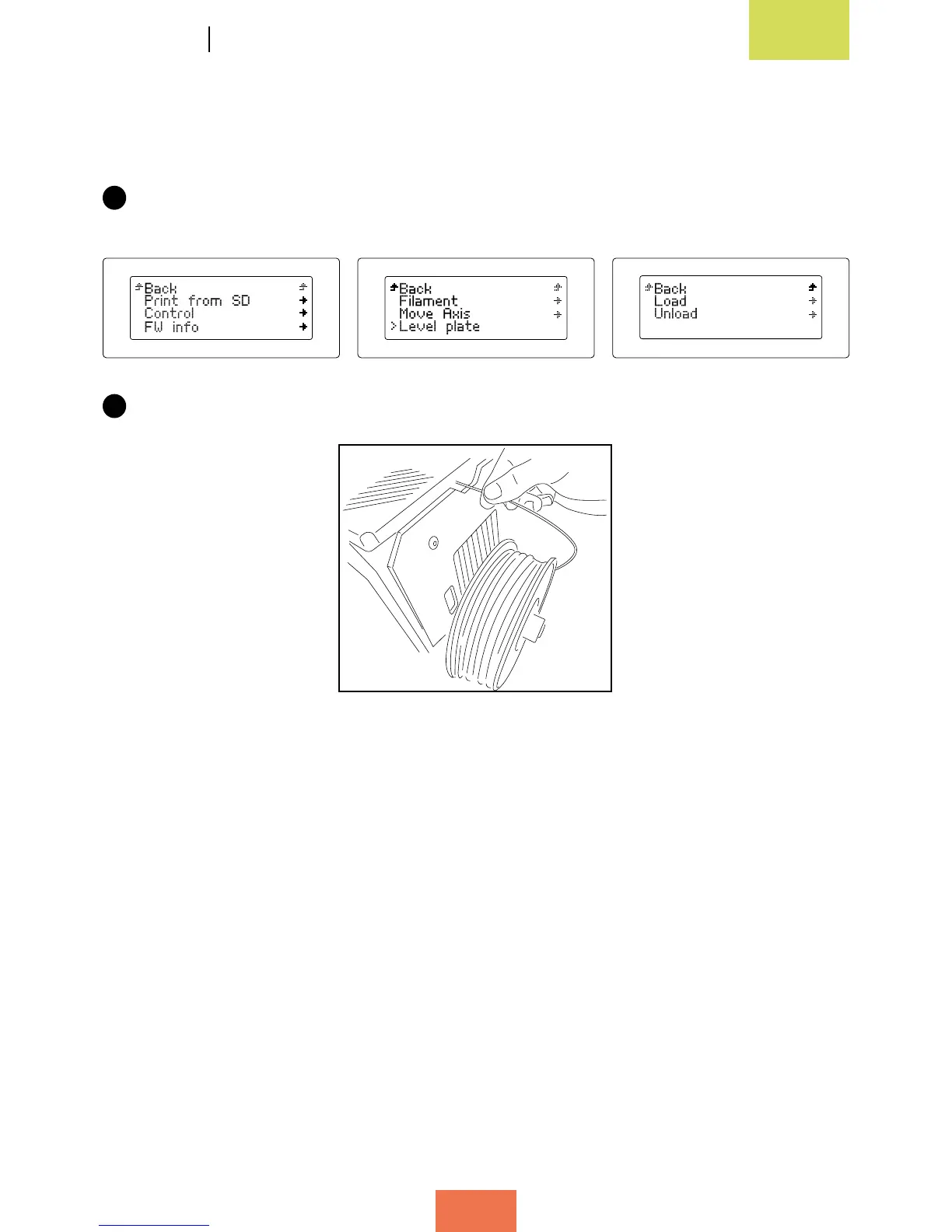
Unload the lament from the extruder. To do so, switch on the Witbox and select
the options Control > Filament > Unload.
2
Pull the lament out from the rear of the printer until all of it has been removed.



 To Next Page