Terminal Block, Patch Panel, 66 Block
Accessing a Label Type
90
BMP
®
41 User’s Manual
Terminal Block, Patch Panel, 66 Block
Terminal Block, Patch Panel, and 66 Block label types are designed to be used with continuous
media. If continuous media is not installed, these label types do not display in the menu.
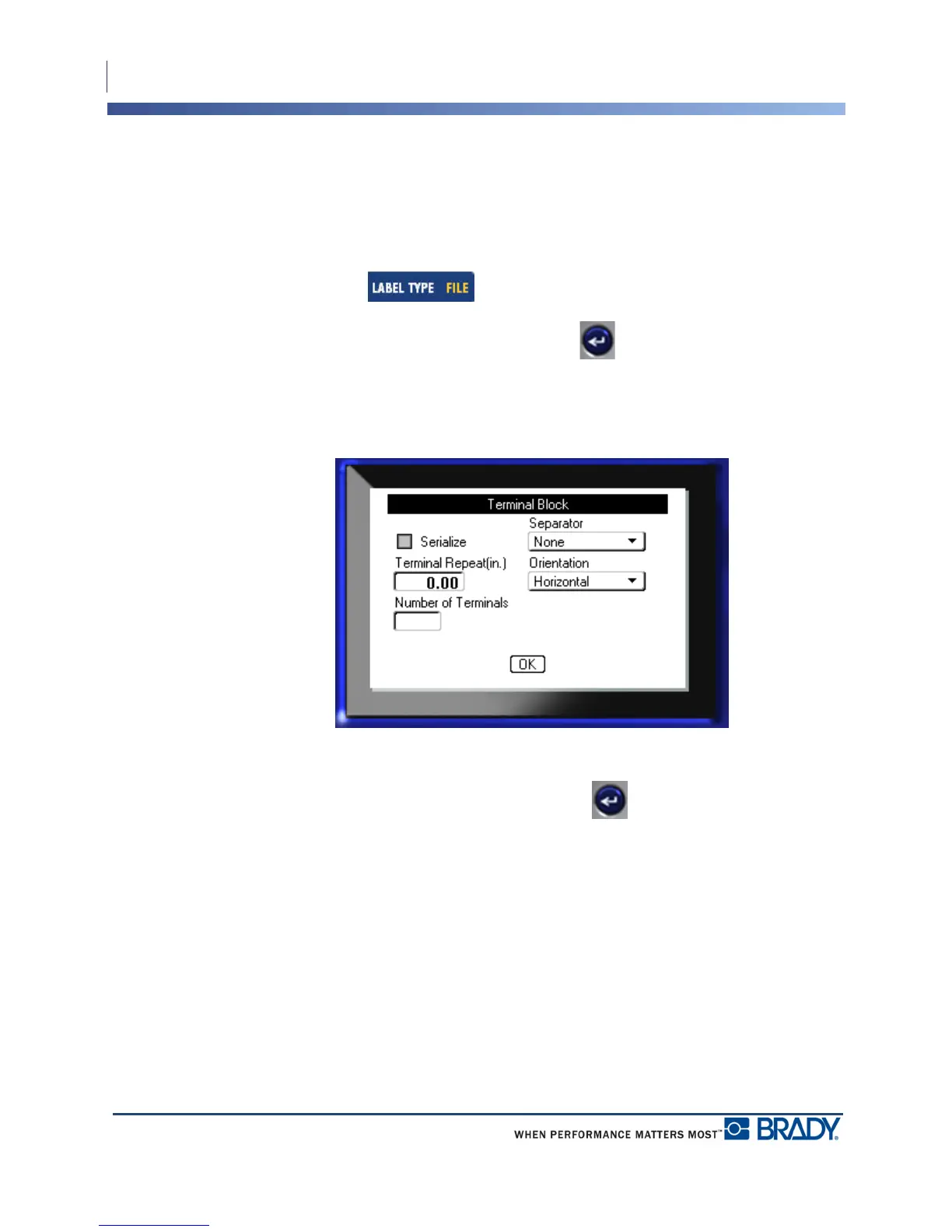
To use Terminal Block, Patch Panel, or 66 Block label type:
1. Press Label Type .
2. Navigate to the desired label type and press Enter .
A dialog box displays requesting additional information. (For a review of dialog box
navigation, see page 23.)
If you DO NOT intend to serialize terminal block labels, proceed to Step 4.
3. Navigate to the Serialize option box and press Enter to select the option. (You are on
the Serialize option upon entering the dialog box.)



 To Next Page