Labels and Areas
Reverse
56
BMP
®
41 User’s Manual
Reverse
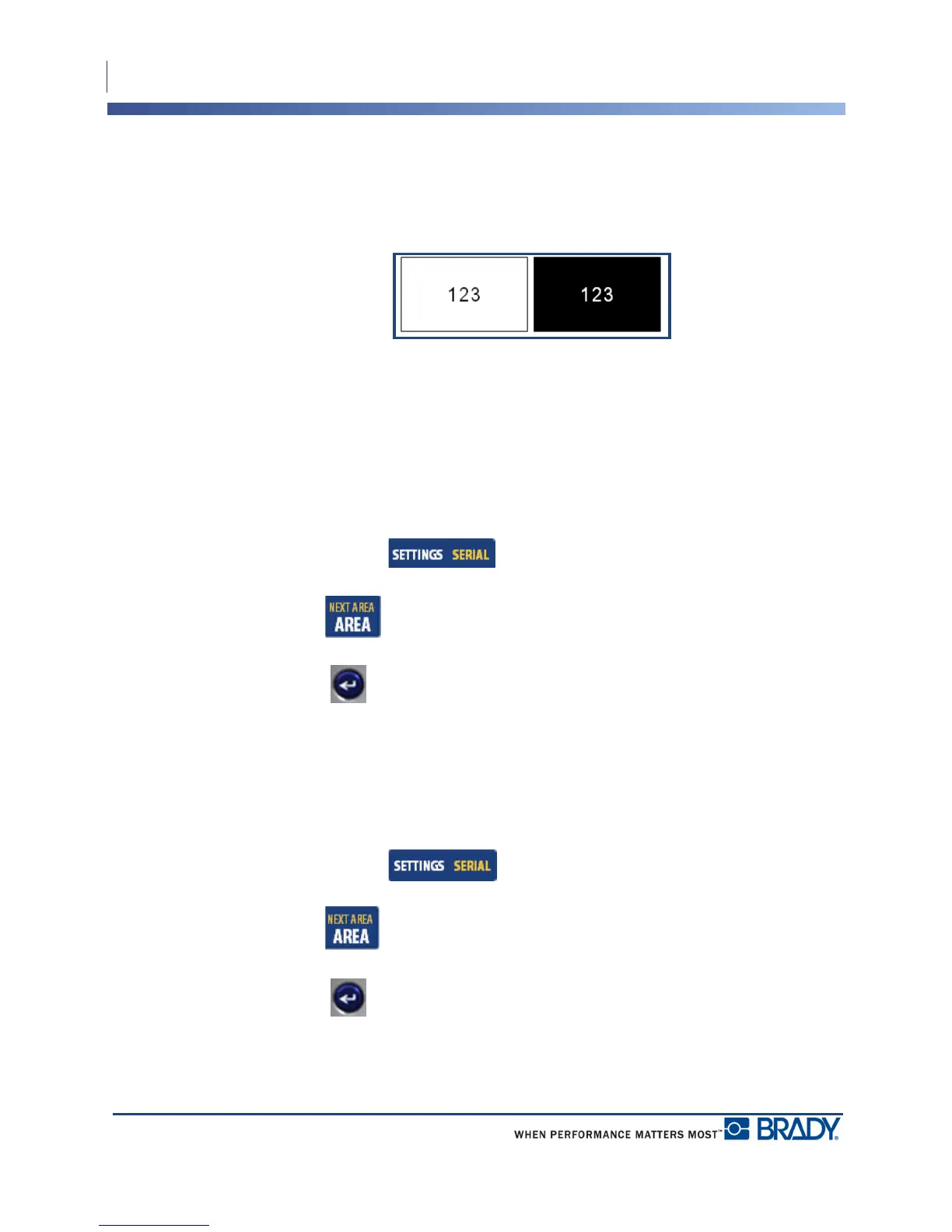
The Reverse function switches the foreground and background colors of data on a label, based
on the media installed.
Figure 22 • Reverse text
For instance, black lettering on a yellow background, if reversed, would print yellow lettering
on a black background.
You can apply Reverse formatting to areas or labels. Reverse cannot be applied to an
individual line of text or to a barcode.
To apply Reverse formatting to a label or area:
1. Press Label Settings .
OR
Press Area .
2. Choose Reverse>ON.
3. Press Enter .
The system formats the edge-to-edge data so that the foreground and background colors are
switched.
To remove the Reverse function:
1. Navigate to the label or area displayed in Reverse.
2. Press Label Settings .
OR
Press Area .
3. Choose Reverse>OFF.
4. Press Enter .



 To Next Page