Labels and Areas
Date and Time
48
BMP
®
41 User’s Manual
Labels and Areas
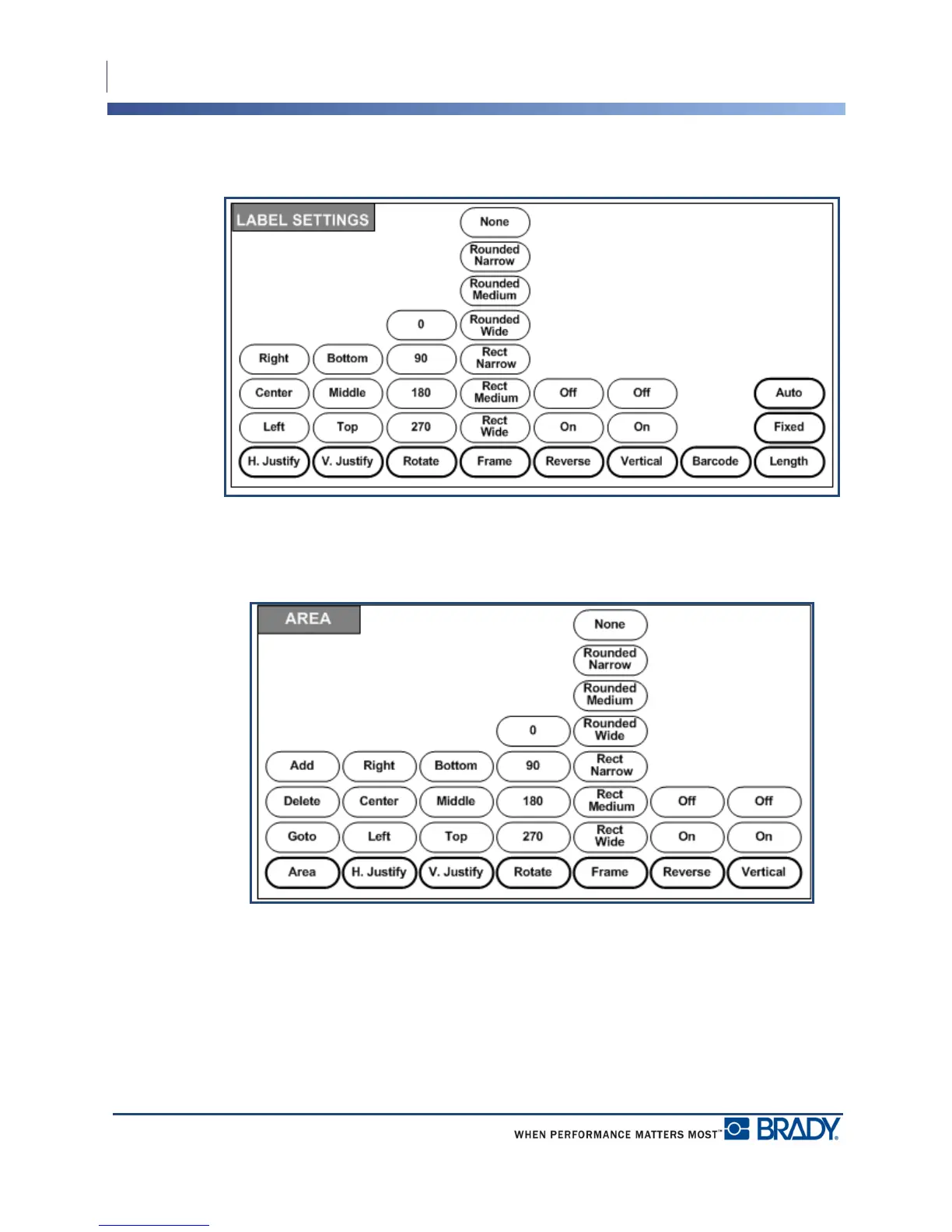
Figure 17 • Label Settings menu options
Label settings, with few exceptions, apply to the entire label, not individual data.
Figure 18 • Area menu options
Areas are used to apply different formatting (such as justification, rotation, and frames) to
different parts of a single label. Areas can only be added to continuous media set to auto length
mode. However, area formatting can be applied to die cut labels that have pre-defined areas.
Only the current area displays on the editing screen. Use Print Preview (see page 80) to view
the label with all its areas.



 To Next Page