Labels and Areas
Add a Barcode
60
BMP
®
41 User’s Manual
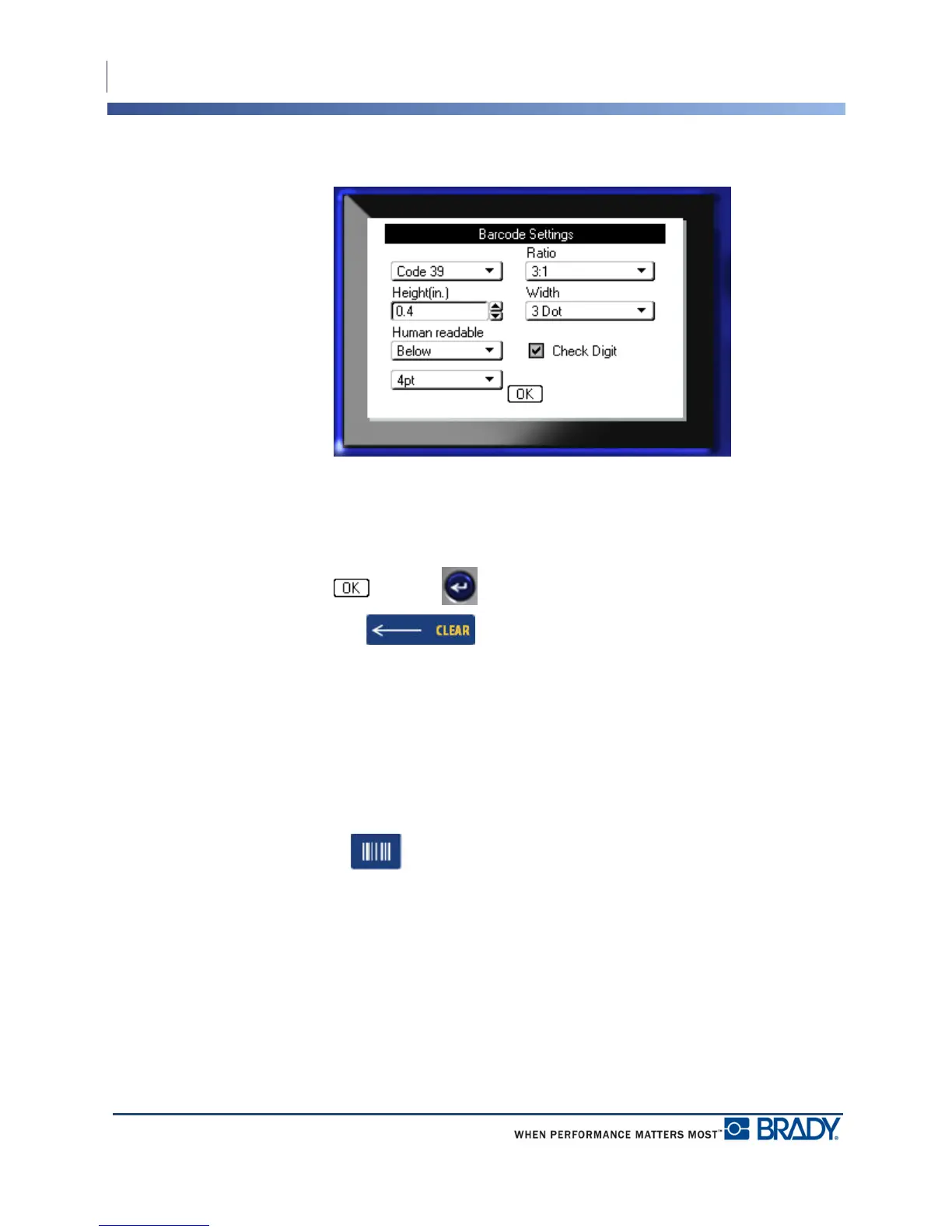
A dialog box displays.
4. Use navigation keys to access the various fields that you want to change. (See page 23 for
more information on working with dialog boxes.)
When finished, to accept all changes:
5. Navigate to and press .
6. Press Backspace to exit out of the Label Settings menus.
Add a Barcode
The barcode key acts as a toggle between a barcode and text. Press once to turn it on, press
again to turn it off.
To add a barcode:
1. Position the cursor where you want to add the barcode.
2. Press Barcode .
The barcode displays start and stop characters following the barcode parameters determined in
the Barcode main menu under Label Settings function.
3. Enter the barcode data.



 To Next Page