45
Formatting
Symbols
BMP
®
41 User’s Manual
Symbols
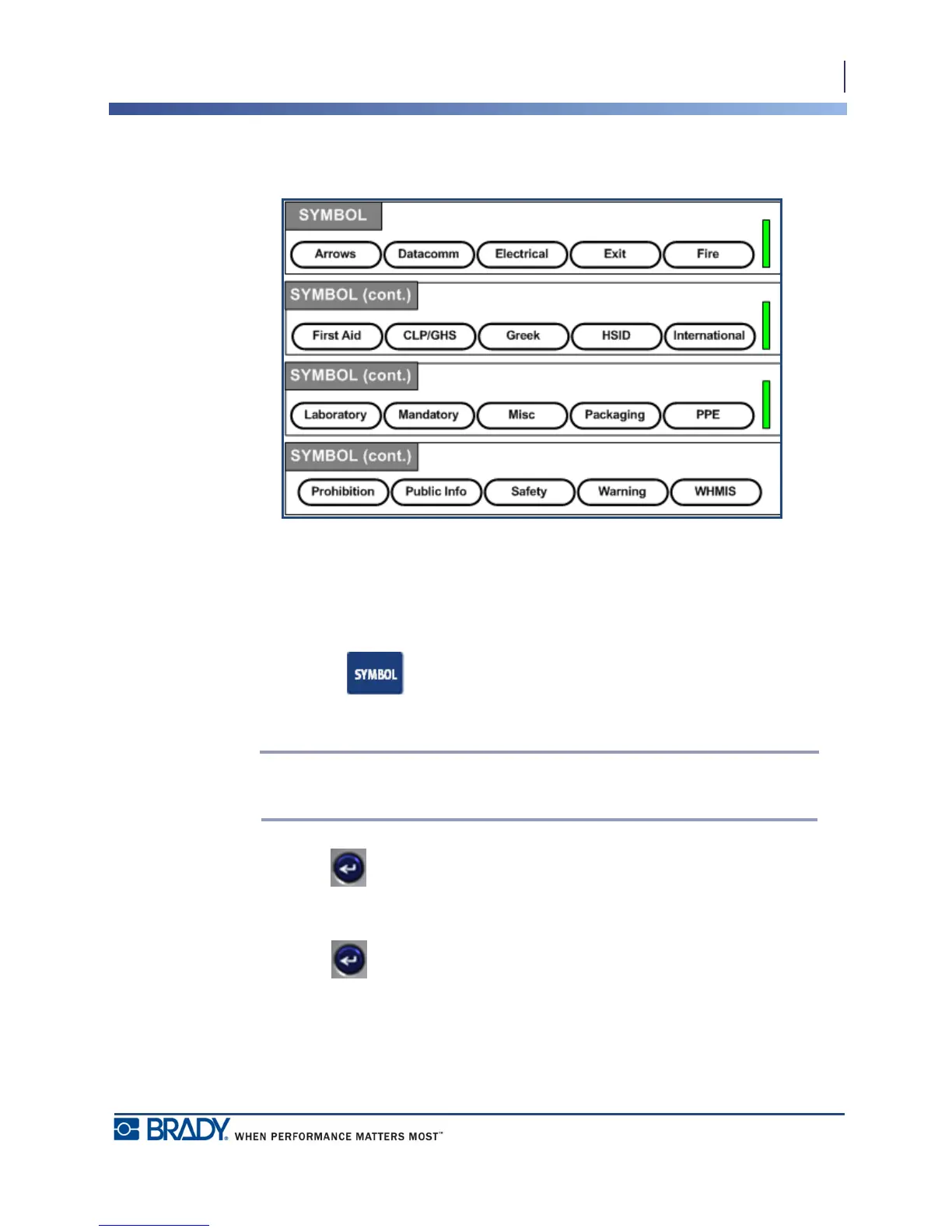
Figure 15 • Symbol categories
The BMP
®
41 Label Printer contains hundreds of symbols (graphics) that can be used for a
variety of applications. To add a symbol to the label:
1. Position the cursor at the point where you want the symbol to display.
2. Press Symbol .
3. Navigate to the desired symbol category.
Note: When adding symbols, the printer will always return to the last symbol
category used.
4. Press Enter to pick the symbol category.
5. Using navigation keys, select the desired symbol.
6. Press Enter .



 To Next Page