73
File Management
Save
BMP
®
41 User’s Manual
Remove File from Screen
When the file is saved, you are returned to the Editing screen with the saved file still displayed.
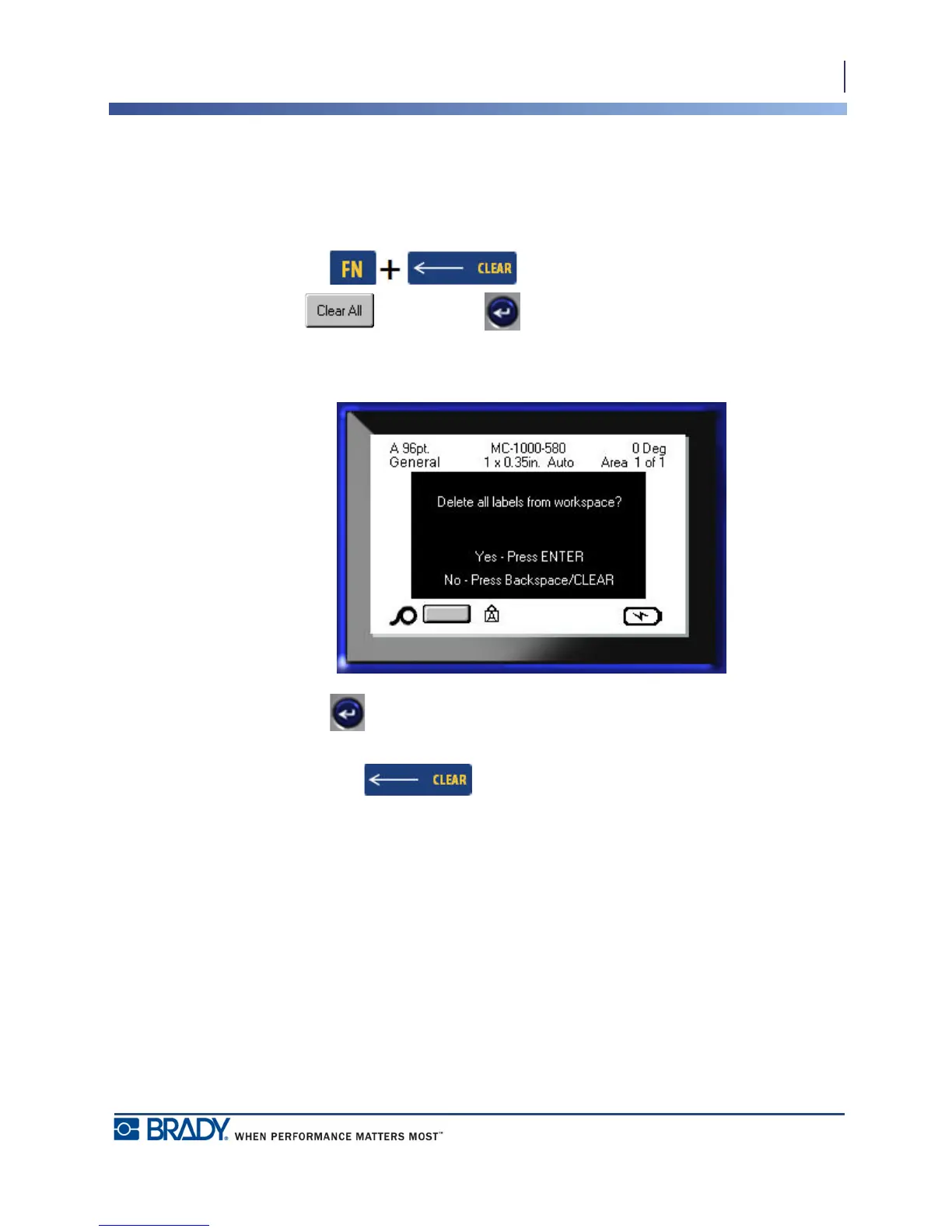
To remove the saved file from the screen:
1. Press Clear .
2. Choose and press Enter .
A message displays confirming the removal of all labels from the display.
3. Press Enter to delete the label from the display.
OR, to remove the error message and cancel the Clear All function:
Press Backspace .



 To Next Page