Formatting
Font
40
BMP
®
41 User’s Manual
Size
Font size applies to an entire line of data at a time and is measured in point size or millimeters,
as determined in the Setup function. To change the size of the chosen font:
1. Press Font .
A sub-menu displays the available font sizes for the media installed.
2. Choose Size>font size desired.
3. Press Enter .
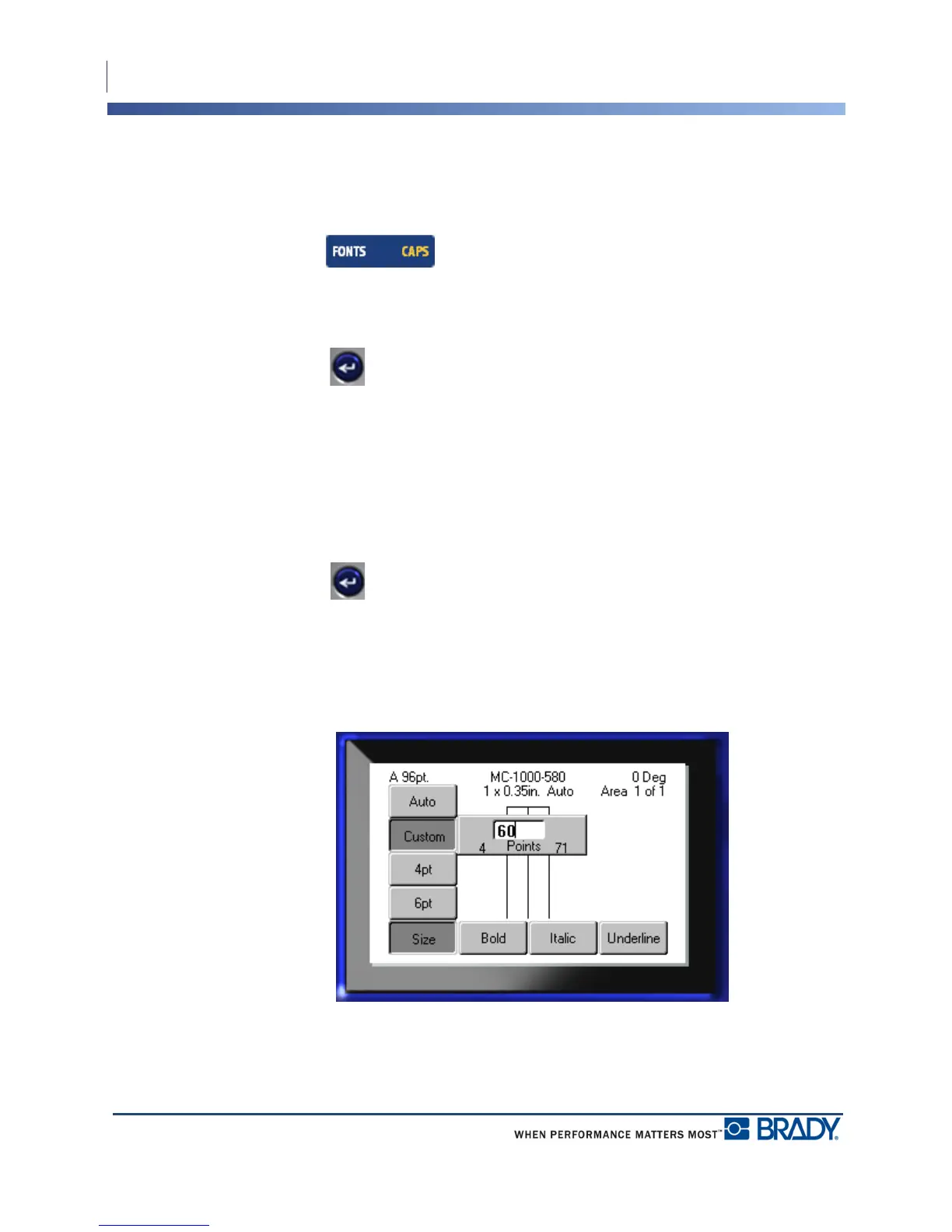
Custom Size
If the desired size is not displayed, you can manually enter a font size within the valid size
range. This option is available under “Custom” of the Size menu.
To manually enter a font size:
1. Choose Custom and enter the font size.
2. Press Enter .
When entering a custom font size, a minimum/maximum range is presented to accommodate
the label size loaded in the printer. The minimum size reflects readability and the maximum
size accommodates proper fit on a label. If you enter a size smaller than the minimum or larger
than the maximum, an error message displays indicating the entered size exceeds lower or
upper limits.



 To Next Page