Printing
Multi-Print
84
BMP
®
41 User’s Manual
Mirror Print
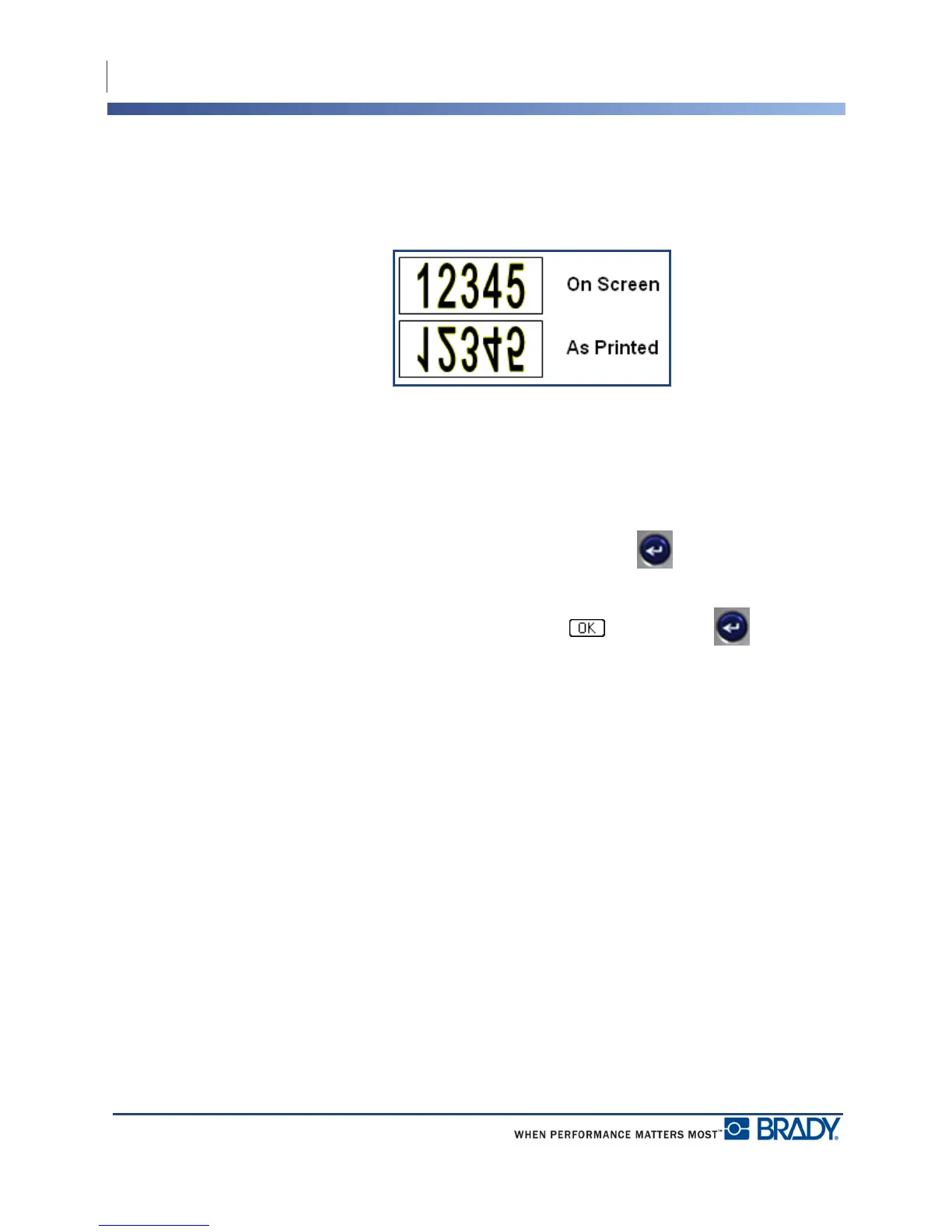
Mirrored print takes all data on a label and flips it to provide a mirror image. Mirroring
displays on the printed label only.
Figure 30 • Mirror image
Mirrored print is label-based, meaning all data on the label is mirrored. You cannot mirror data
in an individual area.
To provide a mirror image of label contents, in the Multi-Print dialog box:
1. Navigate to the Mirrored Print option box and press Enter to place a checkmark in
the field.
2. When finished with desired options, navigate to and press Enter .



 To Next Page