Printing
Multi-Print
82
BMP
®
41 User’s Manual
Multi-Print
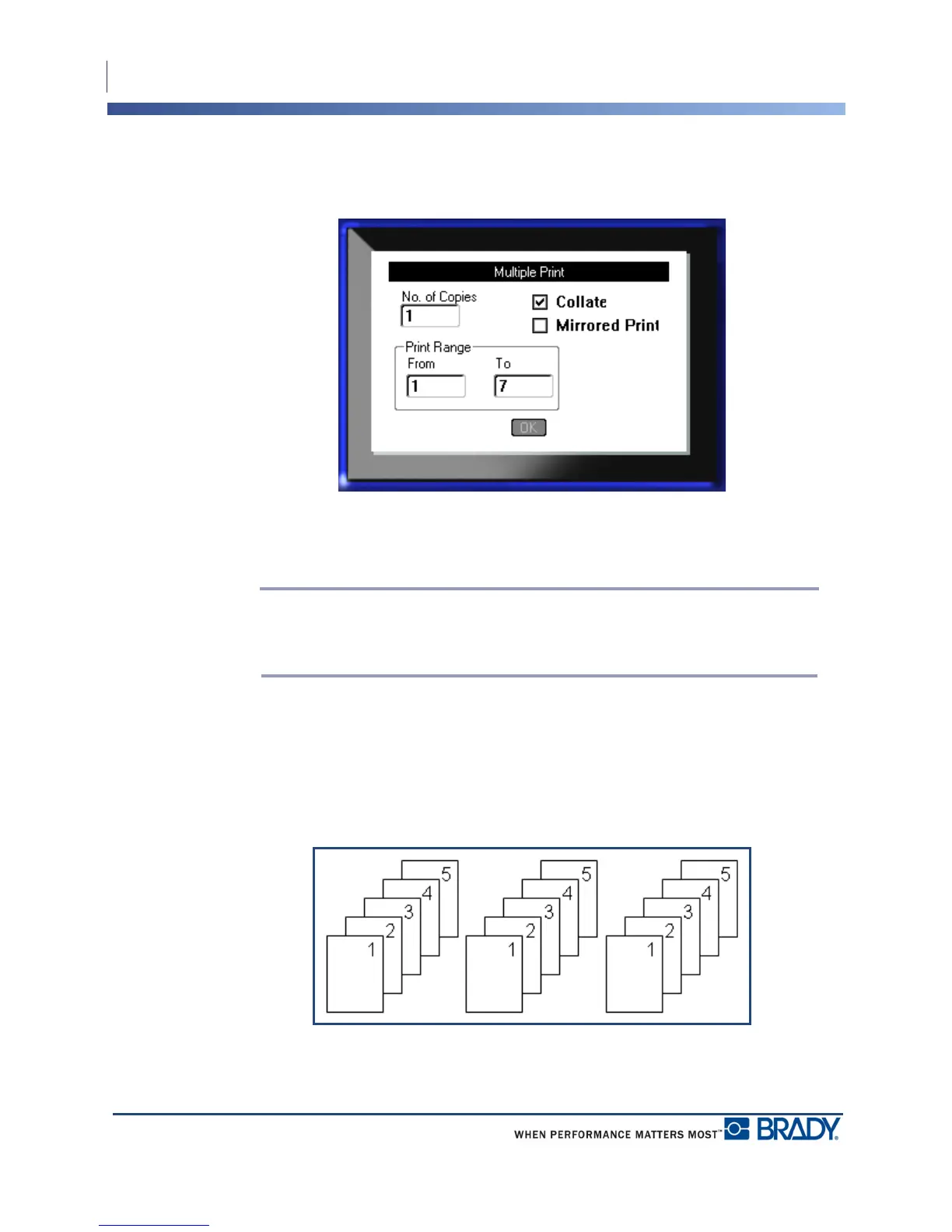
Pressing the Multi-Print key brings up a dialog box displaying the following options:
Multi-print lets you print a number of copies of a label or a range of labels in a multi-label
(series) file. If printing a number of copies, you can also determine if you want the copies
collated or not.
Note: Depending on the media and label type in use, the Multi-print dialog box
may display the option to define a separator (tic or line). See Figure 35 on page 91
for a description of tic and line separators.
Collate
Collating refers to the way a series of labels print out, if more than one copy or set of labels is
requested.
Collated – All sequential numbers print once, then the entire sequence prints again.
Figure 28 • Three copies of five labels, collated



 To Next Page