31
Setup
Font Settings
BMP
®
41 User’s Manual
Language
The following languages can be found under the Language menu in the Setup function.
Initial Language Setup
When turning the printer on for the first time, immediately go to the Setup function and choose
the language in which you want all printer menus, functions, and data displayed.
1. Press Setup .
2. Using navigation keys, choose Language>desired language.
3. Press Enter to accept the choice.
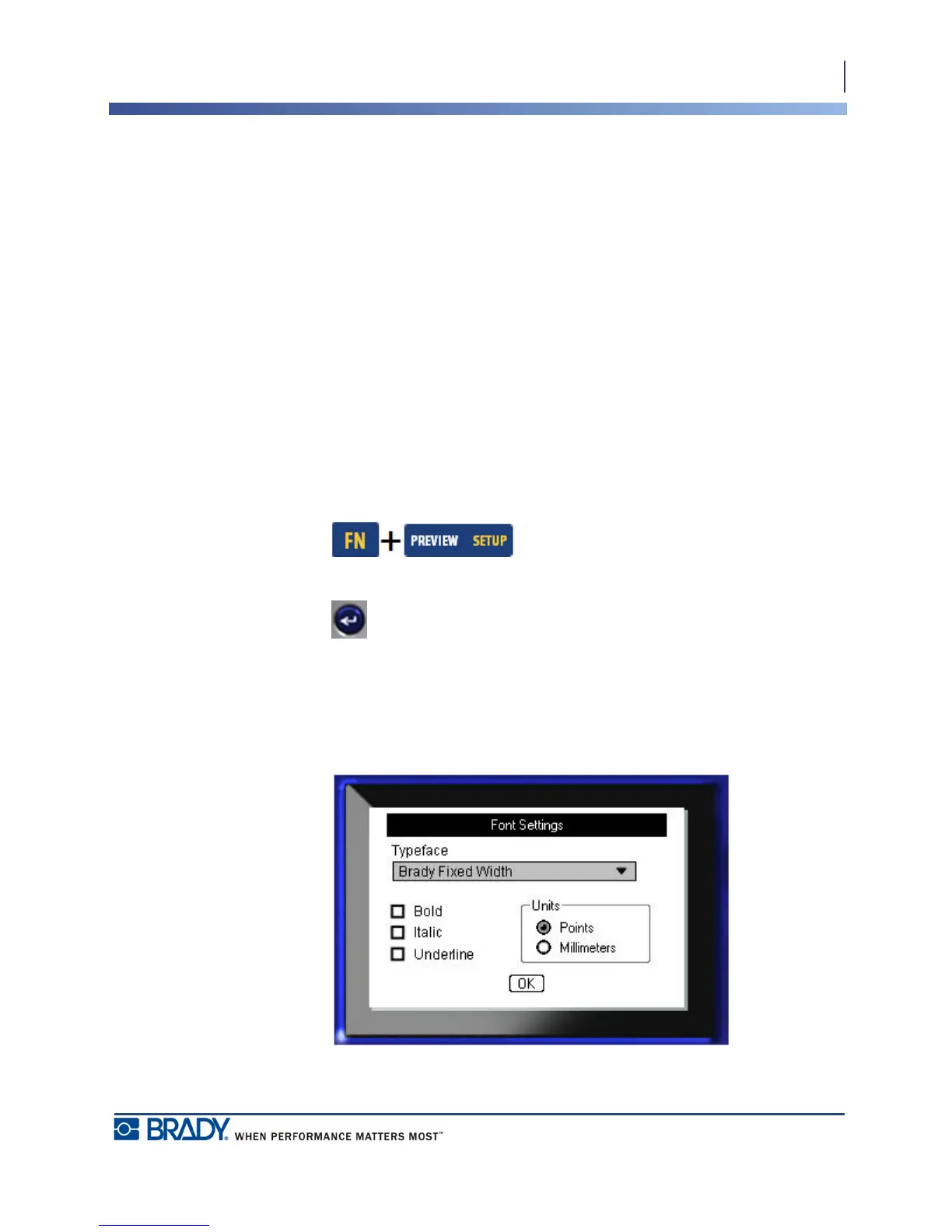
Font Settings
Use Font Settings to set the default font and to indicate font size measurement (points or
millimeters). You can also set default font attributes.
Figure 11 • Font settings in Setup function
English Norwegian
French Finnish
Spanish Swedish
German Italian
Portuguese Danish
Dutch



 To Next Page