Dialog Boxes
Spinner Boxes
26
BMP
®
41 User’s Manual
Spinner Boxes
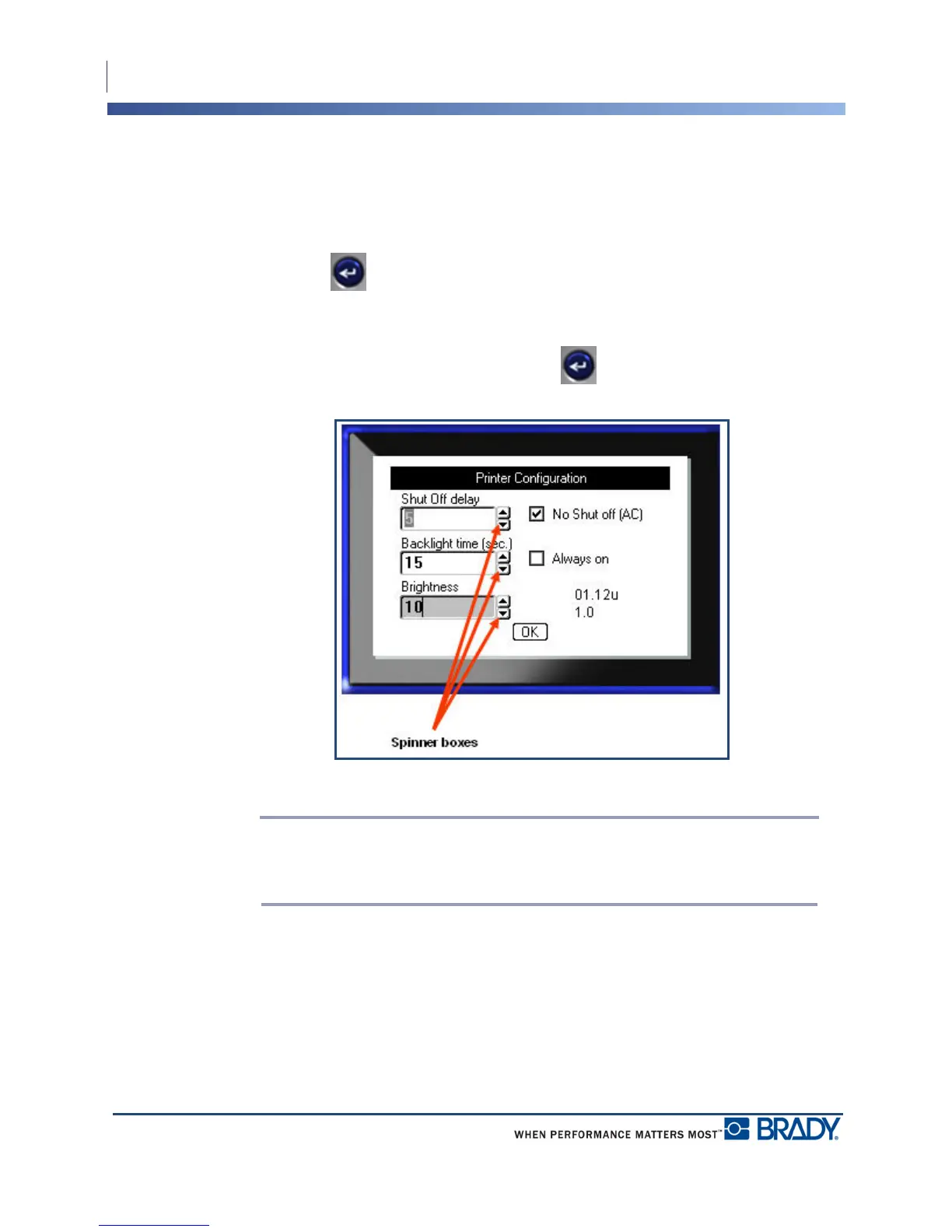
A spinner box lets you toggle through a range of values in a field. To use a spinner box:
1. Navigate to the field containing the spinner box.
2. Press Enter .
3. Use the up/down navigation keys to toggle through the range of values.
4. When the desired value is reached, press Enter .
Figure 6 • Spinner boxes
Note: Some fields containing spinner boxes allow you to type numbers directly in
the field. The presence of a cursor in the field indicates you can directly enter
numbers.



 To Next Page