85
Label Types
Accessing a Label Type
BMP
®
41 User’s Manual
Label Types
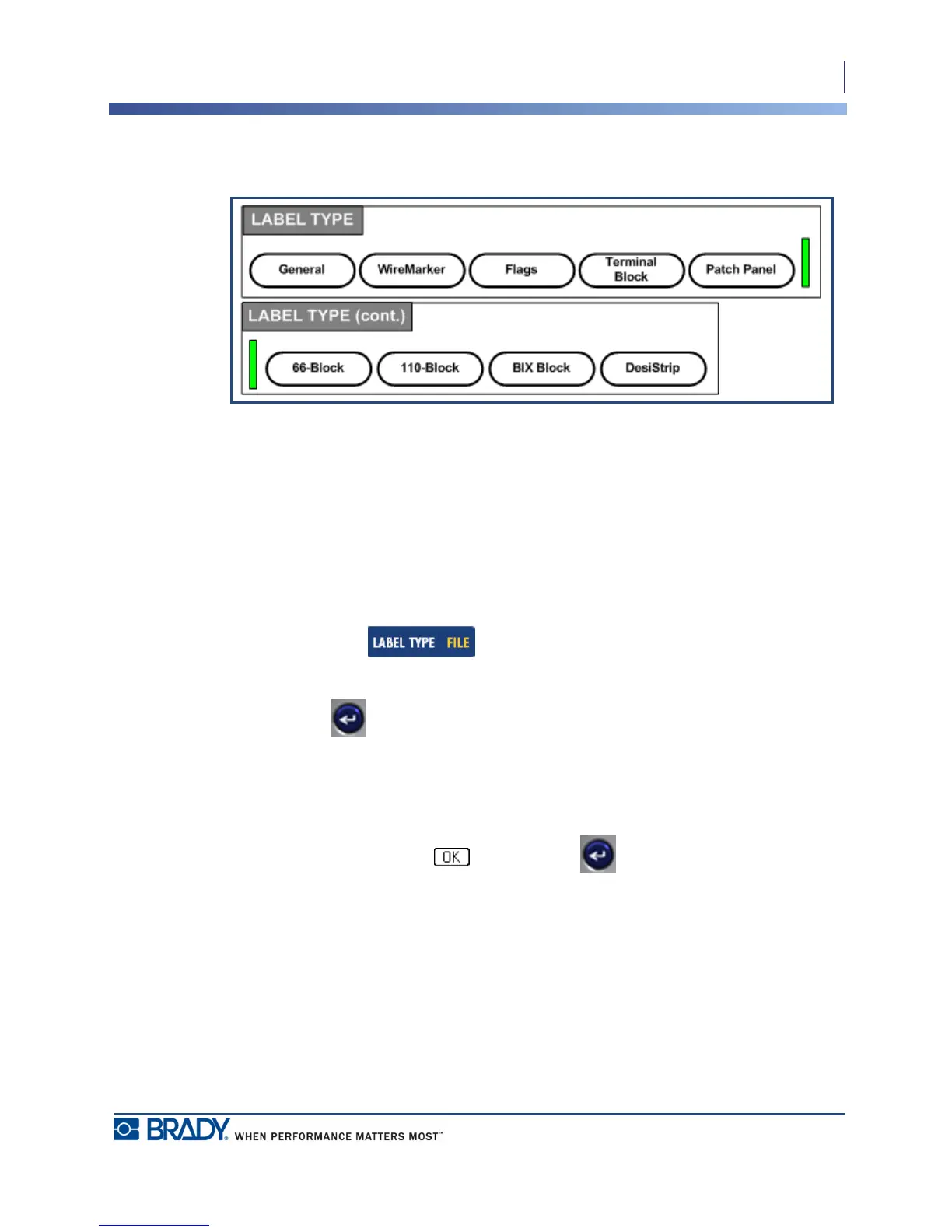
Figure 31 • Label Type menu options
The general editing mode of the BMP
®
41 Label Printer contains standard functions and
formats used for most generic labels. Label types, however, provide templates that guide and
control the layout for specific label formats.
Accessing a Label Type
To work with a label type:
1. Press Label Type .
2. Choose the desired Label Type.
3. Press Enter .
For most label types, a dialog box displays to collect information for automatically formatting
the specific label type.
4. Enter data requested in the dialog box.
5. When finished, navigate to and press Enter .



 To Next Page