Connecting
Connecting to a PC
12
BMP
®
41 User’s Manual
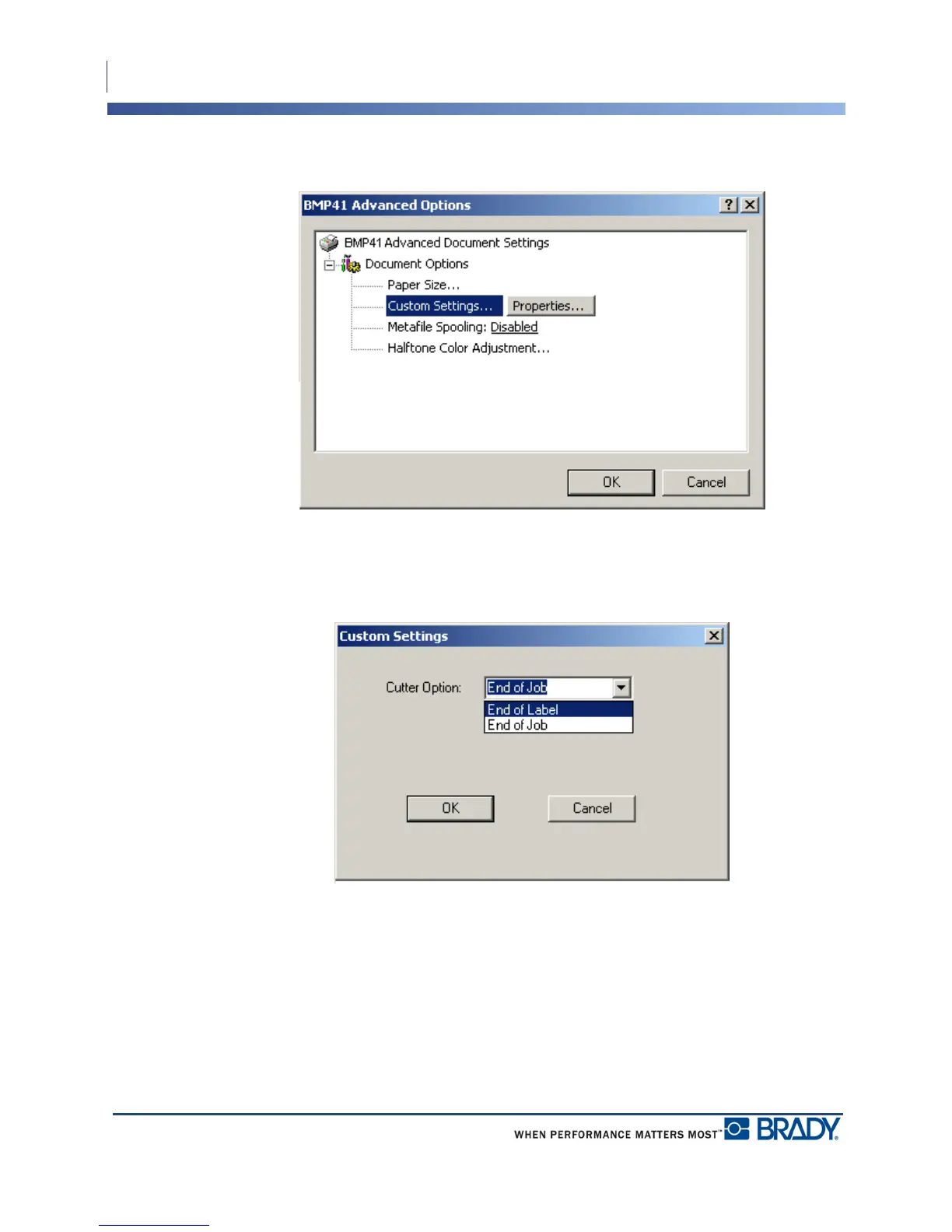
4. On the Advanced Options screen, click Properties button for Custom Settings.
5. On the Custom Settings screen, click the down arrow in Cutter Option field and select if
you want to pause the printer for cutting at the end of each label or at the end of the job.
6. Click OK to accept the changes. (You may have to click OK a number of times as you
back out of the Printing Preferences screens.)



 To Next Page