Labels and Areas
Rotate
54
BMP
®
41 User’s Manual
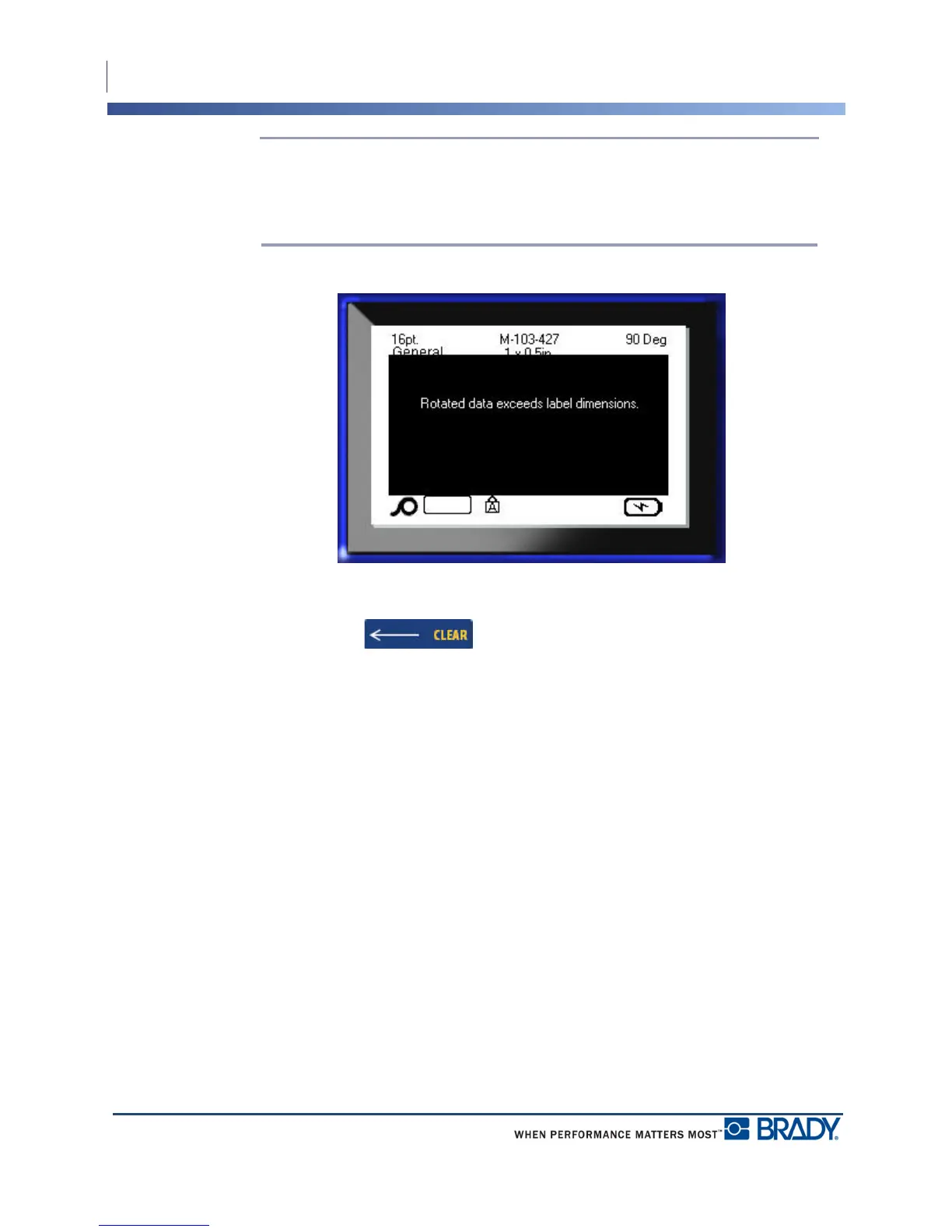
Note: If the auto font size is selected, rotated data is autosized to accommodate the
height vs. the width of the label. However, if using a fixed font size, the rotated data
may not fit on the label. If this occurs, an error message displays indicating rotated
text will not fit. The Rotate function is canceled and data is not rotated.
To clear the error message:
1. Press Backspace
The Rotate function is canceled and data is not rotated.



 To Next Page