110
Type 8692, 8693
english
Start-up, operation
process controller Type 8693
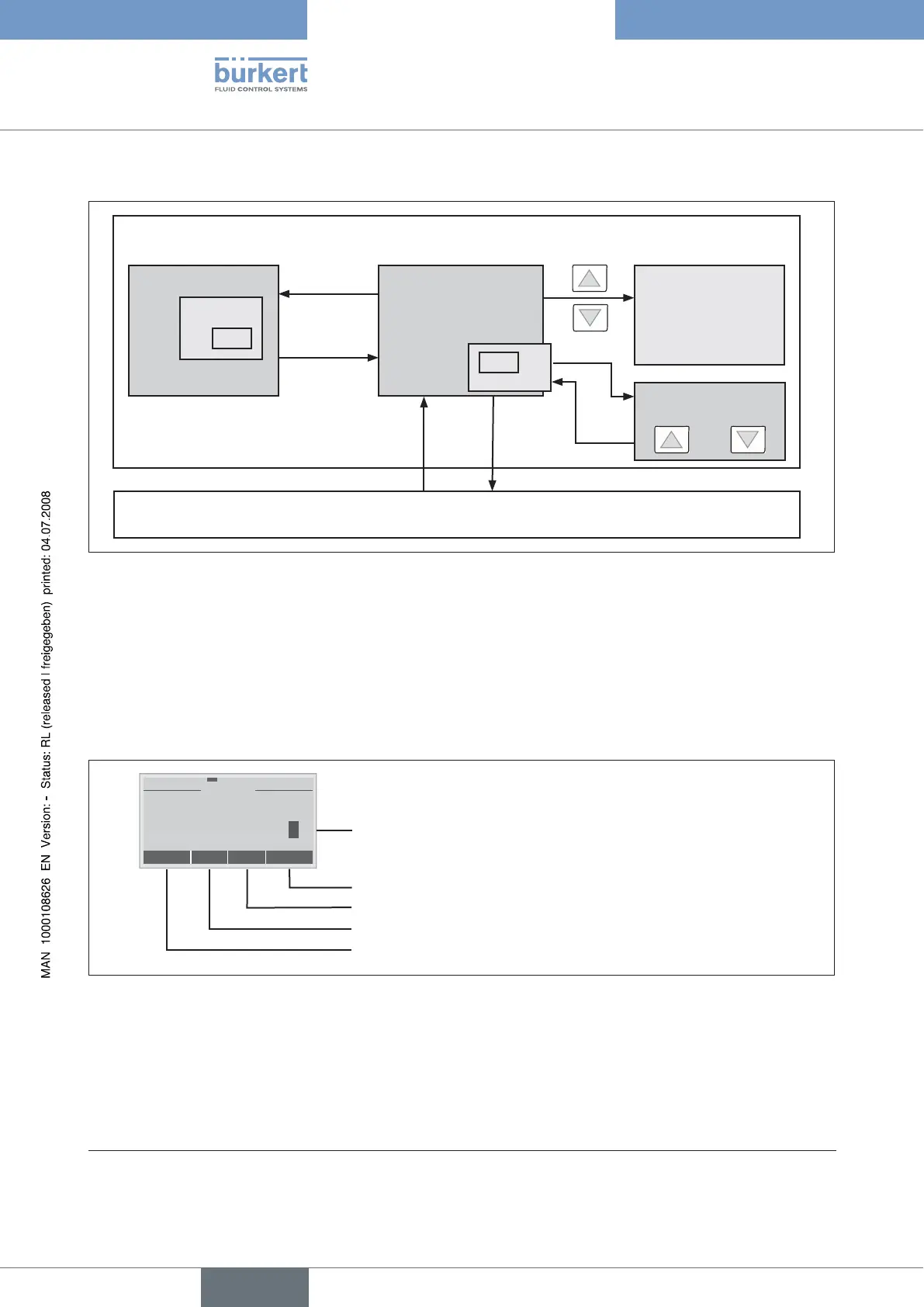
3.3.3 Operating Structure
Configuration
Menu option
EXIT
Display
(no operator action)
Switch between the
displays*
POS PV
CMD SP
TEMP
EXIT
MENU
AUTOMATIC operating state
MANUAL operating state
MANU
AUTO
active**
SP
Set process set-
point value
INPUT
OK
Fig. 17: AUTOMATIC operating structure - 8693
3.3.4 Manually Changing the Process set-point value
If the auxiliary function P.CONTROL / SETUP / SP INPUT / internal (set the set-point value via keys) is specified during the
configuration, the menu to change the process set-point value can be activated when the SP (Setpoint) display is set by pressing
the right selection key (INPUT). The individual digits can be set by pressing the arrow keys. Press the right selection key (OK)
to accept the set value.
Accept the set value
Return without change
ESC
OK
+<-
SET VALUE
SP: 0
l/s +0000
Change to next number
Increase number
Changeable number
Fig. 18: Setting numerical values SP
* Displayed only when P.CONTROL auxiliary function activated.
** only active if the internal set-point value default (P.CONTROL / SETUP / SP INPUT / internal) has been selected.



 To Next Page