60
Type 8692, 8693
english
Start-up, operation
position controller Type 8692
3 OPERATION OF THE POSITION CONTROLLERS
A precise description of the control and display elements, as well as the configuration of the keys can be found in the
chapter entitled "Control and display elements".
When the operating voltage has been switched on, the positioner is at the process operating level in the AUTOMATIC operating
state.
At the process operating level the normal control mode is implemented and monitored (AUTOMATIC) and the valve is manually
opened or closed (MANUAL).
MENU INPUT CMD MANU
POS
%
XXX
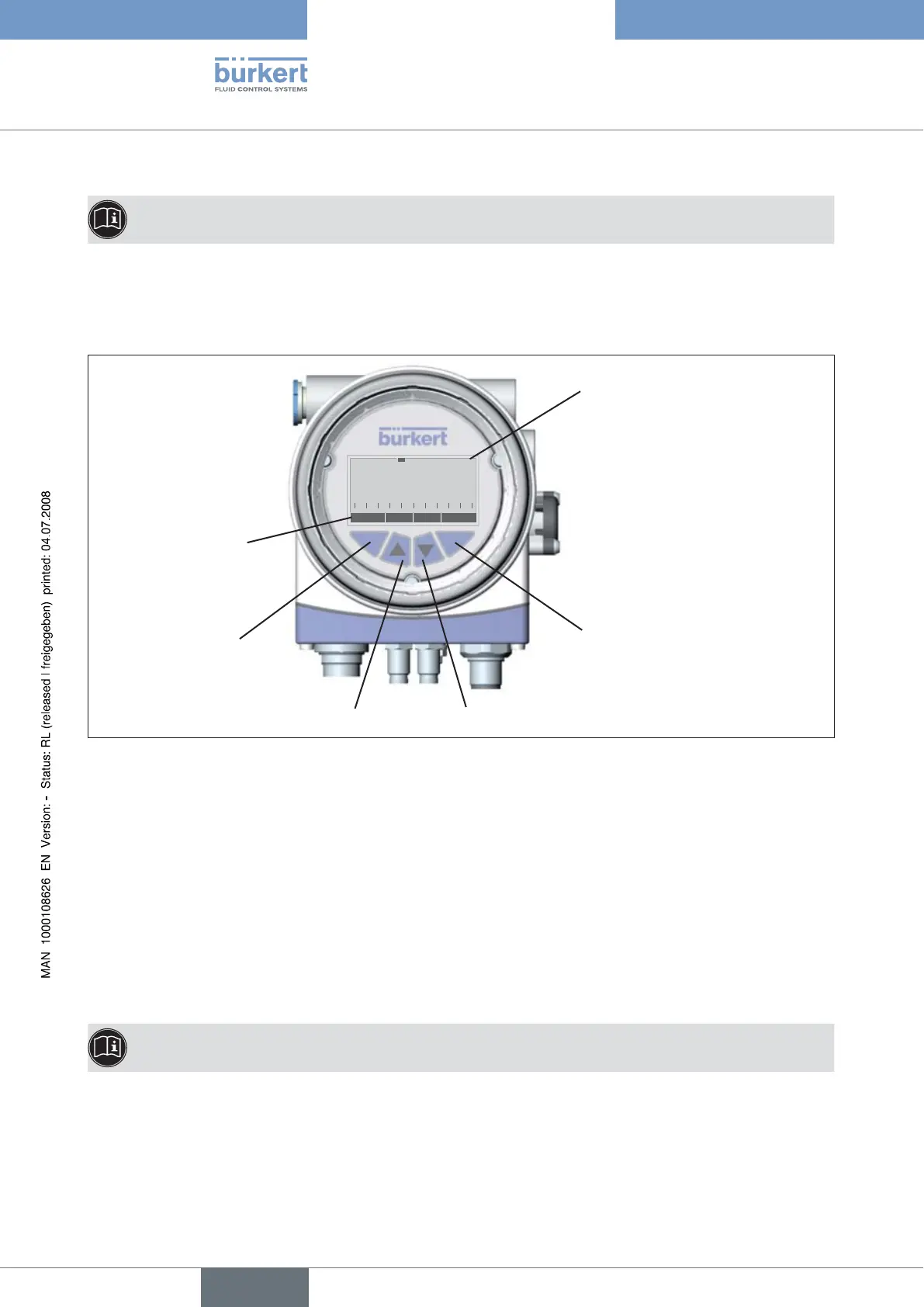
Up arrow key
Configuration of the
keys
left selection key right selection key
Display
Down arrow key
Fig. 4: Description of the control module
3.1 Switching between the Operating States
The right Selection key can be used to switch between the two operating states AUTOMATIC (AUTO) and MANUAL (MANU).
In the AUTOMATIC operating state a bar runs along the upper edge of the display from left to right.
3.2 Switching between the Operating Levels
Process operating level -> Configuration level
Both in the MANUAL and AUTOMATIC operating state you switch to the configuration level by pressing the left selection key
(MENU) for approx. 3 seconds. During these 3 seconds 2 bars converge on the display (Countdown).
At the Configuration level the operating parameters can be input or changed, auxiliary functions supplemented or the automatic
adjustment (X.TUNE) of the controller started.
A precise description of the individual functions can be found in the chapters entitled "Specifying the basic settings"
and in "Configuring the auxiliary functions".
Configuration level -> Process operating level
Press the left selection key (EXIT) to switch from the Configuration level to the Process operating level. In doing so, the operating
state which was selected before the switchover (AUTOMATIC or MANUAL) is set.



 To Next Page