70
EN
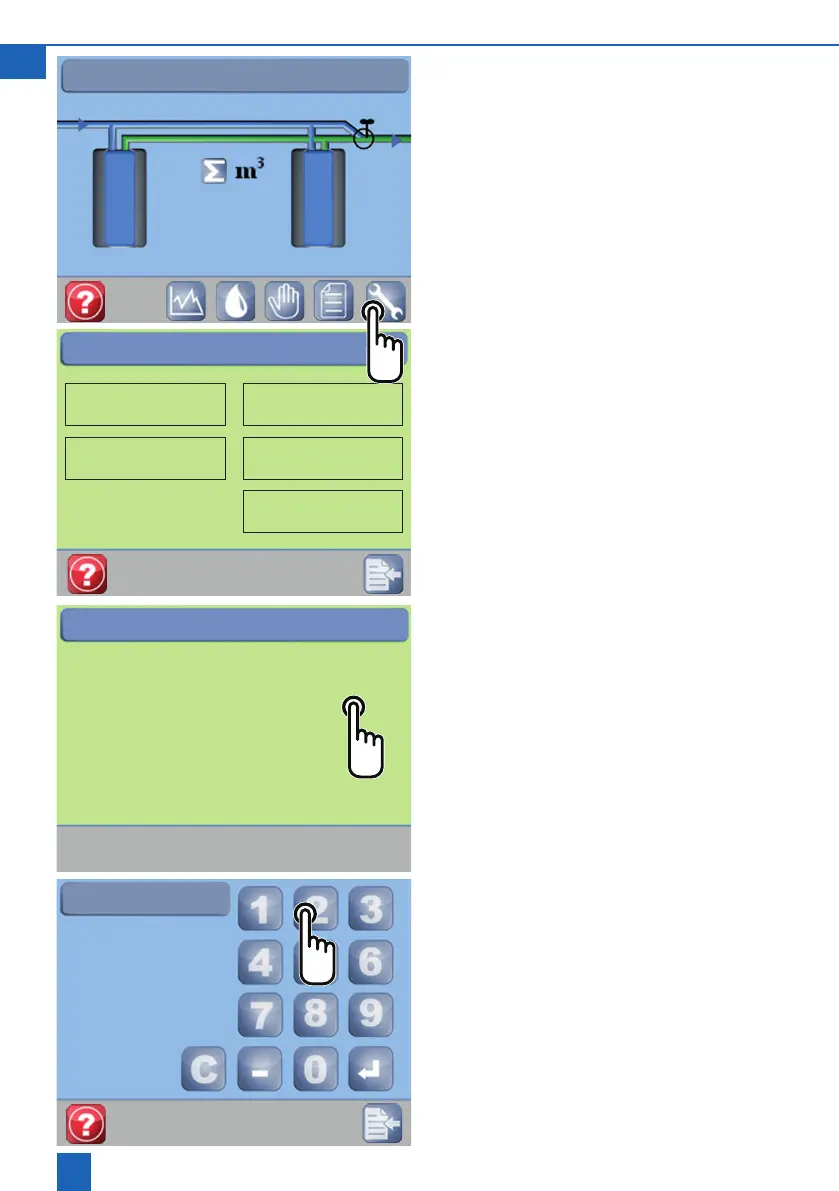
8.4 Changing settings
On this screen you can change the time and date,
water hardness, language (installationsite) and
settings(unitset-up).
Pressthespanner
The Contact person button opens the customer
service and installer details.
8.5 Setting the time
Click directly on the digits to be changed
Change digit
Conrm
8
Hour
Time 08:50:00
Date 01:07:14
Summer time No
Time / Date
Settings
Time - Date
Unit set-up
Hardness
Installation site
Contact person
10:10:37
245 l
121 l
10



 To Next Page