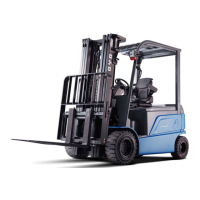
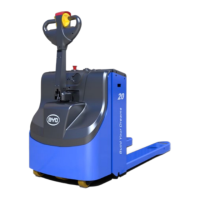
PMW20
115
PMW20
114
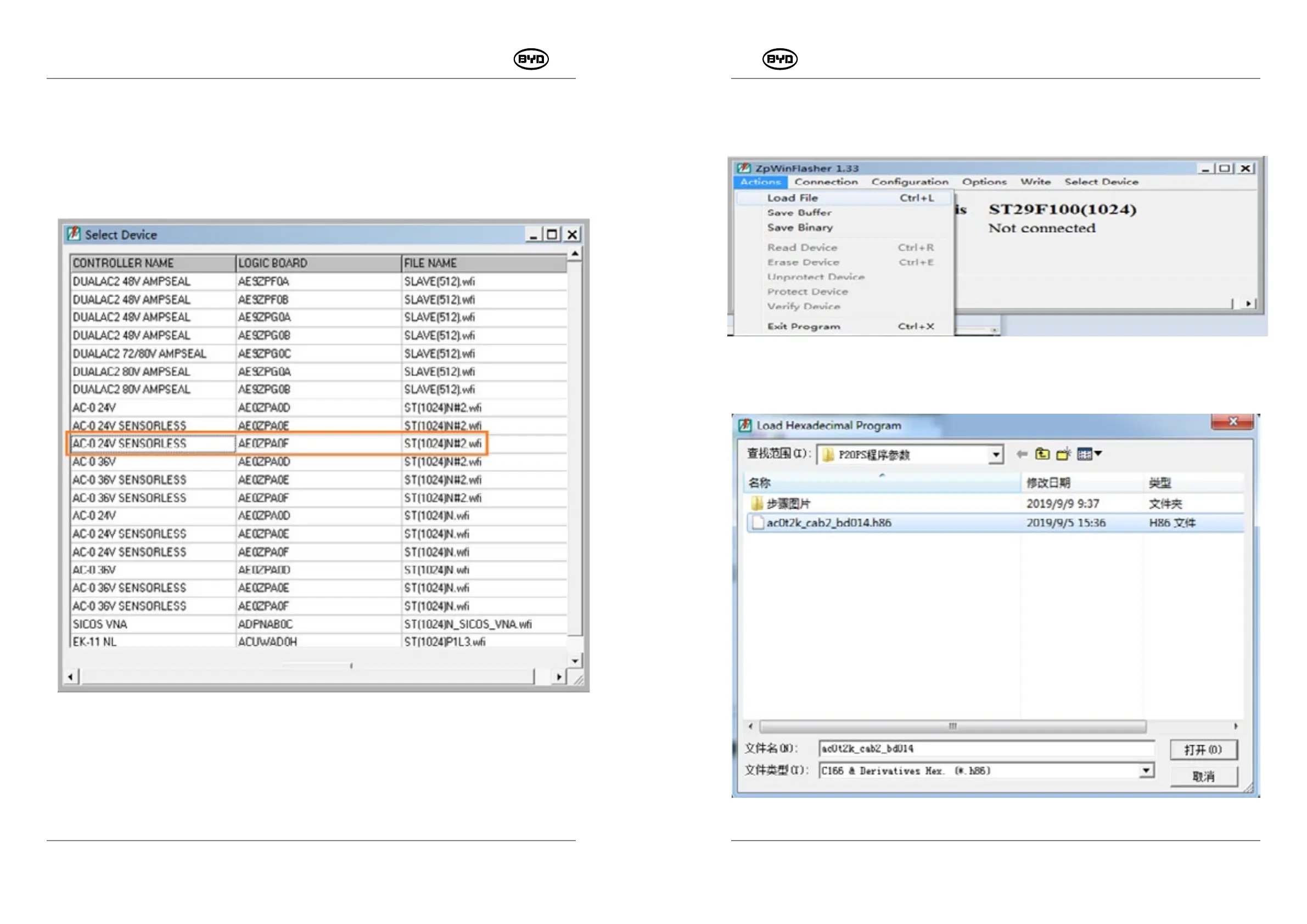
Select the drive file (its main control model is AC-0) as shown in figure 1.3. Then double-
click the file.
Note: Since the drop-down bar on the right side shows limited files, you need to use the
down key "↓" on the computer keyboard to find and select the driver file.
Fig.1.3
Note: This step only needs to be set once and can be default in the next time.
2. Import the program: Click "Actions"→"Load file" and select the program. Taking the
P20PS forklift as an example, the controller mode of the forklift is AC-0, as shown in the
Fig.1.4.
Fig.1.4
Select the software and then click the button "Open", as shown in the Fig.1.5.
Fig.1.5
SM-PMW202020001-EN
SM-PMW202020001-EN


 To Next Page