PMW20
117
PMW20
116
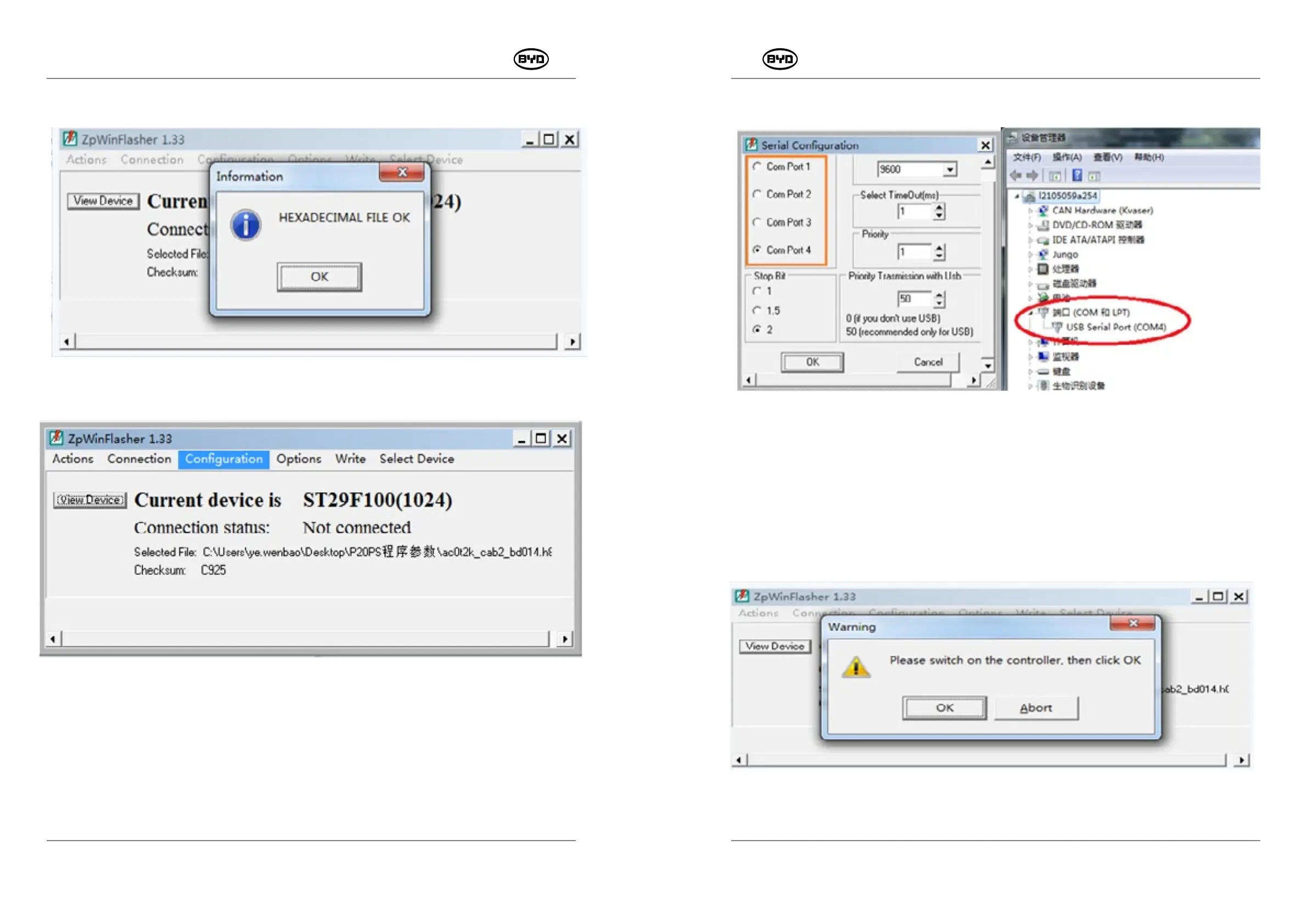
Click the button "OK", as shown in the Fig.1.6.
Fig.1.6
3. Select the option "Configuration", as shown in the Fig.1.7.
Fig.1.7
Enter the following interface. Except that port settings in the box depend on usage, other
port settings can not be changed. If you want to check ports, please click "Device
Manager" →"Port" and click the button "OK" after the setting is finished, as shown in
Fig.1.8 and Fig.1.9.
Fig.1.8
Fig.1.9
4. Connect: Click "Connection"→"star" and then open the ignition key switch→"OK", as shown
in Fig.1.10.
Fig.1.10
SM-PMW202020001-EN
SM-PMW202020001-EN



 To Next Page