CALREC Putting Sound in the Picture 27
As an option, the console can be supplied
with an additional accessible USB port,
wired internally via an adaptor to a POE
panel port, allowing for a backup PC to be
connected quickly.
LAN connection
An RJ45 socket on the rear interface
panel labelled 'PC I/F' provides a second
network connection to the PC. Internally,
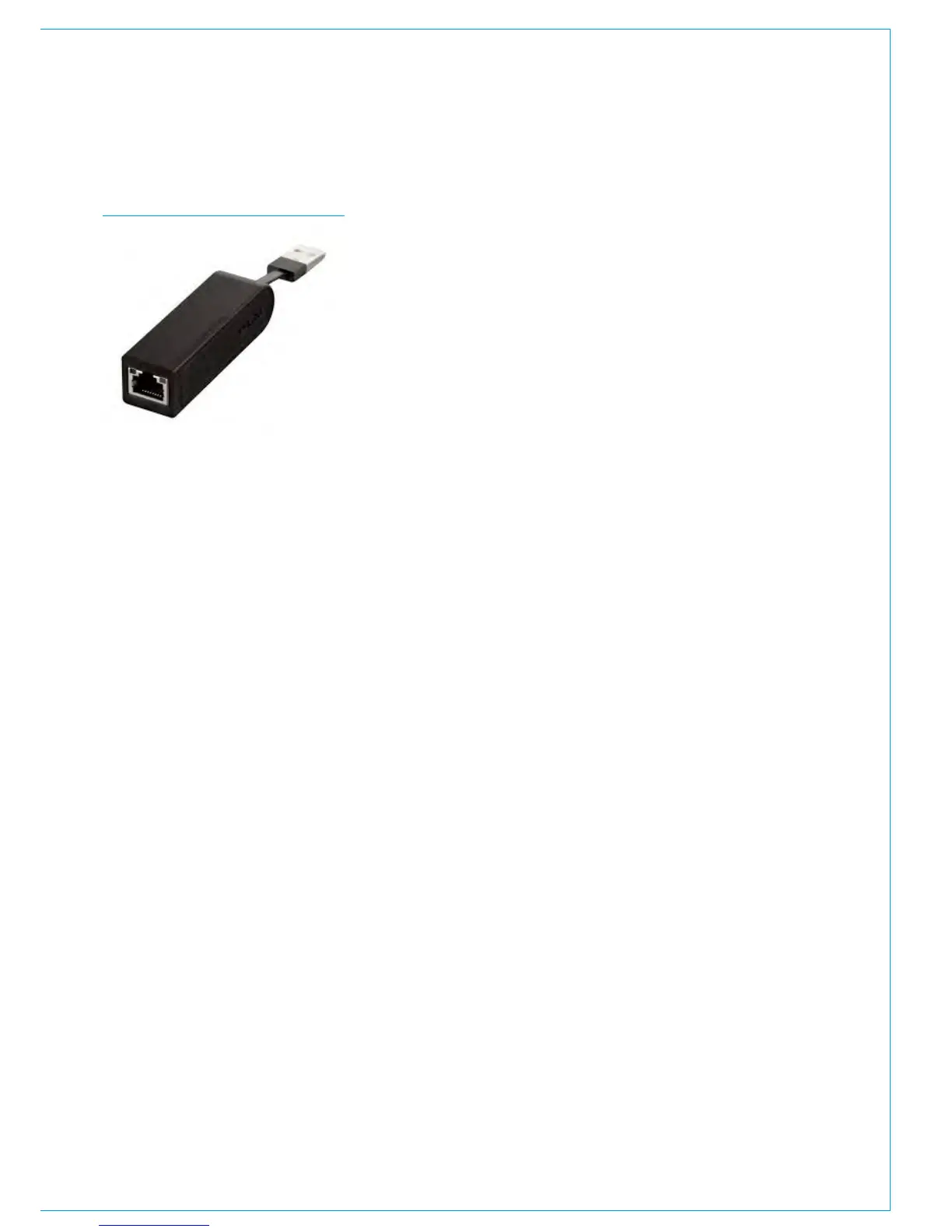
this wires via a USB-Ethernet adaptor
which is fitted into a USB port on the PC.
If connecting to a LAN or the internet,
the security / firewall settings can be
selected per connection. Security /
firewall settings should NOT be changed
for the main system network port -
'CalrecDeskConnection'.
Providing an internet connection to the
PC allows Calrec engineers access for
diagnostics by agreement using a secure
connection.
Keyboard and mouse
As standard, a keyboard with trackball
is located in the pull-out keyboard tray
under the fader bed. The keyboard has
two colour coded PS2 connectors which
fit directly in the PS2 ports on the PC.
UK and US keyboard layouts are available.
Touchscreen monitor
The PC monitor is AC mains powered
(100-240V) by a single IEC input, wired
via the ancillary AC input to the control
surface. The graphics output from the PC
to the monitor is a direct VGA connection.
Touch data from the monitor is connected
by USB. To correctly display all the Calrec
PC applications, a minimum resolution
of 1280 x 1024 is required. Using an
alternative higher resolution monitor such
as 1920 x 1080 will display the Calrec
software correctly but the content will
not scale up higher than the 1280x1024
monitor size it was designed for.
Accessible PC USB port
The USB port on the upstand reset panel
is connected internally to a PC USB port
providing easy access for USB devices,
for example for making backups of shows
/ user memories to a USB memory stick.
Operating system
Calrec system PCs are supplied with
Microsoft Windows 7 Professional
installed. Calrec software is currently only
tested using the Windows 7 and Windows
XP Professional platforms and we cannot
guarantee functionality using any other
operating system.
3
rd
Party software
Even though the PC is not required for
operation of the system, Calrec does
recommend that the PC is regarded as
an integral control device for the system.
It should not be used as a general purpose
PC. If 3
rd
party software is installed on the
PC, care must always be taken to ensure
that it does not interfere with the normal
performance of the PC. The installation
of inappropriate software on the PC may
invalidate the console warranty.
FIGURE 2 - USB TO ETHERNET Serial port
The current specification PC has one
external serial port. This is connected
to the DK meter serial port when fitted
to allow convenient access for DK
configuration in the factory.
Antivirus Protection
Antivirus protection is not pre-installed on
console and router core PCs as standard
but if you wish to protect your PC you
can install a package of your choice.
Exceptions will need to be configured
within the antivirus software to allow the
following to communicate with the Calrec
system:
• C:\Calrec\WindowsService\
DeskPcWs.exe
• C:\Calrec\ProgramUpdater\Calrec.
ProgramUpdater.exe



 To Next Page