CALREC Putting Sound in the Picture 65
WIRELESS ROUTER CONFIGURATION – ASSIST
Calrec’s Assist apps are connected
to the console via a wireless router.
The setup options provided by
different router manufacturers can
differ substantially so this setup
guide should be used along with
the manufacturer's instructions for
your particular router configuration
application. Also, some basic
networking knowledge is assumed.
Calrec serial control protocol (CSCP)
allows communication with Calrec
consoles using the TCP/IP protocol at a
pre-determined TCP port number.
Assist apps run on iPad devices which
connect to the Calrec system through a
wireless router, through which console
functions can be controlled using CSCP.
Console Configuration
From software version 1.14.7 onwards,
Calrec consoles are pre-configured with a
basic ‘Assist’ CSCP configuration which is
disabled by default.
This basic configuration assumes a
simple, point to point connection with
a wireless router on a 192.168.1/24
subnet. This basic setup is unlikely to be
suitable for connection to a more complex
corporate network.
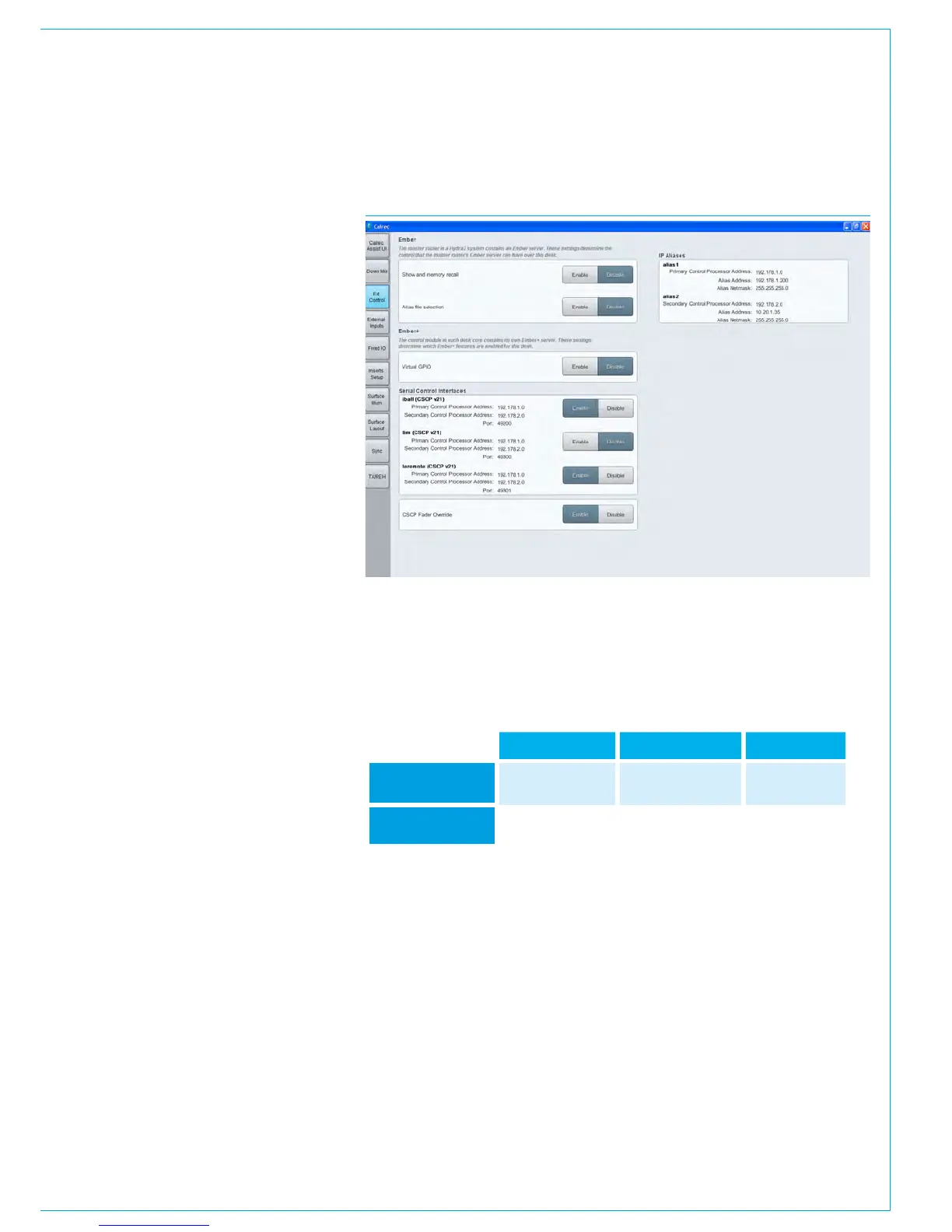
To enable the basic Assist connection,
select >System Settings >Ext
Control from the left hand menu and
click to ENABLE ‘assist(CSCP v21)’.
The console will now be providing the
CSCP connections shown in this table.
IP Address Subnet Mask Port Number
Primary Control
Processor
192.168.1.1 255.255.255.0 49300
Secondary Control
Processor
192.168.1.2 255.255.255.0 49300
FIGURE 1 - ASSIST CSCP ENABLE



 To Next Page