CALREC Putting Sound in the Picture 37
Loose SFP storage
SFP modules are small, yet reasonably
expensive devices. When removing or
changing SFPs, take care to keep track of
them and store loose modules in a clean,
dry, and anti-static environment. Fibre
SFPs should always have a dust cover
fitted into their optical transceiver end
when no fibre is connected to them.
Calrec will not be liable for lost or missing
SFP modules, or damage due to poor
storage.
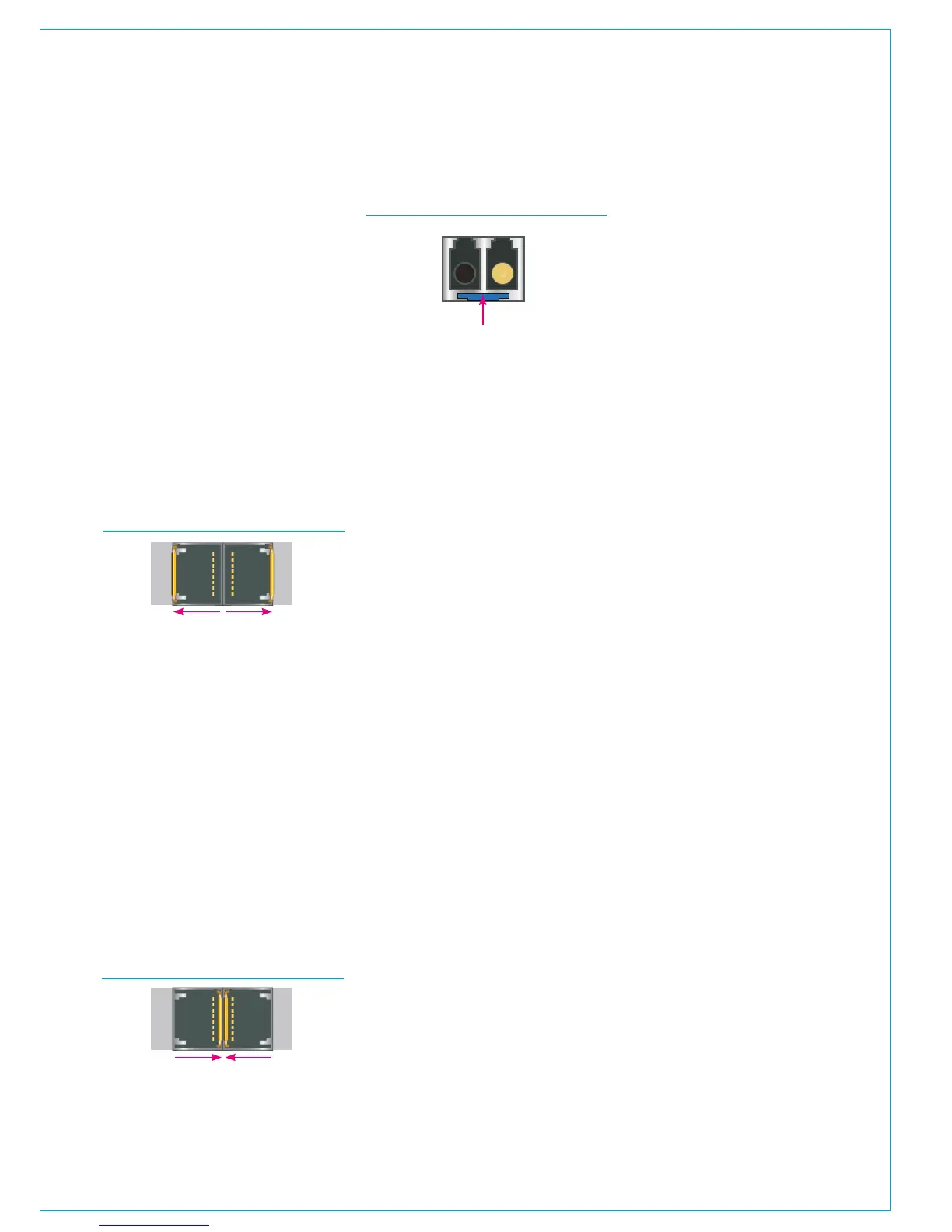
Other SFPs automatically latch into place
when they are inserted fully and have
a release button on their inside edge.
The fibre SFPs shown in the orientation
diagrams and below are of this type and
have blue release buttons. To remove,
depress the button using a small flat
blade screwdriver or similar tool. The SFP
module will then be free to be removed.
SFP slot covers
Dust covers should be fitted to all SFP
slots that do not have SFP modules
fitted in them in order to maintain plug-in
connection reliability.
1
2
1
2
SFPS WITH HANDLES - LATCHED
• Both SFPs shown are locked in
place - Latch / extraction handles
in outer position (or 'down' position
for fibre).
SFPS WITH HANDLES - UNLATCHED
• Both SFPs free to remove - Latch
/ extraction handles in inner (or
'Lifted' for fibre) position.
AUTO-LATCHING SFP
• Depress the release button
to remove.
SFP design varies depending on the
manufacturer, please ensure that SFPs
are correctly latched in place after fitting
them. In the event that a connection is
not automatically established after hot-
plugging an SFP, please reset the unit the
SFP is plugged in to.



 To Next Page