24
Switch to the Quiet Mode
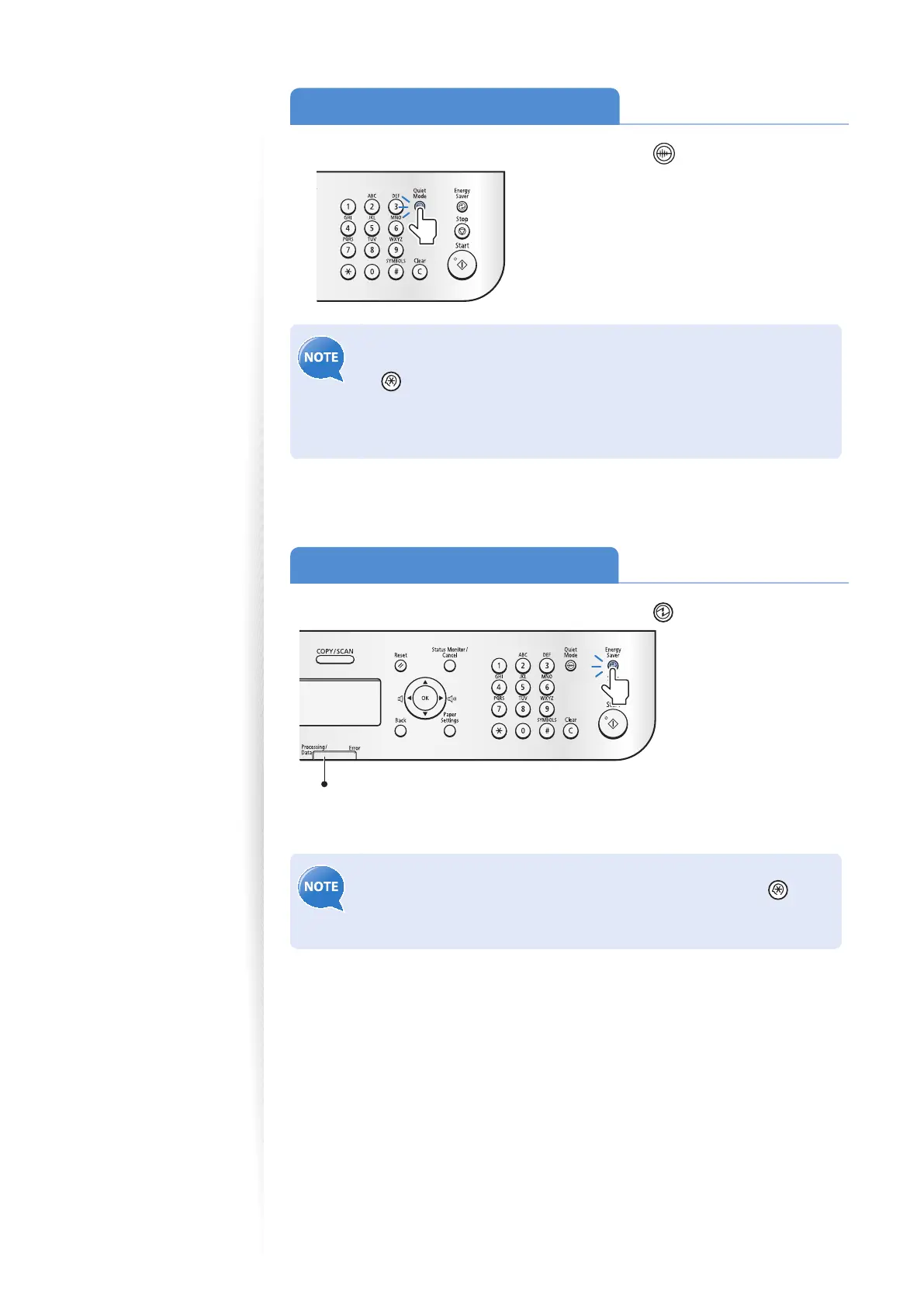
You can switch to and cancel the Quiet mode, by pressing [ ] (Quiet Mode).
• By default, the Quiet mode is set to <O >. To change this setting to <On>,
and specify the time to switch to the Quiet mode automatically, press
[ ] (Menu) <Timer Settings> <Quiet Mode Time Settings>,
and then specify a time.
• The Quiet mode only reduces noise that occurs while the machine is
performing jobs.
Switch to the Sleep Mode
You can switch to and cancel the Sleep mode, by pressing [ ] (Energy Saver).
When the Processing/Data indicator is lit or blinking, the machine will not enter the
Sleep mode, because an operation is in progress or an error has occurred.
By default, the machine automatically enters the Sleep mode if you do not
perform any functions for 5 minutes. To change this setting, press [
]
(Menu) <Timer Settings> <Auto Sleep Time>, and then specify a
time.















 To Next Page